







Question: 4 . Database review - Create a Database in MSSQL Server called Midterm ( your local SQL ) and create a script that will create
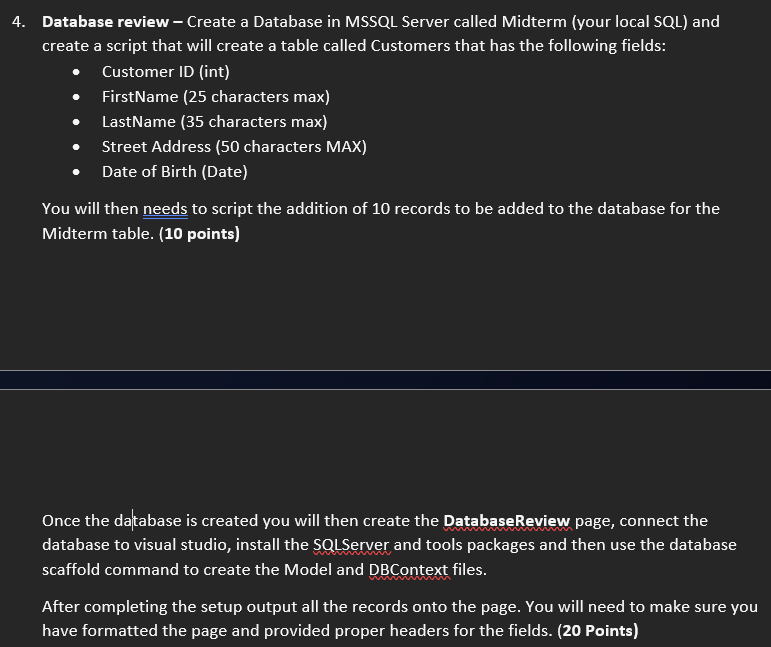
Database review Create a Database in MSSQL Server called Midterm your local SQL and create a script that will create a table called Customers that has the following fields:
Customer ID int
FirstName characters max
LastName characters max
Street Address characters MAX
Date of Birth Date
You will then needs to script the addition of records to be added to the database for the Midterm table. points
Once the database is created you will then create the DatabaseReview page, connect the database to visual studio, install the SQLServer and tools packages and then use the database scaffold command to create the Model and DBContext files.
After completing the setup output all the records onto the page. You will need to make sure you have formatted the page and provided proper headers for the fields. Points
Step by Step Solution
There are 3 Steps involved in it
1 Expert Approved Answer
Step: 1 Unlock

Question Has Been Solved by an Expert!
Get step-by-step solutions from verified subject matter experts
Step: 2 Unlock
Step: 3 Unlock
 Study Help