







Question: 5. Open the Plants table and make the following changes. You may work in Datasheet view or Design view as appropriate. a. Set the field
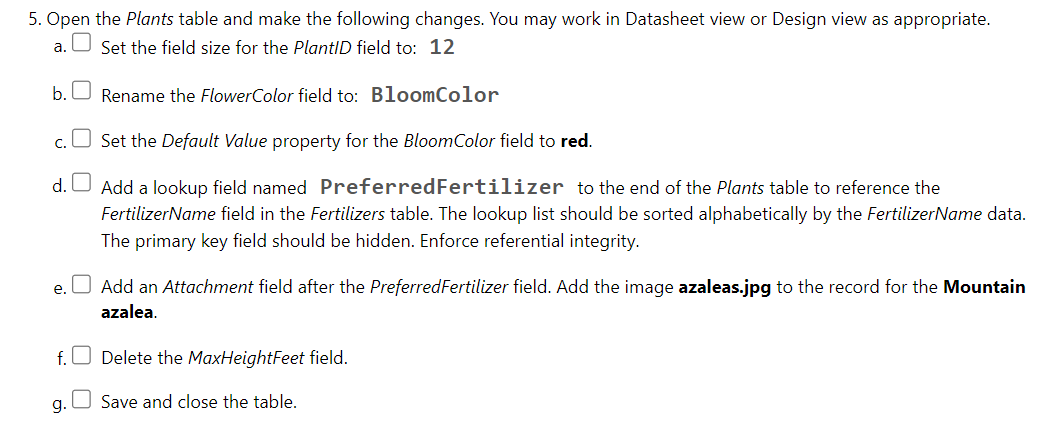
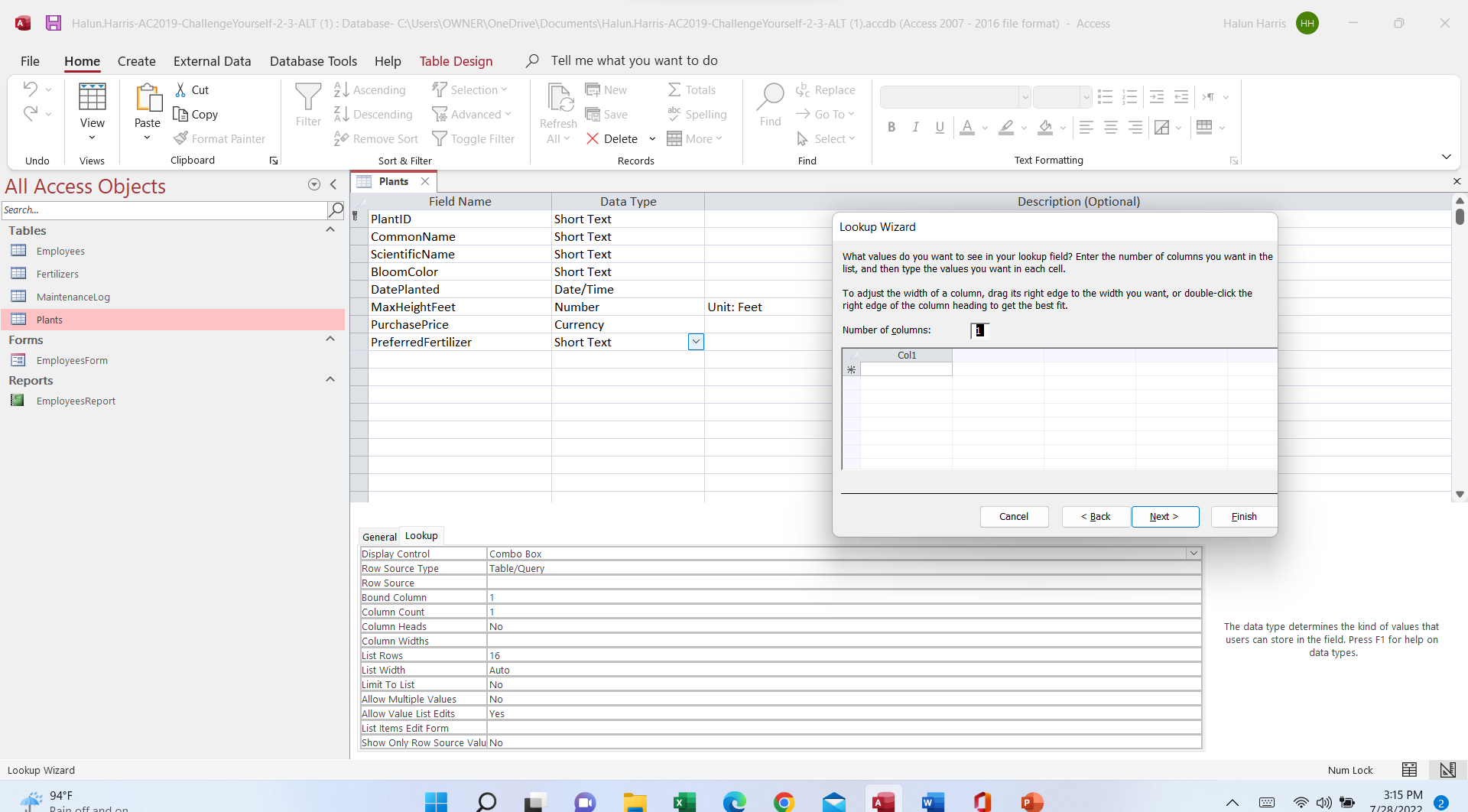
5. Open the Plants table and make the following changes. You may work in Datasheet view or Design view as appropriate. a. Set the field size for the PlantID field to: 12 b. Rename the FlowerColor field to: BloomColor c. O Set the Default Value property for the BloomColor field to red. d. Add a lookup field named PreferredFertilizer to the end of the Plants table to reference the FertilizerName field in the Fertilizers table. The lookup list should be sorted alphabetically by the FertilizerName data. The primary key field should be hidden. Enforce referential integrity. e. Add an Attachment field after the PreferredFertilizer field. Add the image azaleas.jpg to the record for the Mountain azalea. f. Delete the MaxHeightFeet field. g. Save and close the table.Halun.Harris-AC2019-ChallengeYourself-2-3-ALT (1) : Database- C:\\Users\\OWNER\\OneDrive\\ Documents\\ Halun.Harris-AC2019-ChallengeYourself-2-3-ALT (1).accdb (Access 2007 - 2016 file format) - Access Halun Harris X File Home Create External Data Database Tools Help Table Design Tell me what you want to do X Cut 2 Ascending " Selection New _ Totals O S'c Replace LG Copy Filter Advanced Save abc Spelling -> GO TO Paste A J Descending View Refresh Find B I UA LS E = =A Format Painter Remove Sort Toggle Filter All X Delete ~ More Select Undo Views Clipboard Sort & Filter Records Find Text Formatting IS All Access Objects O Finish General Lookup Display Control Combo Box Row Source Type Table/Query Row Source Bound Column Column Count 1 Column Heads No The data type determines the kind of values that Column Widths users can store in the field. Press F1 for help on List Rows 16 data types. List Width Auto Limit To List No Allow Multiple Values No Allow Value List E Yes List Items Edit Form Show Only Row Source Valu No Lookup Wizard Num Lock :94 F O X A w n P 3:15 PM
Step by Step Solution
There are 3 Steps involved in it

Get step-by-step solutions from verified subject matter experts
 Study Help