







Question: 50 points] Use the 40 grades data provided to fill In each Item In al olored Cells D9 through F14. The raw grade scores are
![50 points] Use the 40 grades data provided to fill In](https://s3.amazonaws.com/si.experts.images/answers/2024/06/667a25e10feee_120667a25e0c3c17.jpg)
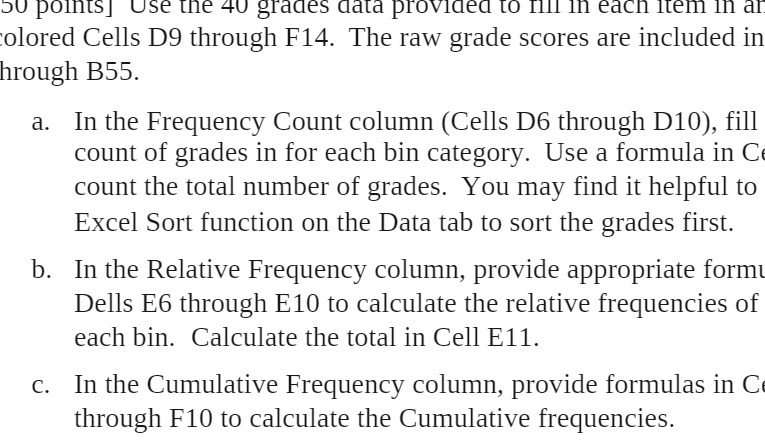
50 points] Use the 40 grades data provided to fill In each Item In al olored Cells D9 through F14. The raw grade scores are included in hrough B55. a. In the Frequency Count column (Cells D6 through D10), fill count of grades in for each bin category. Use a formula in C count the total number of grades. You may find it helpful to Excel Sort function on the Data tab to sort the grades first. b. In the Relative Frequency column, provide appropriate form Dells E6 through E10 to calculate the relative frequencies of each bin. Calculate the total in Cell E11. c. In the Cumulative Frequency column, provide formulas in C through F10 to calculate the Cumulative frequencies
Step by Step Solution
There are 3 Steps involved in it

Get step-by-step solutions from verified subject matter experts
 Study Help