







Question: 7. (4 points) Multi-screen App You will be creating your own multi-screen app to practice designing user interfaces and writing event-driven programs . You have
7. (4 points) Multi-screen App
You will be creating your own multi-screen app to practice designing user interfaces and writing event-driven programs.You have a lot of freedom to choose what your application will be but some ideas might include:
- A personal app about you and your hobbies / interests
- A Top 3 app for a category of your choosing
- An informational app for an organization or club
- A short choose-your-own adventure game
- An app with a different game on each screen
Requirements
Your application must have the following components:
- Your app will haveat least 4 screens.
- Your app should include text, images, buttons, and sound.
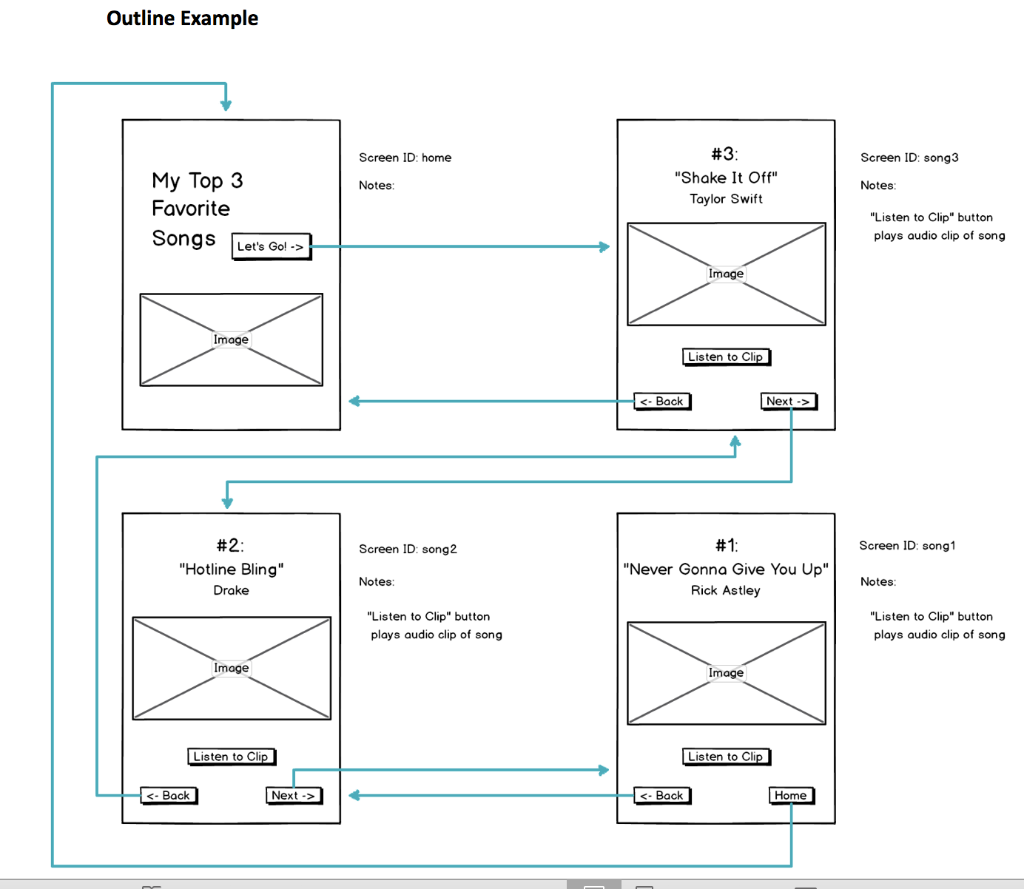
- No getting stuck on a screen. It should always be possible to navigate from a screen in your app to some other screen. The user should also be able to get back to the start somehow. There are many ways to do this (e.g., screens go in a cycle, or every screen can navigate back to the home screen, etc.) but you should make sure you plan accordingly.
- Your program code should follow good style, particularly by giving UI elements descriptive and meaningful IDs.
- Your user interface should beintuitive to use.
Process
- Choose the theme of your app.
- Complete the Planning Guide to decide how you will display your information.
- Informally Share the sketch of your idea with a classmate to get some basic feedback and to see if they have any ideas you hadnt thought of. Possible discussion points:
- Does the way users navigate through pages intuitive?
- Is the design / layout clear and present the information well?
- Anything you would add? Anything you would take out?
- Program your app following the plan you develop in the Planning Guide.
Outline Your App
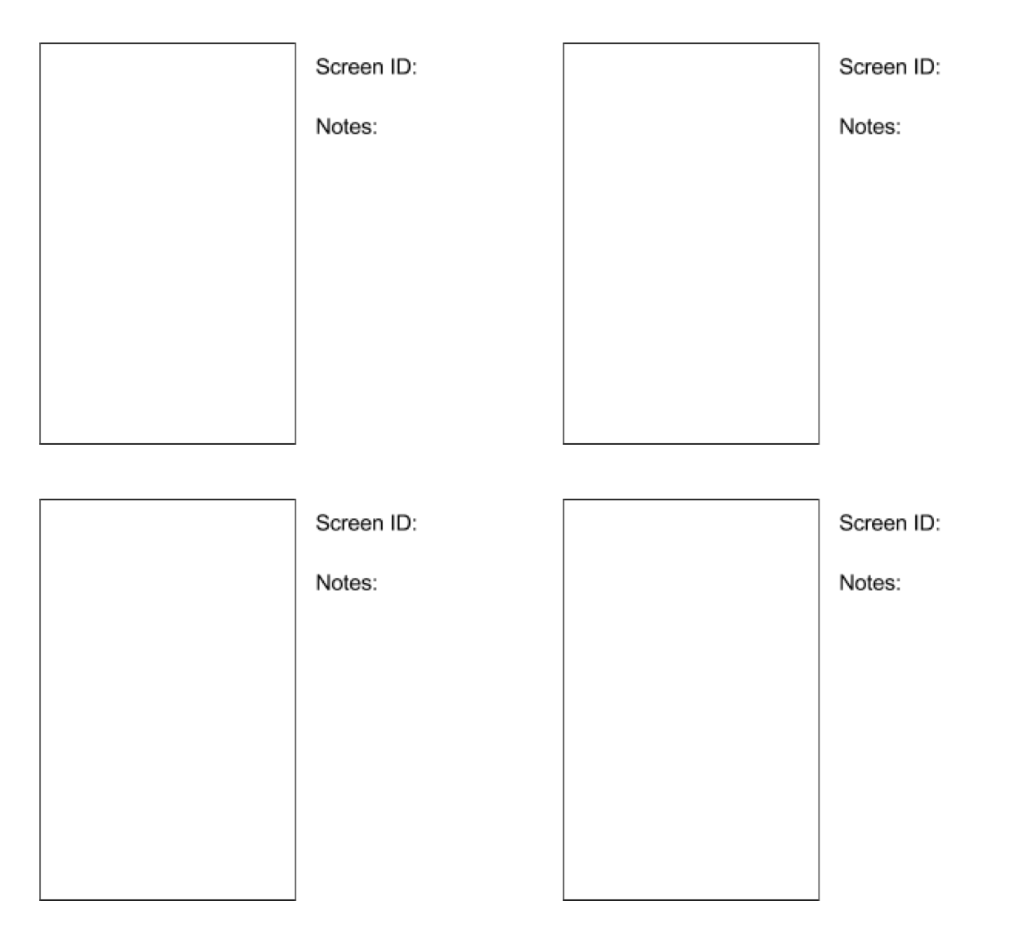
You will be sketching out the layout of your application using the rectangles below. Each rectangle represents a screen of your app. For each screen you should:
- Decide what information will be included on that screen.
- Give the screen a descriptive ID.
- Add any notes about the content that will be featured in that screen.
- Within each rectangle, draw the elements that will appear in that screen.
Draw arrows to / from your screen showing how a user will be able to navigate through the app.
Grading Rubric
- Project includes at least 4 screens.
- Application includes images, text, buttons, and sound.
- You cannot get stuck on any screen. It is always possible to get to the rest of the app.
- Text on screen is clear and descriptive.
- Element IDs are descriptive and meaningful.
- The app is visually appealing and the user interface is intuitive to use.
Screen ID: Screen ID: Notes: Notes: Screen ID: Screen ID: Notes: Notes: Outline Example Screen ID: home Screen ID: song 3 #3 "Shake It Off" Taylor Swift Notes Notes: My Top 3 Favorite Songs Let's Go! -> "Listen to Clip" button plays audio clip of song Image Image Listen to Clip > Next -> Screen ID: song2 Screen ID: song1 #2: "Hotline Bling" Drake #1: "Never Gonna Give You Up" Rick Astley Notes Notes "Listen to Clip" button plays audio clip of song "Listen to Clip" button plays audio clip of song Image Image Listen to Clip Listen to Clip [
Step by Step Solution
There are 3 Steps involved in it

Get step-by-step solutions from verified subject matter experts
 Study Help