







Question: 7 A data table with conditional formatting will help to better visualize the 10 expenses, revenues, and net income of the business. Fill in the



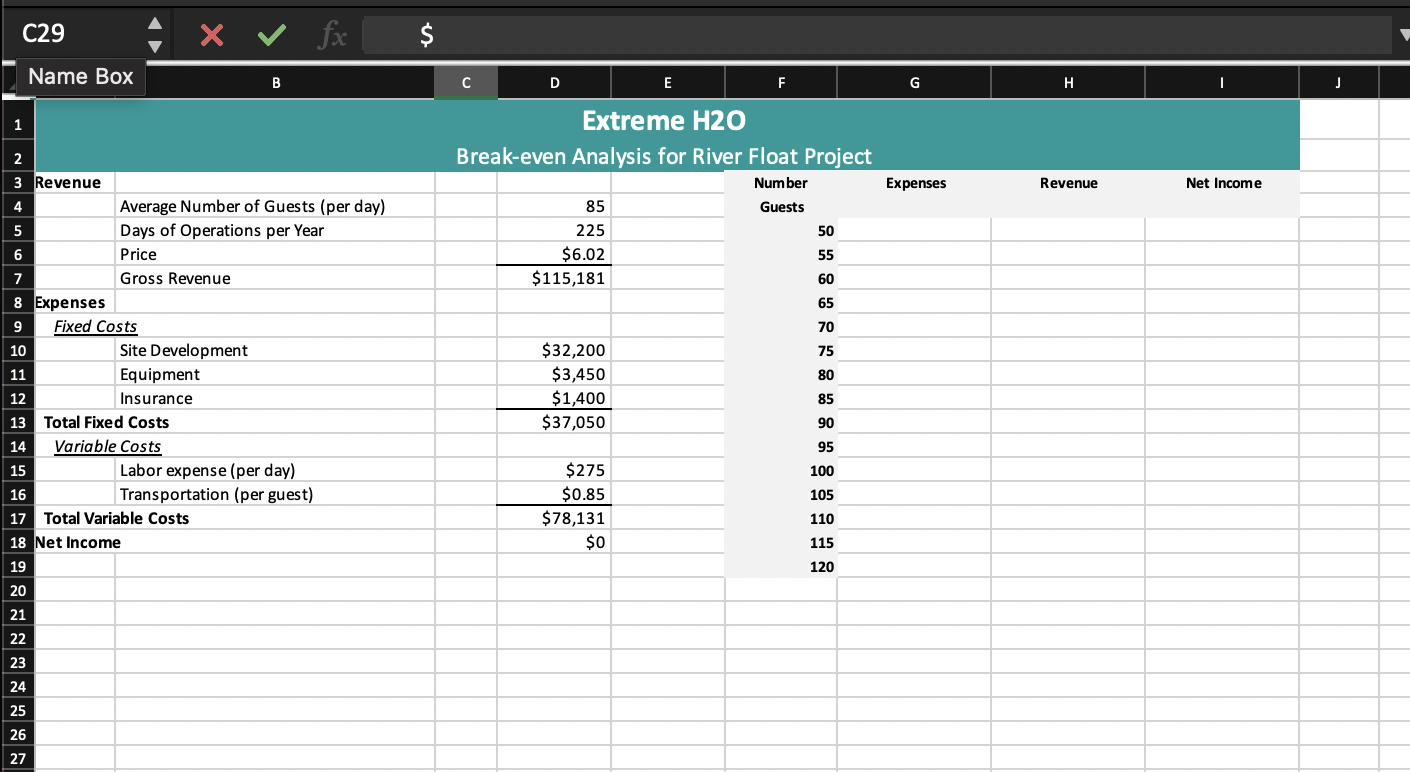
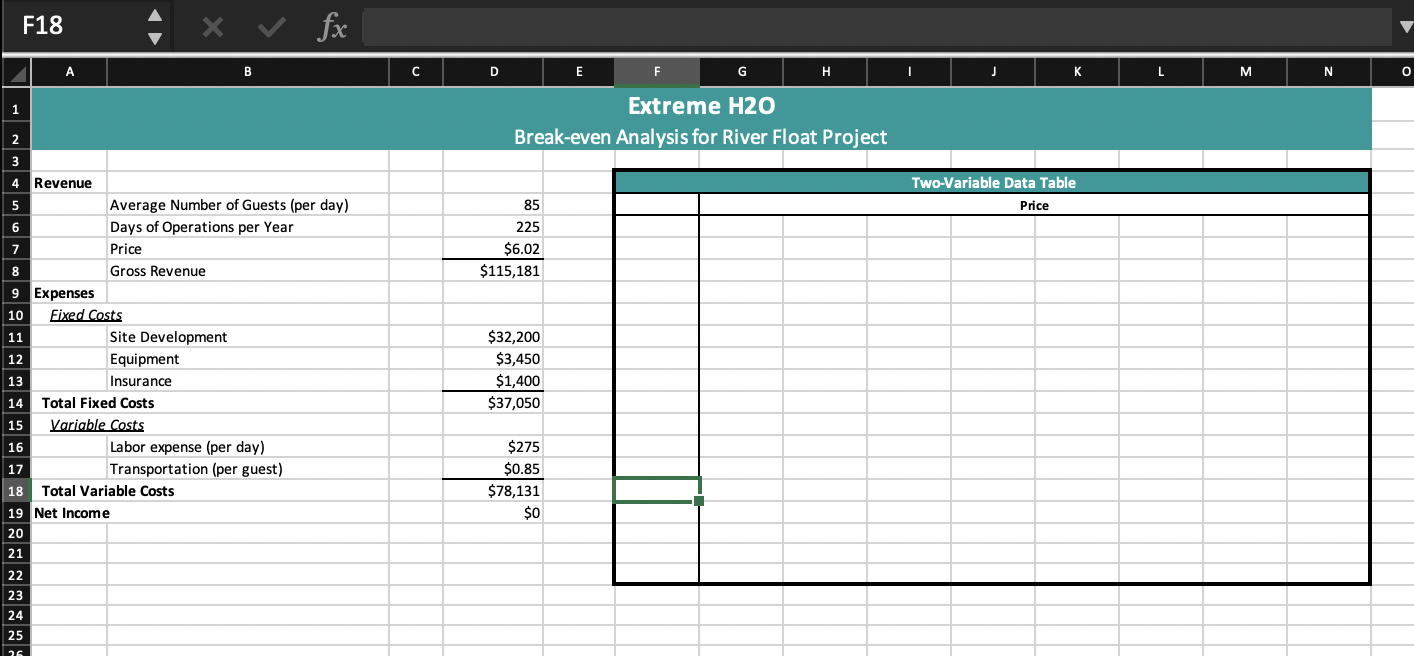
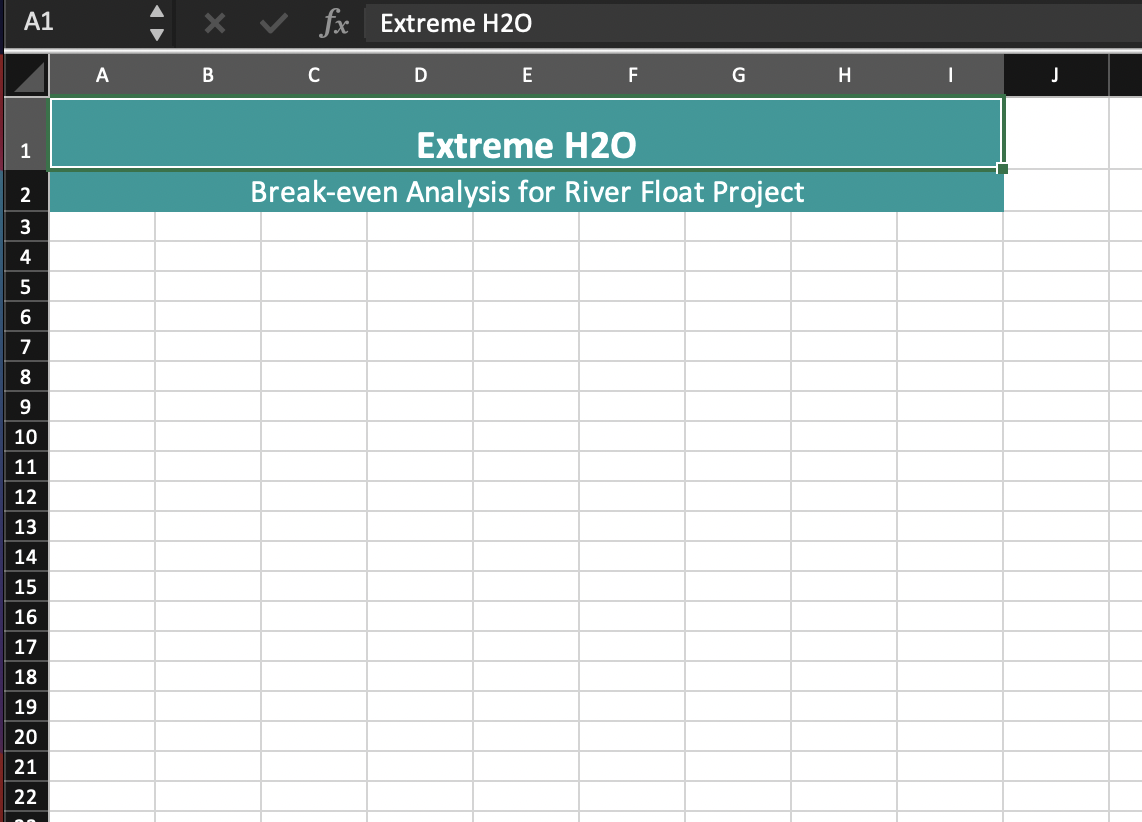
7 A data table with conditional formatting will help to better visualize the 10 expenses, revenues, and net income of the business. Fill in the Expenses, Revenue, and Net Income columns (range G4:I19) using a data table. \begin{tabular}{|l|l|l|} \hline 8 & Format the range G4:I19 as Currency. & 5 \\ \hline 9 & Copy the information in range A3:D18 from the Break-Even \\ \hline AnalysisworksheetandpasteitinrangeA4:D19ontheworksheetPriceAndGuest.Keepthesourcecolumnwidths. \\ \hline \end{tabular} Create a data table in the range F5:N22. The price (row 6 ) needs to start at $4 and increase to $11 in $1 increments, and the number of guests (column F), needs to start at 35 and increase in increments of 5 . Be sure to add a reference to cell D19 in cell F6. A112345678910111213141516171819202122 Extreme H2O Break-even Analysis for River Float Project 7 A data table with conditional formatting will help to better visualize the 10 expenses, revenues, and net income of the business. Fill in the Expenses, Revenue, and Net Income columns (range G4:I19) using a data table. \begin{tabular}{|l|l|l|} \hline 8 & Format the range G4:I19 as Currency. & 5 \\ \hline 9 & Copy the information in range A3:D18 from the Break-Even \\ \hline AnalysisworksheetandpasteitinrangeA4:D19ontheworksheetPriceAndGuest.Keepthesourcecolumnwidths. \\ \hline \end{tabular} Create a data table in the range F5:N22. The price (row 6 ) needs to start at $4 and increase to $11 in $1 increments, and the number of guests (column F), needs to start at 35 and increase in increments of 5 . Be sure to add a reference to cell D19 in cell F6. A112345678910111213141516171819202122 Extreme H2O Break-even Analysis for River Float Project
Step by Step Solution
There are 3 Steps involved in it

Get step-by-step solutions from verified subject matter experts
 Study Help