







Question: 8. Use the computers in each LAN to ping the computers in the adjacent LAN (Ping PC2 from PC1 and Ping PC1 from PC2). Cut
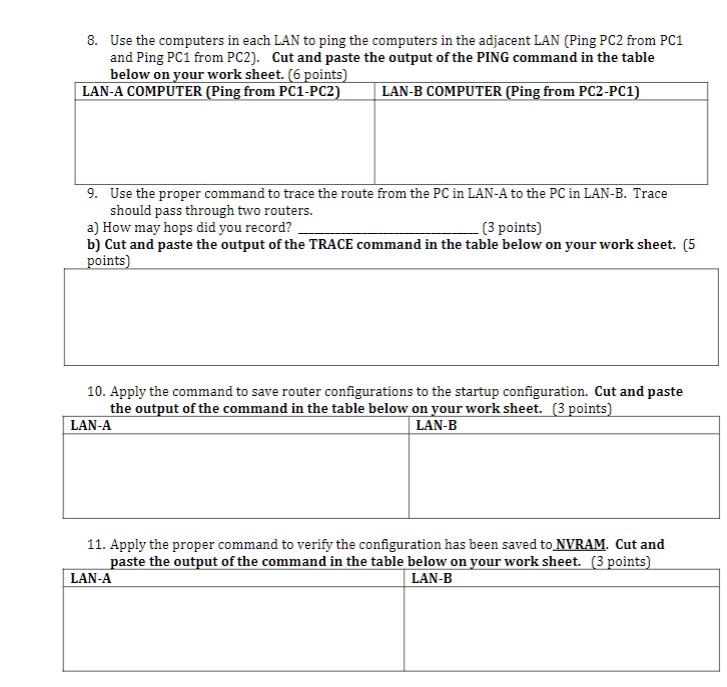
8. Use the computers in each LAN to ping the computers in the adjacent LAN (Ping PC2 from PC1 and Ping PC1 from PC2). Cut and paste the output of the PING command in the table below on vour work sheet. (6 voints) L 9. Use the proper command to trace the route from the PC in LAN-A to the PC in LAN-B. Trace should pass through two routers. a) How may hops did you record? (3 points) b) Cut and paste the output of the TRACE command in the table below on your work sheet. ( 5 noints) 10. Apply the command to save router configurations to the startup configuration. Cut and paste the output of the command in the table below on vour work sheet. (3 points) 11. Apply the proper command to verify the configuration has been saved to NVRAM. Cut and paste the output of the command in the table below on vour work sheet. (3 points) 8. Use the computers in each LAN to ping the computers in the adjacent LAN (Ping PC2 from PC1 and Ping PC1 from PC2). Cut and paste the output of the PING command in the table below on vour work sheet. (6 voints) L 9. Use the proper command to trace the route from the PC in LAN-A to the PC in LAN-B. Trace should pass through two routers. a) How may hops did you record? (3 points) b) Cut and paste the output of the TRACE command in the table below on your work sheet. ( 5 noints) 10. Apply the command to save router configurations to the startup configuration. Cut and paste the output of the command in the table below on vour work sheet. (3 points) 11. Apply the proper command to verify the configuration has been saved to NVRAM. Cut and paste the output of the command in the table below on vour work sheet. (3 points)
Step by Step Solution
There are 3 Steps involved in it

Get step-by-step solutions from verified subject matter experts
 Study Help