







Question: a. Change the form file's name to Main Form.vb. b. Change the form's Name property to frmMain. c. Change the form's Font property to Segoe
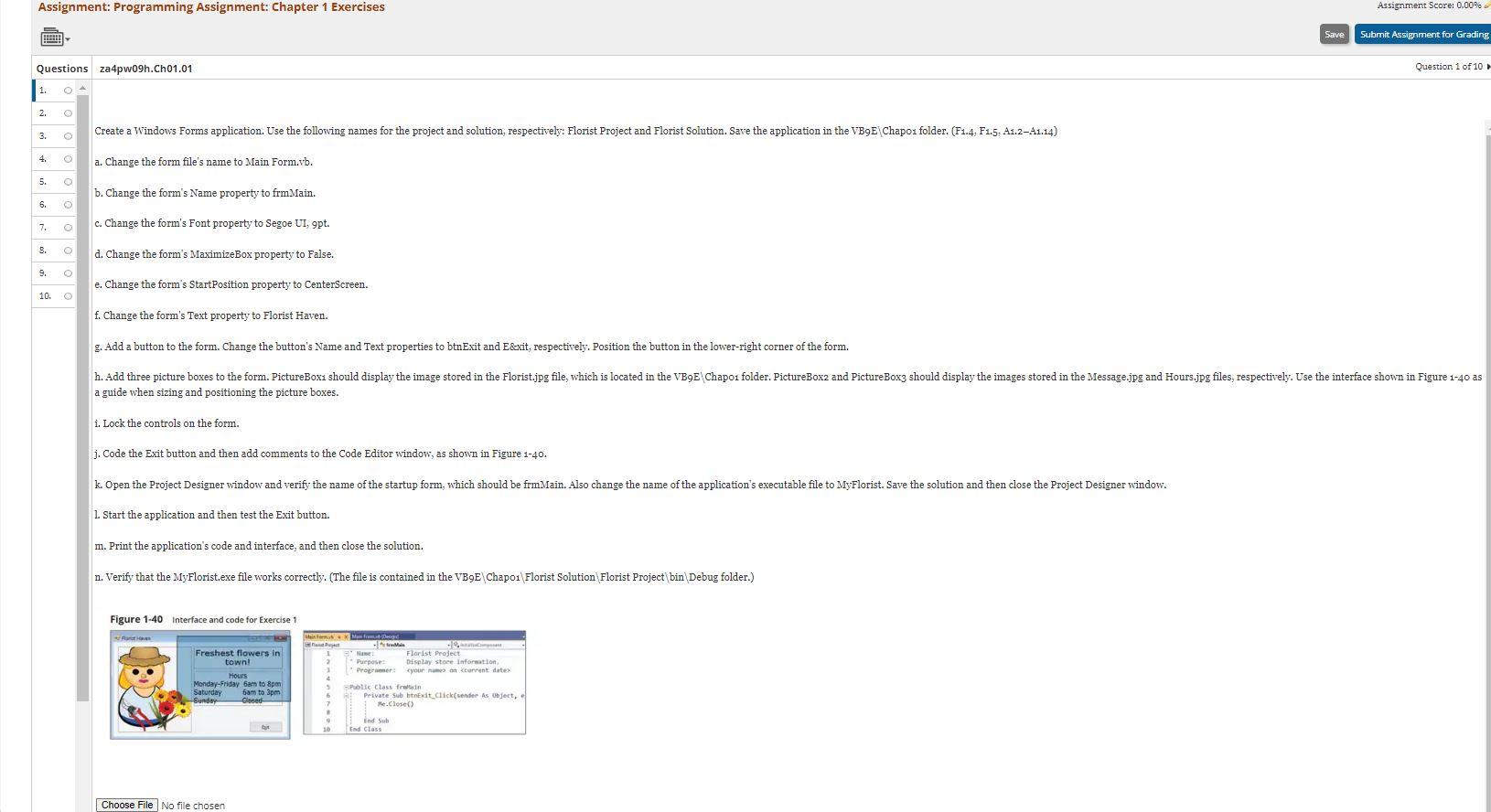
a. Change the form file's name to Main Form.vb. b. Change the form's Name property to frmMain. c. Change the form's Font property to Segoe UI, 9pt. d. Change the form's MaximizeBox property to False. e. Change the form's StartPosition property to CenterScreen. f. Change the form's Text property to Florist Haven. a guide when sizing and positioning the picture boxes. i. Lock the controls on the form. j. Code the Exit button and then add comments to the Code Editor window, as shown in Figure 1-40. 1. Start the application and then test the Exit button. m. Print the application's code and interface, and then close the solution. n. Verify that the MyFlorist.exe file works correctly. (The file is contained in the VBgE Chapo1 Florist Solution Florist Project bin Debug folder.) Figure 1-40 Interface and code for Exercise 1
Step by Step Solution
There are 3 Steps involved in it

Get step-by-step solutions from verified subject matter experts
 Study Help