







Question: A. In your editor, open HTM_G-4.html from the Assignment7 folder, save it as index.html, then repeat to save HTM_G-5.html as events.html and HTM_G-6.css as styles.css.
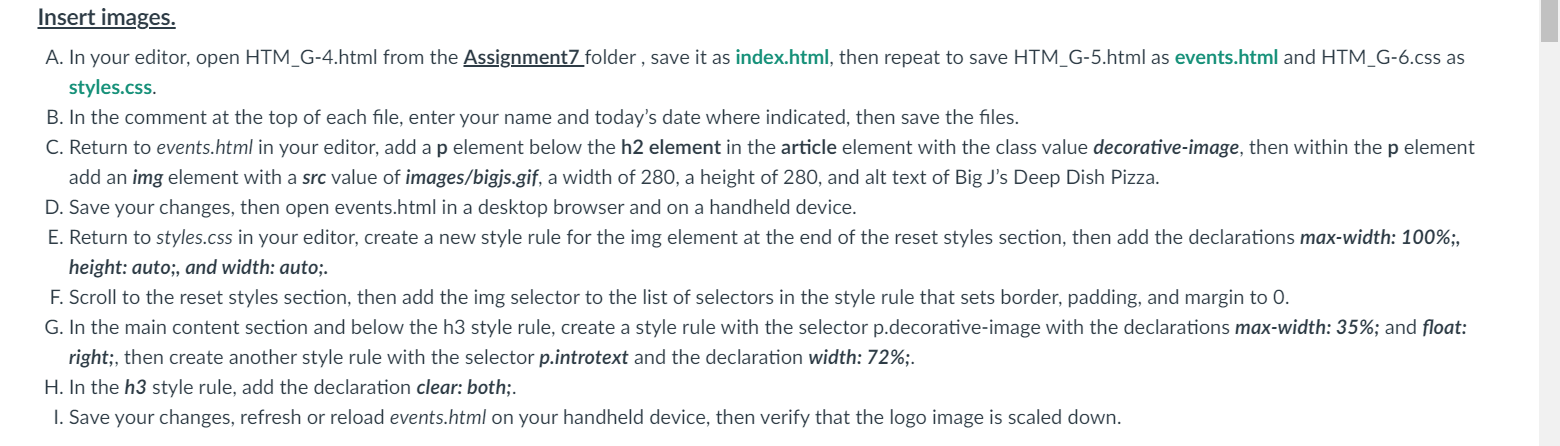
A. In your editor, open HTM_G-4.html from the Assignment7 folder, save it as index.html, then repeat to save HTM_G-5.html as events.html and HTM_G-6.css as styles.css. B. In the comment at the top of each file, enter your name and today's date where indicated, then save the files. C. Return to events.html in your editor, add a p element below the h2 element in the article element with the class value decorative-image, then within the p element add an img element with a src value of images/bigjs.gif, a width of 280 , a height of 280, and alt text of Big J's Deep Dish Pizza. D. Save your changes, then open events.html in a desktop browser and on a handheld device. E. Return to styles.css in your editor, create a new style rule for the img element at the end of the reset styles section, then add the den-; height: auto;, and width: auto;. F. Scroll to the reset styles section, then add the img selector to the list of selectors in the style rule that sets border, padding, and margin to 0. right;, then create another style rule with the selector p.introtext and the declaration H. In the h3 style rule, add the declaration clear: both;. I. Save your changes, refresh or reload events.html on your handheld device, then verify that the logo image is scaled down. A. In your editor, open HTM_G-4.html from the Assignment7 folder, save it as index.html, then repeat to save HTM_G-5.html as events.html and HTM_G-6.css as styles.css. B. In the comment at the top of each file, enter your name and today's date where indicated, then save the files. C. Return to events.html in your editor, add a p element below the h2 element in the article element with the class value decorative-image, then within the p element add an img element with a src value of images/bigjs.gif, a width of 280 , a height of 280, and alt text of Big J's Deep Dish Pizza. D. Save your changes, then open events.html in a desktop browser and on a handheld device. E. Return to styles.css in your editor, create a new style rule for the img element at the end of the reset styles section, then add the den-; height: auto;, and width: auto;. F. Scroll to the reset styles section, then add the img selector to the list of selectors in the style rule that sets border, padding, and margin to 0. right;, then create another style rule with the selector p.introtext and the declaration H. In the h3 style rule, add the declaration clear: both;. I. Save your changes, refresh or reload events.html on your handheld device, then verify that the logo image is scaled down
Step by Step Solution
There are 3 Steps involved in it

Get step-by-step solutions from verified subject matter experts
 Study Help