





Question: A. Using your Python IDE and framework, complete the program (complete/fix any line where you see question marks like this: ???) B. Debug the program
A. Using your Python IDE and framework, complete
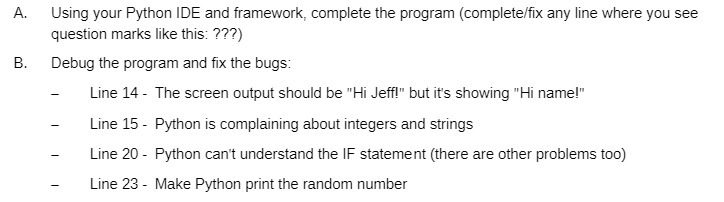
A. Using your Python IDE and framework, complete the program (complete/fix any line where you see question marks like this: ???) B. Debug the program and fix the bugs: Line 14 - The screen output should be "Hi Jeff!" but it's showing "Hi name!" - Line 15 - Python is complaining about integers and strings - Line 20 - Python can't understand the IF statement (there are other problems too) - Line 23 - Make Python print the random number

Step by Step Solution

There are 3 Steps involved in it

1 Expert Approved Answer
Step: 1 Unlock blur-text-image

Question Has Been Solved by an Expert!

Get step-by-step solutions from verified subject matter experts

Step: 2 Unlock
Step: 3 Unlock

Students Have Also Explored These Related Mathematics Questions!