







Question: . .. AA linkedin.com A C Apply the pow... All Online Trai.. Welcome Course Hero x Summative EX... in Add Le in LEARNING Return to
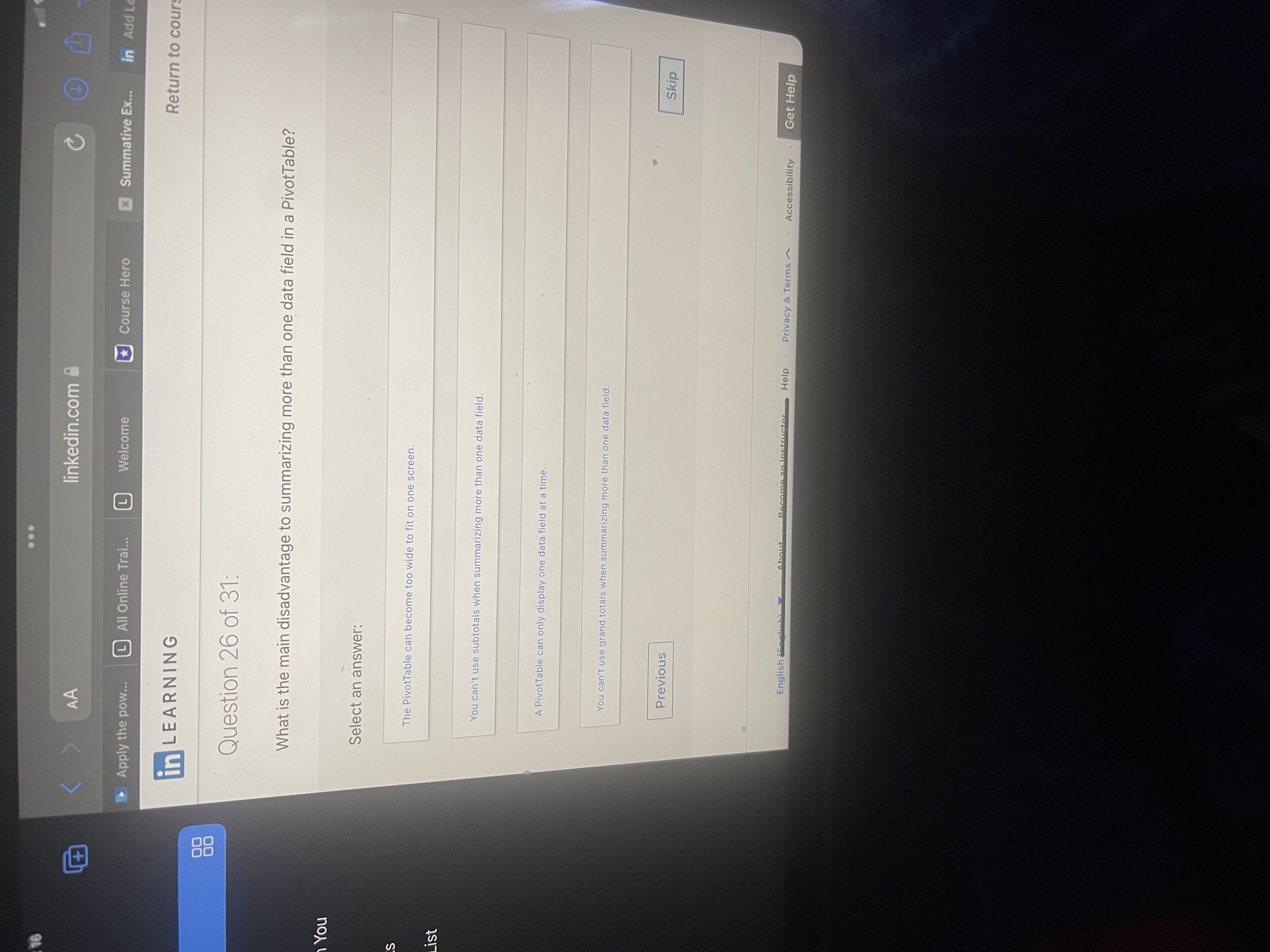

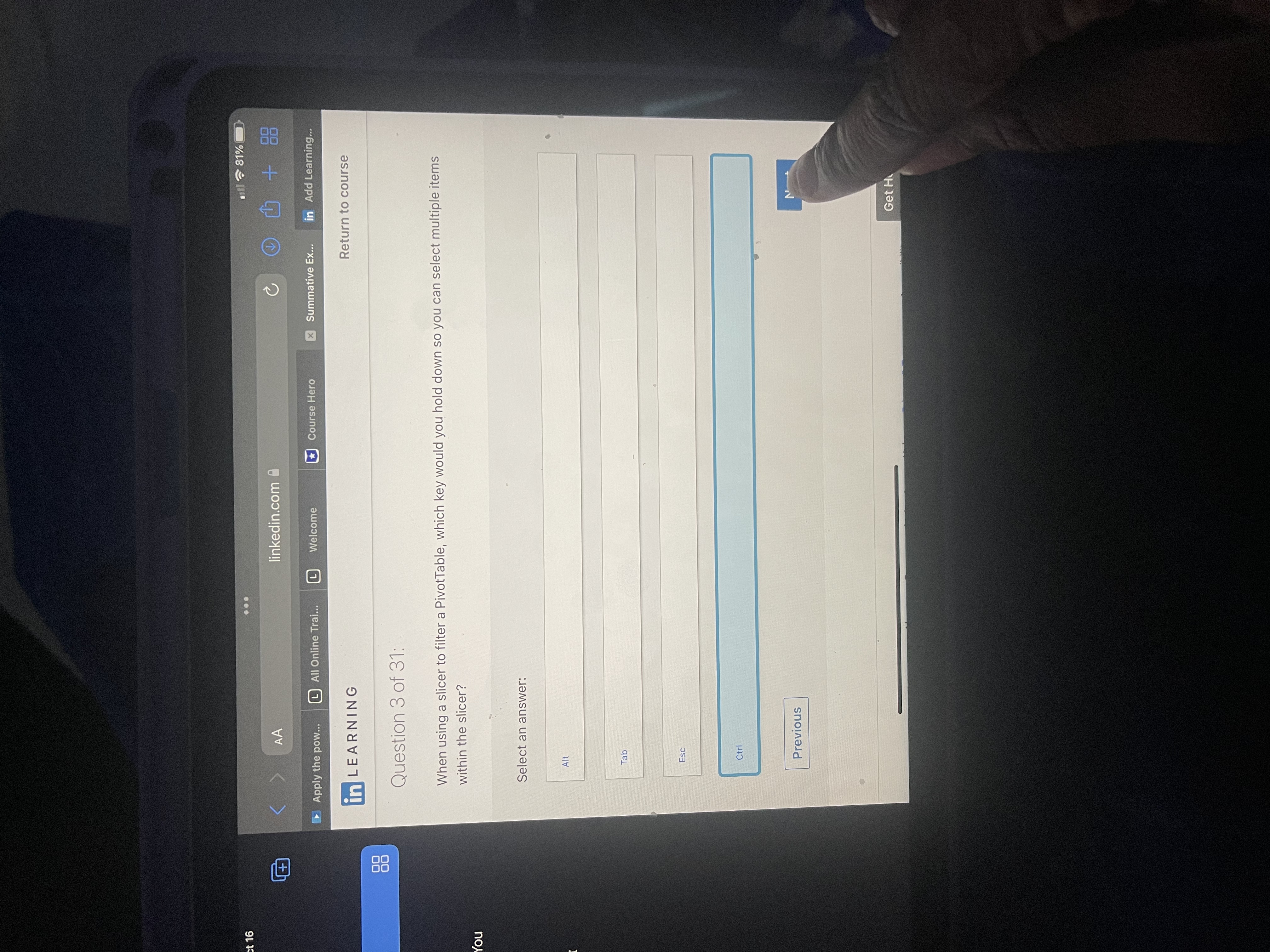



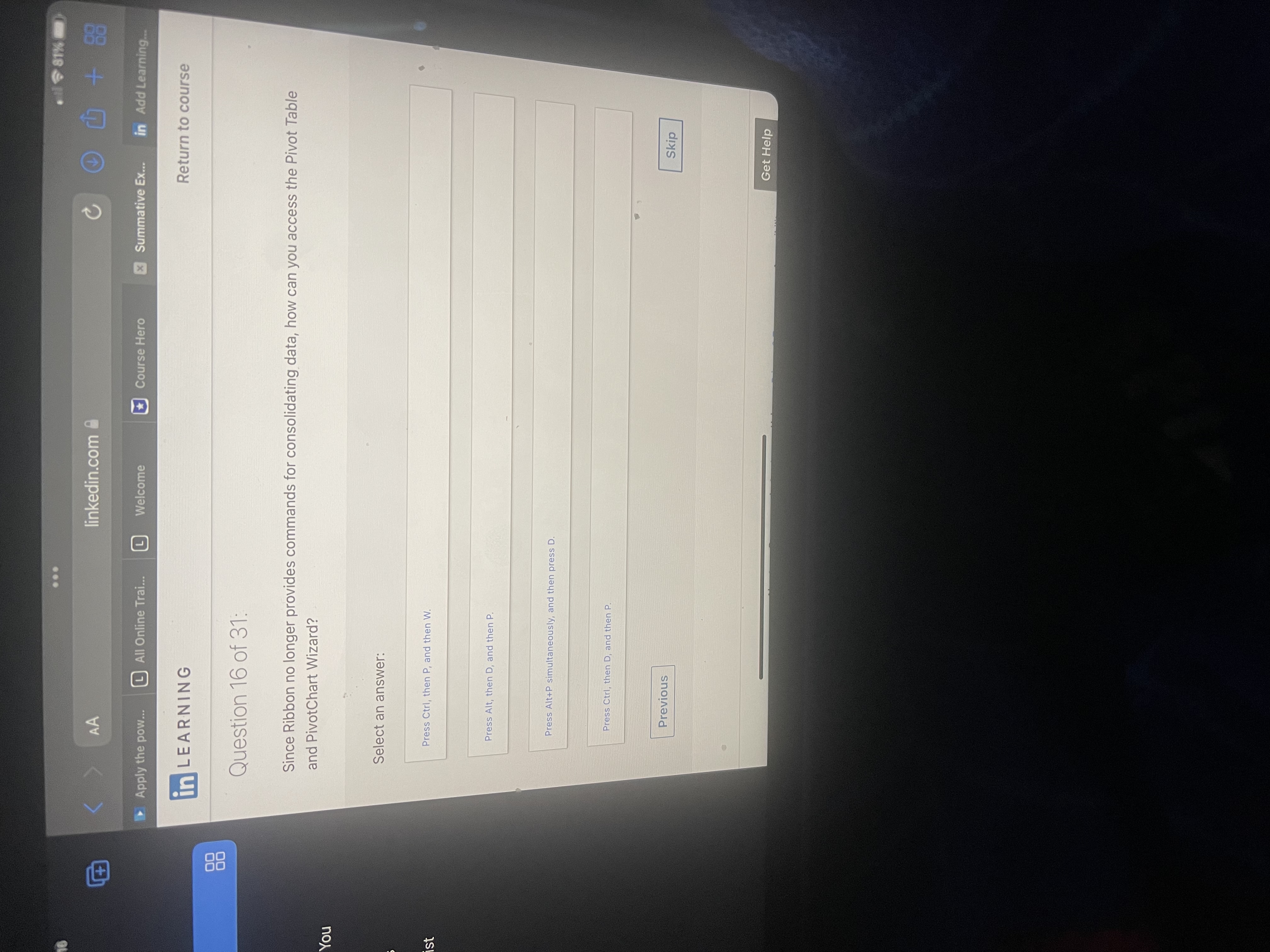


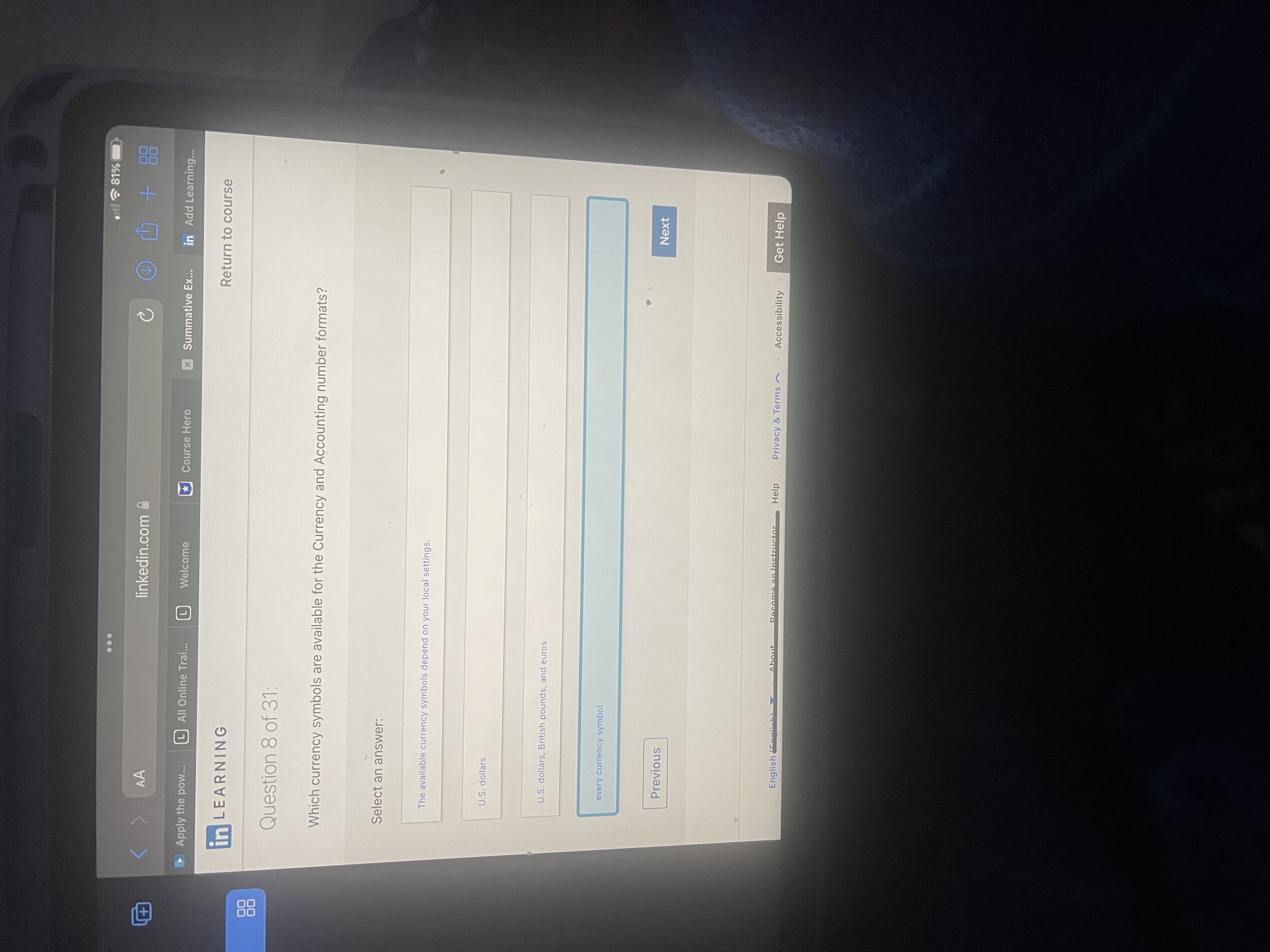

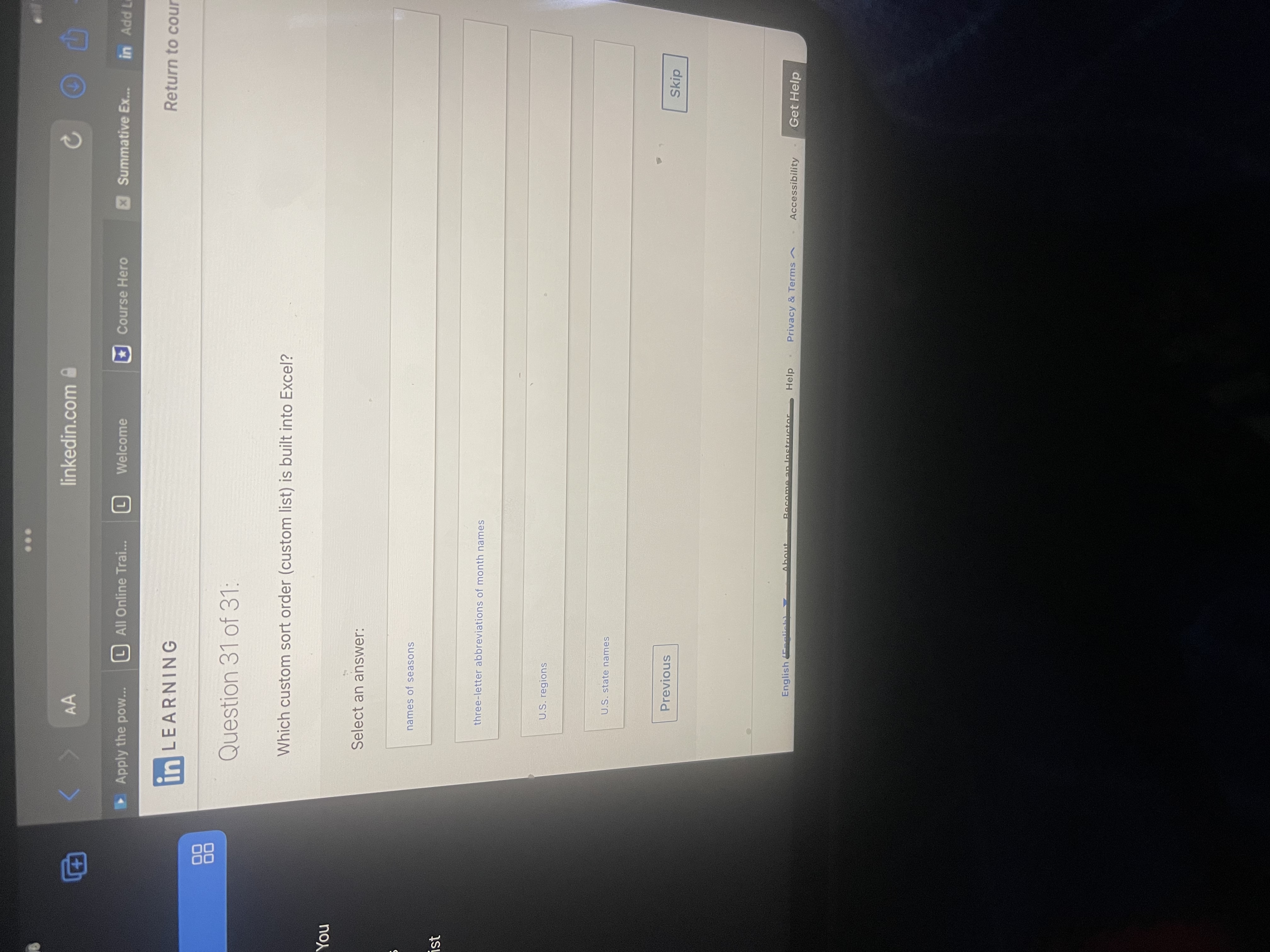
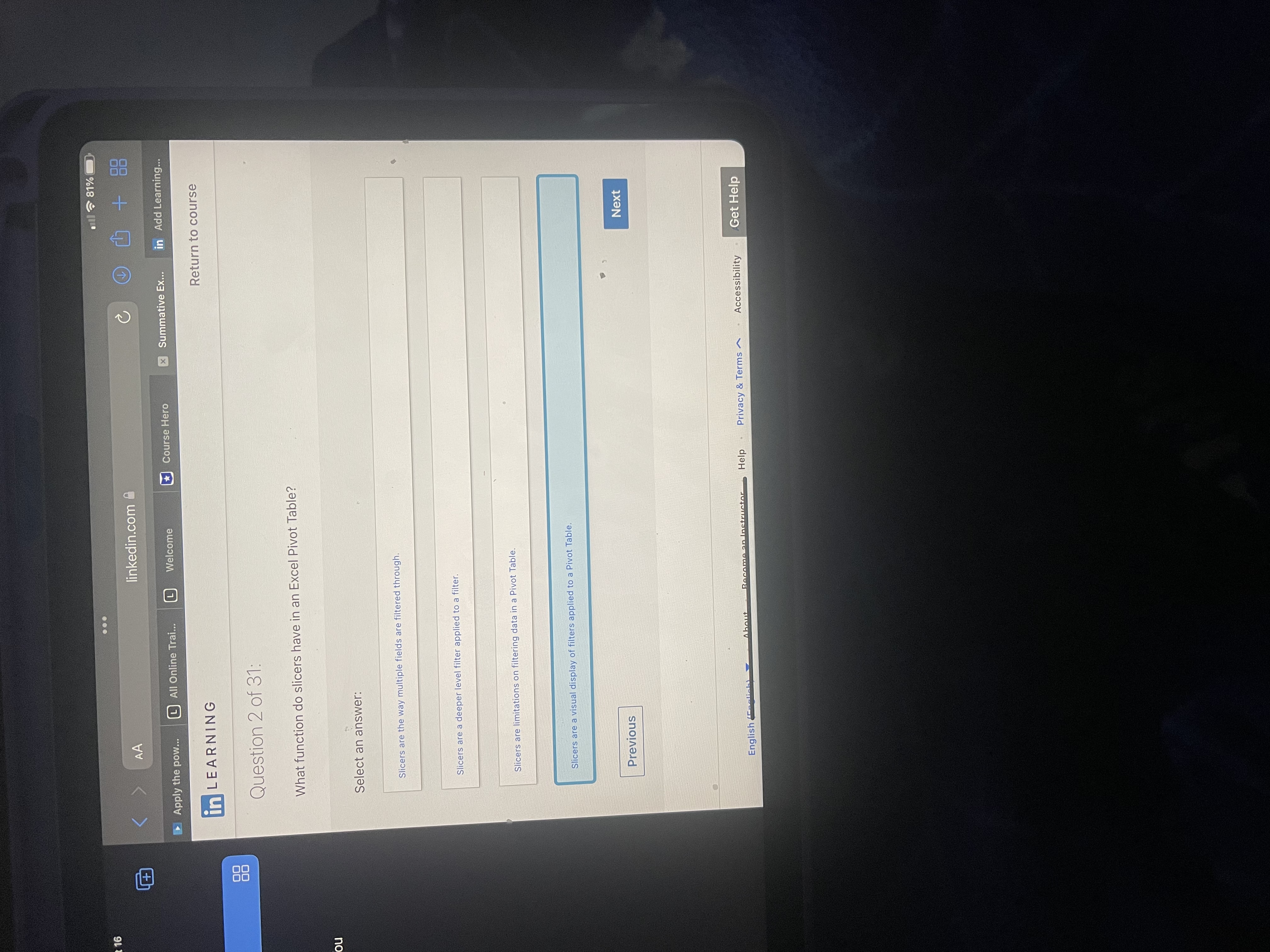











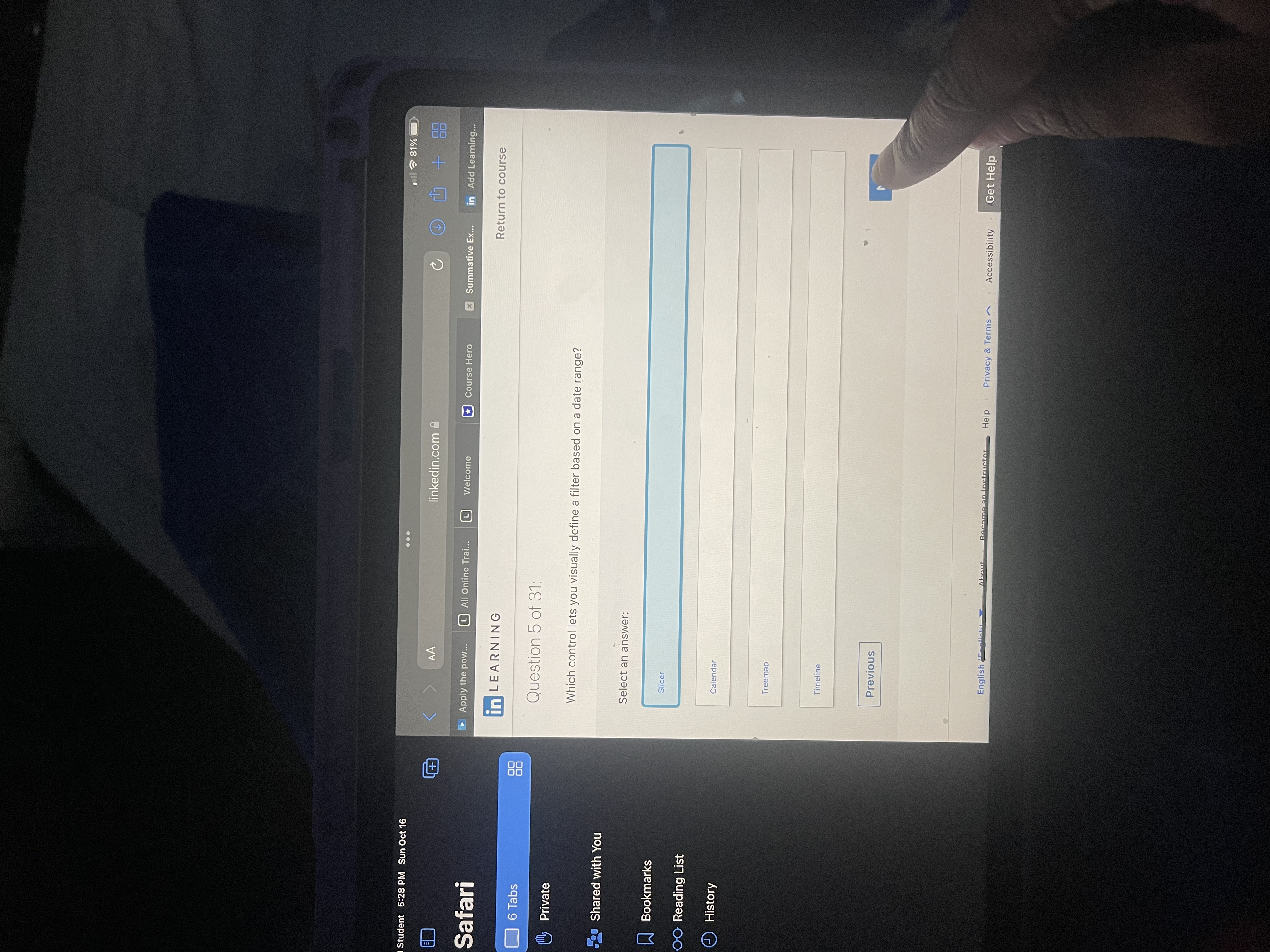






. .. AA linkedin.com A C Apply the pow... All Online Trai.. Welcome Course Hero x Summative EX... in Add Le in LEARNING Return to cour Question 26 of 31: What is the main disadvantage to summarizing more than one data field in a PivotTable? You Select an answer: The PivotTable can become too wide to fit on one screen. List You can't use subtotals when summarizing more than one data field. A PivotTable can only display one data field at a time. You can't use grand totals when summarizing more than one data field. Previous Skip English (national About Become an Instructor Help . Privacy & Terms ~ Accessibility Get HelpPM Sun Oct 16 ... all ~ 81% AA linkedin.com + i Apply the pow... All Online Trai... Course Hero x Summative Ex... in Add Learning... in LEARNING Return to course bs 88 Question 7 of 31: ate Why might your PivotTable include values that were not part of a data list you meant to use to create the PivotTable? red with You Select an answer: okmarks ading List The extra values were stored elsewhere on the worksheet that contains your data list. story The extra values were in a row or column next to the data list. The extra values were left over from the most recent PivotTable and will disappear when the PivotTable is refreshed. The extra values were stored on another worksheet in the workbook where you created the PivotTable. Previous Next Get Helpct 16 .. . all ~ 81% AA linkedin.com Apply the pow... All Online Trai... Welcome Course Hero x Summative Ex... in Add Learning... in LEARNING Return to course Question 3 of 31: When using a slicer to filter a PivotTable, which key would you hold down so you can select multiple items within the slicer? You Select an answer: Alt Tab Esc Ctri Previous Get Hdent 5:29 PM Sun Oct 16 . .. all ~ 81% AA linkedin.com @ + Safari Apply the pow... All Online Trai.. Welcome Course Hero x Summative Ex... in Add Learning... in LEARNING Return to course 6 Tabs 88 Question 6 of 31: Private What is the recommended way to create a new PivotTable style that is close to an existing style? Shared with You Select an answer: Bookmarks Duplicate the existing style and then Modify the new style. OO Reading List History Apply the existing style to your PivotTable and then change the PivotTable cells' formatting. Modify the existing style. Write down the existing style's settings and use them as the base for the new style. Previous Next English Feelinhal About Become an Instructor Help . Privacy & Terms ~ . Accessibility Get Help.. . Choose connection, and then click Add. Use Insert on the Ribbon to create a Pivot Table, click Use an external data source > Choose connection, and then navigate to the data source. Insert a Pivot Table from Insert on the Ribbon, click Use an external data source, and then click New Worksheet. Previous Skip Get Help
Step by Step Solution
There are 3 Steps involved in it

Get step-by-step solutions from verified subject matter experts
 Study Help