







Question: General Directions: Screen capture the changes made in every step, as well as the final output. Put everything in a word file then save
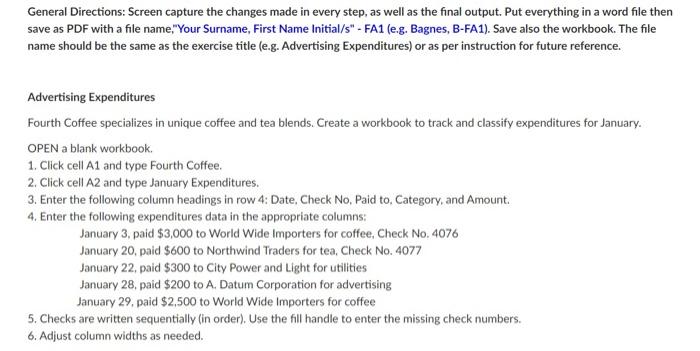
General Directions: Screen capture the changes made in every step, as well as the final output. Put everything in a word file then save as PDF with a file name,"Your Surname, First Name Initial/s" - FA1 (e.g. Bagnes, B-FA1). Save also the workbook. The file name should be the same as the exercise title (e.g. Advertising Expenditures) or as per instruction for future reference. Advertising Expenditures Fourth Coffee specializes in unique coffee and tea blends. Create a workbook to track and classify expenditures for January. OPEN a blank workbook. 1. Click cell A1 and type Fourth Coffee. 2. Click cell A2 and type January Expenditures. 3. Enter the following column headings in row 4: Date, Check No, Paid to, Category, and Amount. 4. Enter the following expenditures data in the appropriate columns: January 3. paid $3,000 to World Wide Importers for coffee, Check No, 4076 January 20, paid $600 to Northwind Traders for tea, Check No. 4077 January 22, paid $300 to City Power and Light for utilities January 28, paid $200 to A. Datum Corporation for advertising January 29, paid $2,500 to World Wide Importers for coffee 5. Checks are written sequentially (in order). Use the fill handle to enter the missing check numbers. 6. Adjust column widths as needed.
Step by Step Solution
There are 3 Steps involved in it
L12 fe A D E F G K 1 Fourth Coffee 2 January Expenditure 3 4 D... View full answer

Get step-by-step solutions from verified subject matter experts
 Study Help