







Question: appilcations Create a C# Windows Forms Application Create a New Project called windowsuI in Solution Lab2 1. From the File menu, choose New > Project
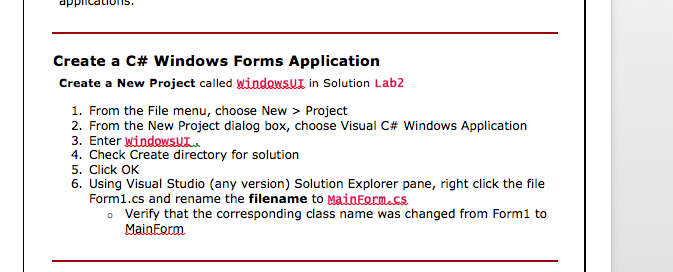
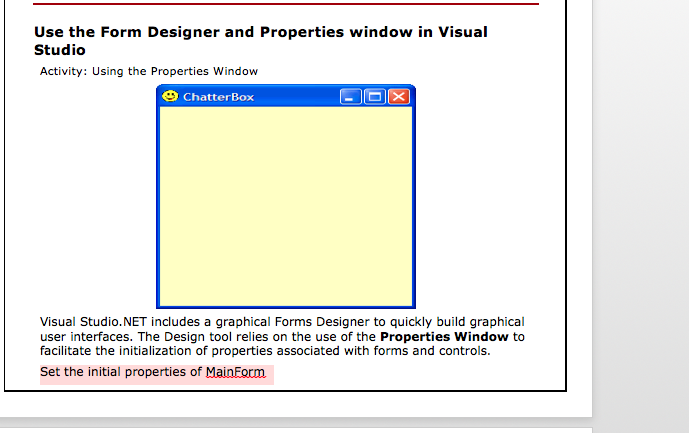
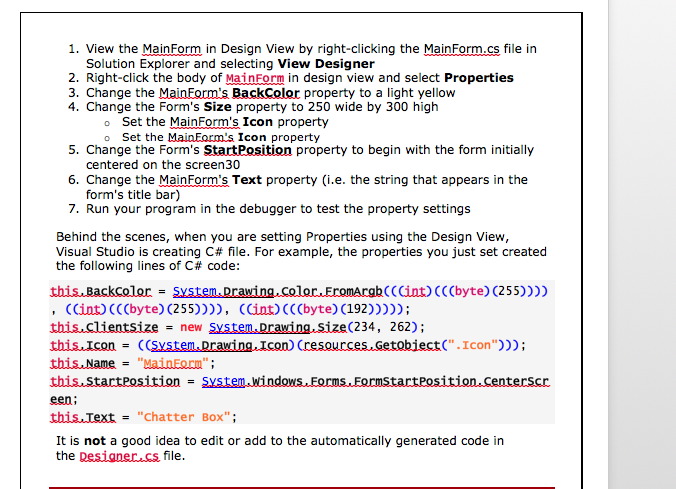
appilcations Create a C# Windows Forms Application Create a New Project called windowsuI in Solution Lab2 1. From the File menu, choose New > Project 2. From the New Project dialog box, choose Visual C# Windows Application 3. Enter WindowsU 4. Check Create directory for solution 5. Click OK 6. Using Visual Studio (any version) Solution Explorer pane, right click the file Form1.cs and rename the filename to MainEormacs Verify that the corresponding class name was changed from Form1 to MainForm o
Step by Step Solution
There are 3 Steps involved in it
1 Expert Approved Answer
Step: 1 Unlock

Question Has Been Solved by an Expert!
Get step-by-step solutions from verified subject matter experts
Step: 2 Unlock
Step: 3 Unlock
 Study Help