







Question: Assignment First, launch IntelliJ and close any previous projects that may be open ( at the top menu go to File = = > Close
Assignment
First, launch IntelliJ and close any previous projects that may be open at the top menu go
to File Close All Projects
Create a new Java project and make sure "Create project from template" is UNCHECKED
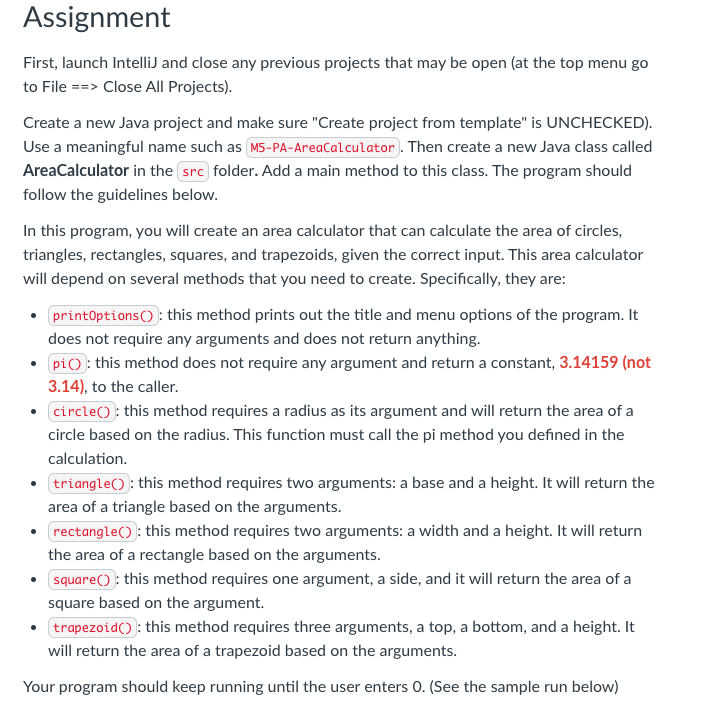
Use a meaningful name such as
Then create a new Java class called
AreaCalculator in the folder. Add a main method to this class. The program should
follow the guidelines below.
In this program, you will create an area calculator that can calculate the area of circles,
triangles, rectangles, squares, and trapezoids, given the correct input. This area calculator
will depend on several methods that you need to create. Specifically, they are:
: this method prints out the title and menu options of the program. It
does not require any arguments and does not return anything.
: this method does not require any argument and return a constant, not
to the caller.
: this method requires a radius as its argument and will return the area of a
circle based on the radius. This function must call the pi method you defined in the
calculation.
: this method requires two arguments: a base and a height. It will return the
area of a triangle based on the arguments.
: this method requires two arguments: a width and a height. It will return
the area of a rectangle based on the arguments.
: this method requires one argument, a side, and it will return the area of a
square based on the argument.
this method requires three arguments, a top, a bottom, and a height. It
will return the area of a trapezoid based on the arguments.
Your program should keep running until the user enters See the sample run below
Step by Step Solution
There are 3 Steps involved in it
1 Expert Approved Answer
Step: 1 Unlock

Question Has Been Solved by an Expert!
Get step-by-step solutions from verified subject matter experts
Step: 2 Unlock
Step: 3 Unlock
 Study Help