







Question: Assignment: Open Assignment Data File Download Open Assignment Data File. You will use data in this file to create an order form for eCity. This
Assignment:
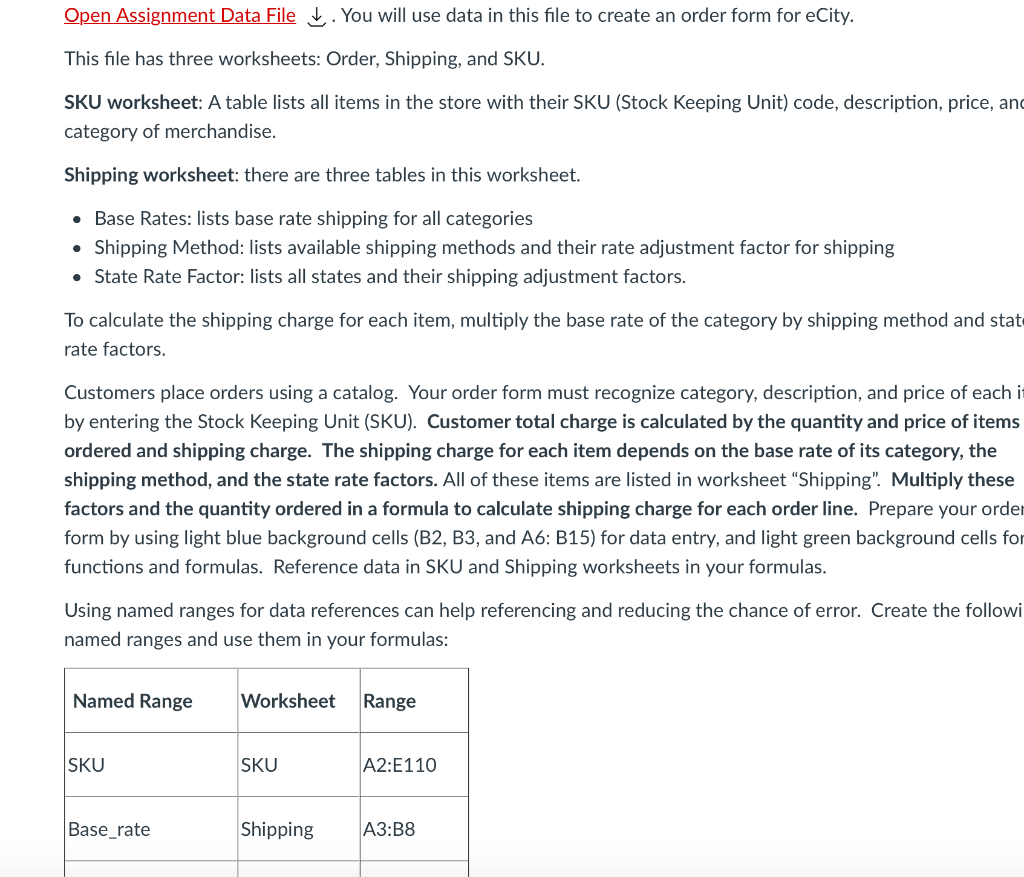
Open Assignment Data File Download Open Assignment Data File. You will use data in this file to create an order form for eCity.
This file has three worksheets: Order, Shipping, and SKU.
SKU worksheet: A table lists all items in the store with their SKU Stock Keeping Unit code, description, price, and category of merchandise.
Shipping worksheet: there are three tables in this worksheet.
Base Rates: lists base rate shipping for all categories
Shipping Method: lists available shipping methods and their rate adjustment factor for shipping
State Rate Factor: lists all states and their shipping adjustment factors.
To calculate the shipping charge for each item, multiply the base rate of the category by shipping method and state rate factors.
Customers place orders using a catalog. Your order form must recognize category, description, and price of each item by entering the Stock Keeping Unit SKU Customer total charge is calculated by the quantity and price of items ordered and shipping charge. The shipping charge for each item depends on the base rate of its category, the shipping method, and the state rate factors. All of these items are listed in worksheet ShippingMultiply these factors and the quantity ordered in a formula to calculate shipping charge for each order line. Prepare your order form by using light blue background cells B B and A: B for data entry, and light green background cells for functions and formulas. Reference data in SKU and Shipping worksheets in your formulas.
Using named ranges for data references can help referencing and reducing the chance of error. Create the following named ranges and use them in your formulas:
Named Range
Worksheet
Range
SKU
SKU
A:E
Baserate
Shipping
A:B
Shipmethod
Shipping
E:F
StateRateShip
Shipping
K:L
Data entry cells:
Customer ID B is a reference to the database no need to enter it we don't have the database here
Shipping Method B needs a dropdown listing all available methods. Create this dropdown list.
State Code B needs a dropdown listing all available State Codes. Create this dropdown list.
SKU A:A all these cells need a dropdown listing the SKUs. Create these dropdown lists.
Quantity B:B for entering the quantity of each item when ordered.
Formula cells:
Description F:F Each cell will automatically retrieve the description of the item ordered based on its SKU in the same row
Category E:E Each cell will automatically retrieve category of the item ordered based on its SKU in the same row
Price C:C Each cell will automatically retrieve the unit price for the item ordered based on its SKU in the same row
QoH D:D Each cell automatically retrieves QoH for the item ordered based on its SKU in the same row.
Shipping G:G Each cell will automatically retrieve the shipping method rate factor, category base rate and the state rate factor. Shipping charge is the product of these numbers and the quantity ordered.
Subtotal H:H Each cell calculates the price for the quantity ordered in the same row.
Grand total H Adds up all subtotals and shipping costs.
Enter all formulas for description, category, price, shipping, and subtotal in the first row row and copy them down through row
Formulas referencing blank cells return error messages. Your formula cells should not show any error message when there is no order.
To test your formulas:
Shipping Method: Standard
State Code: AZ
select the following SKU values in column A: APS FDW QGK YWA
enter quantities for them in column B
APSFDWQGKYWA
all values including subtotal and grand total must automatically calculate.
Apply a comma style format to all numbers.
Step by Step Solution
There are 3 Steps involved in it
1 Expert Approved Answer
Step: 1 Unlock

Question Has Been Solved by an Expert!
Get step-by-step solutions from verified subject matter experts
Step: 2 Unlock
Step: 3 Unlock
 Study Help