







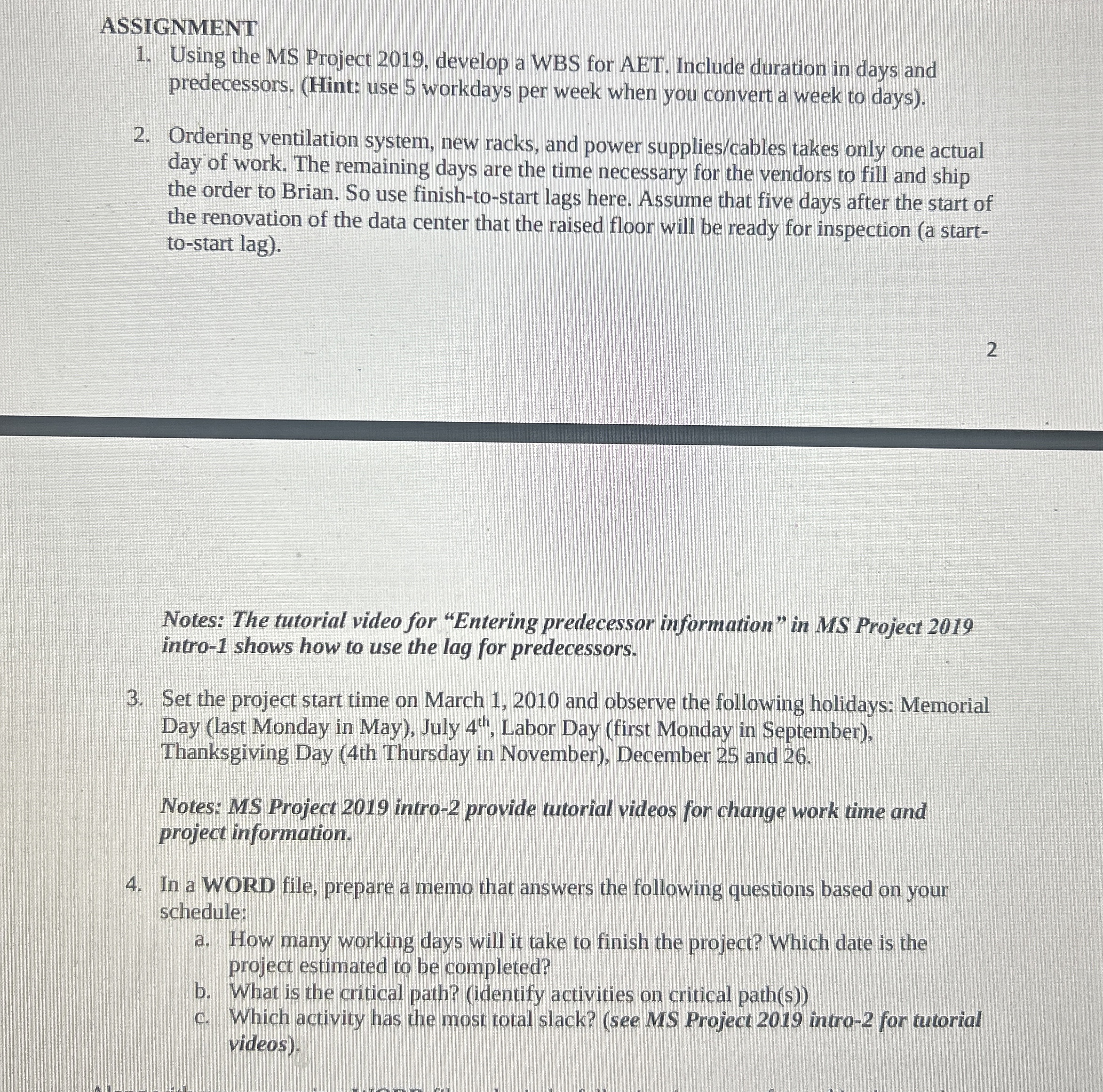
Question: ASSIGNMENT Using the MS Project 2 0 1 9 , develop a WBS for AET. Include duration in days and predecessors. ( Hint: use 5
ASSIGNMENT
Using the MS Project develop a WBS for AET. Include duration in days and predecessors. Hint: use workdays per week when you convert a week to days
Ordering ventilation system, new racks, and power suppliescables takes only one actual day of work. The remaining days are the time necessary for the vendors to fill and ship the order to Brian. So use finishtostart lags here. Assume that five days after the start of the renovation of the data center that the raised floor will be ready for inspection a starttostart lag
Notes: The tutorial video for "Entering predecessor information" in MS Project intro shows how to use the lag for predecessors.
Set the project start time on March and observe the following holidays: Memorial Day last Monday in May July Labor Day first Monday in September Thanksgiving Day th Thursday in November December and
Notes: MS Project intro provide tutorial videos for change work time and project information.
In a WORD file, prepare a memo that answers the following questions based on your schedule:
a How many working days will it take to finish the project? Which date is the project estimated to be completed?
b What is the critical path? identify activities on critical paths
c Which activity has the most total slack? see MS Project intro for tutorial videos
Step by Step Solution
There are 3 Steps involved in it
1 Expert Approved Answer
Step: 1 Unlock

Question Has Been Solved by an Expert!
Get step-by-step solutions from verified subject matter experts
Step: 2 Unlock
Step: 3 Unlock
 Study Help