







Question: Basic Procedures You must Fill out a readme.txt file with your information (goes in your user folder, an example readme.txt file is provided) Have a
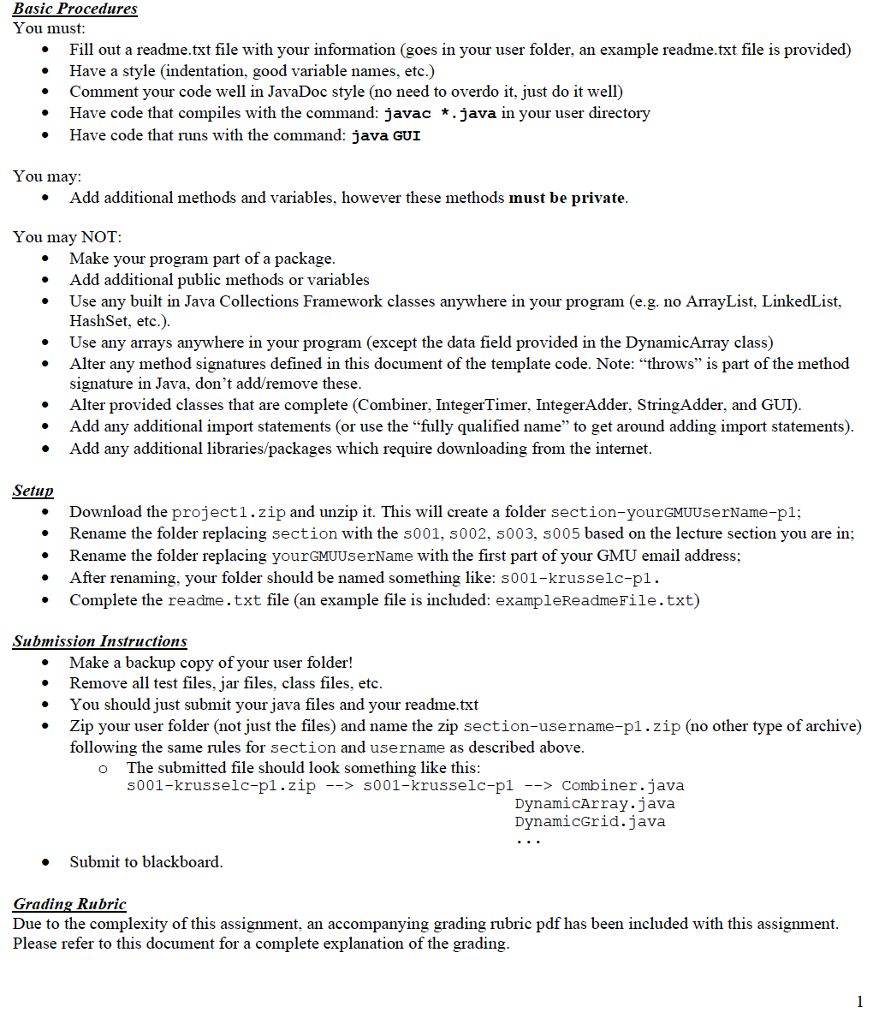
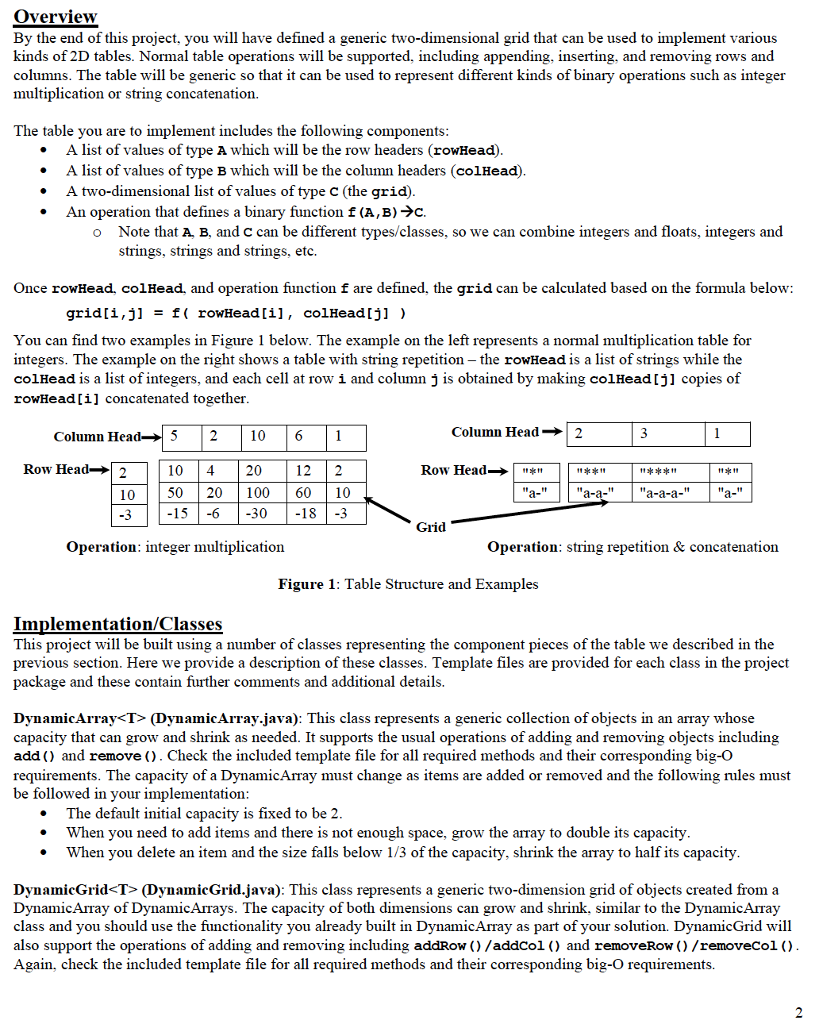
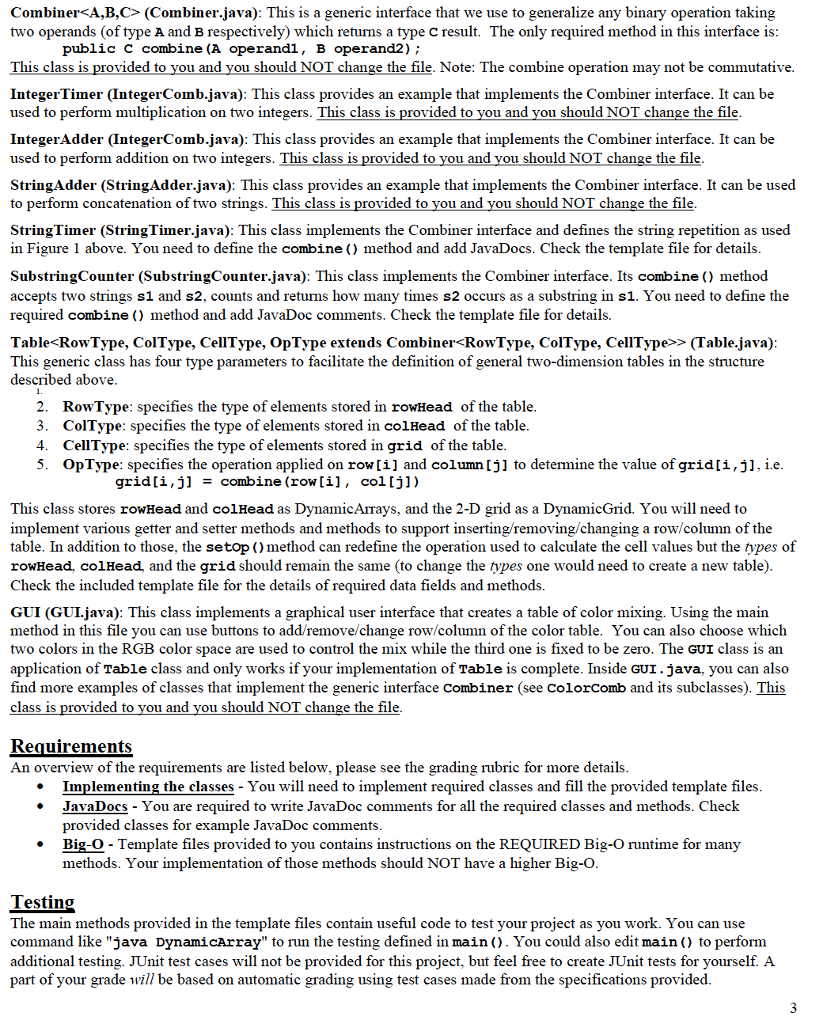
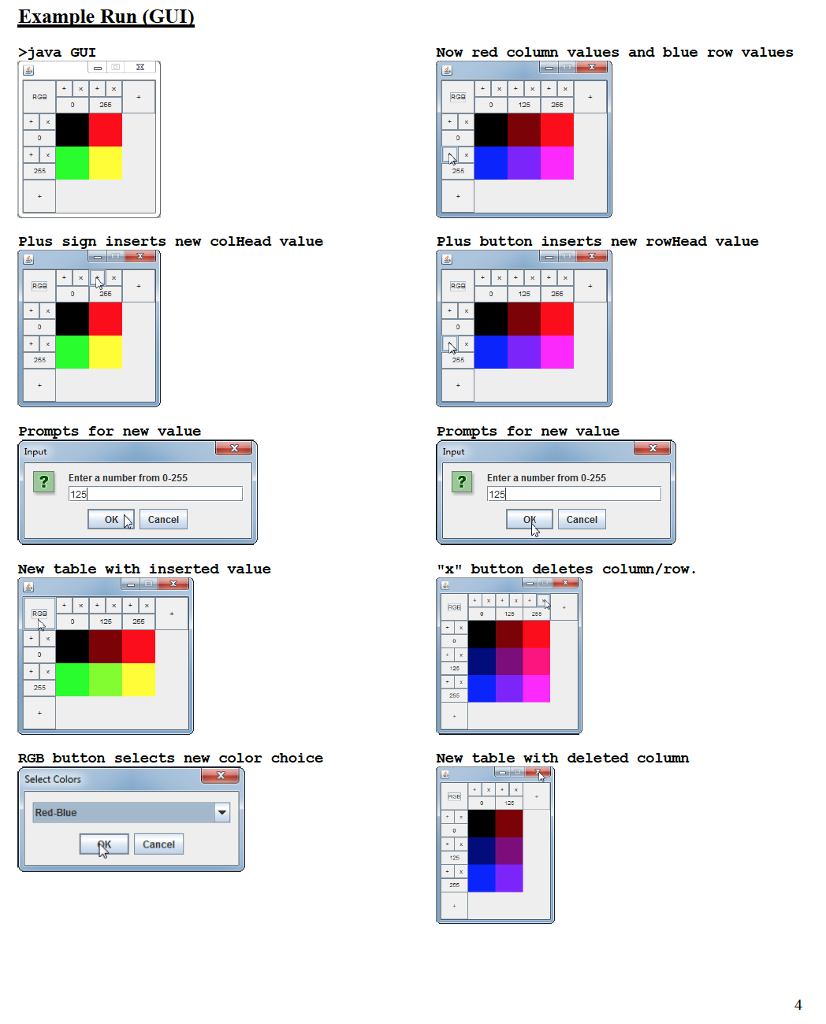
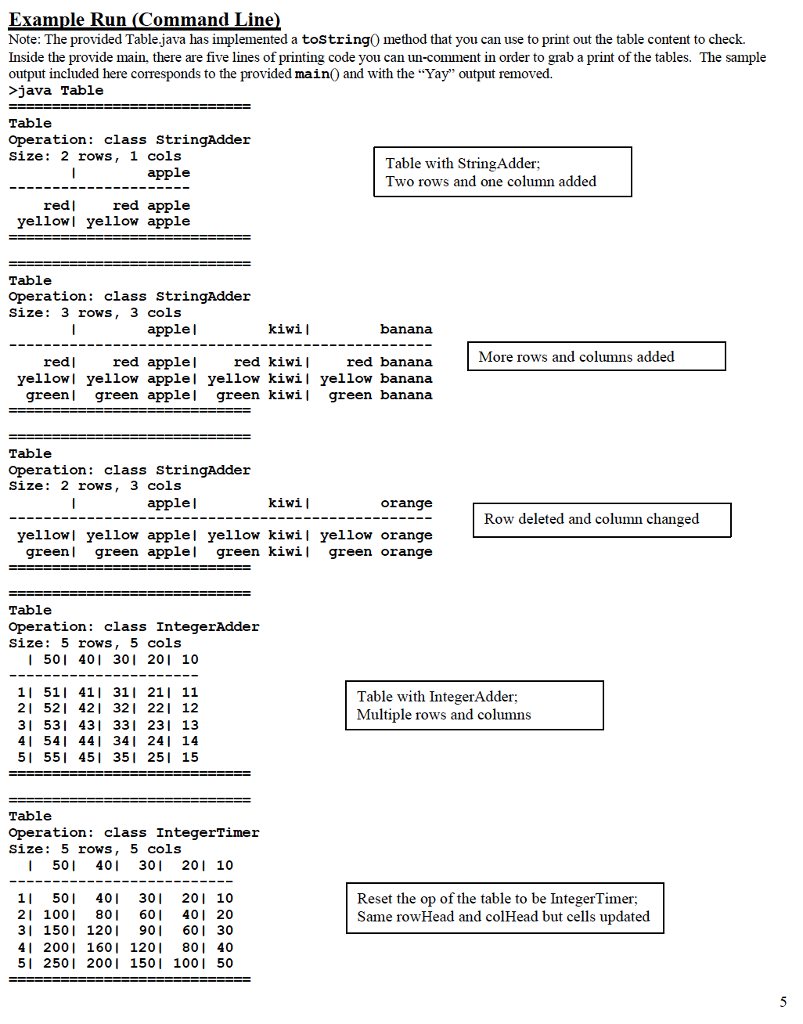
Basic Procedures You must Fill out a readme.txt file with your information (goes in your user folder, an example readme.txt file is provided) Have a style (indentation, good variable names, etc.) Comment your code well in JavaDoc style (no need to overdo it, just do it well) Have code that compiles with the command: javac *.java in your user directory Have code that runs with the command: java GuI * You may: Add additional methods and variables, however these methods must be private * You may NOT Make your program part of a package Add additional public methods or variables Use any built in Java Collections Framework classes anywhere in your program (e.g. no ArrayList, LinkedList HashSet, etc.) Use any arrays anywhere in your program (except the data field provided in the DynamicArray class) Alter any method signatures defined in this document of the template code. Note: "throws" is part of the method signature in Java, don't add/remove these Alter provided classes that are complete (Combiner, IntegerTimer, IntegerAdder, StringAdder, and GUI) Add any additional import statements (or use the "fully qualified name" to get around adding import statements) Add any additional libraries/packages which require downloading from the internet . * Setiup Download the project1.zip and unzip it. This will create a folder section-yourGMuUserName-pl; Rename the folder replacing section with the s001, s002, s003, s005 based on the lecture section you are in Rename the folder replacing yourGMUUserName with the first part of your GMU email address After renaming, your folder should be named something like: s001-krus selc-pl . Complete the readme.txt file (an example file is included: exampleReadmeFile.txt) . . Submission Instructions Make a backup copy of your user folder! Remove all test files, jar files, class files, etc You should just submit your java files and your readme.txt Zip your user folder (not just the files) and name the zip section-username-p1zip (no other type of archive) following the same rules for section and username as described above * The submitted file should look something like this s001-krusselc-pl.zip -s001-krusselc-pl-> Combiner.java o DynamicArray.java DynamicGrid.java Submit to blackboard Grading Rubric Due to the complexity of this assignment, an accompanying grading rubric pdf has been included with this assignment Please refer to this document for a complete explanation of the grading Basic Procedures You must Fill out a readme.txt file with your information (goes in your user folder, an example readme.txt file is provided) Have a style (indentation, good variable names, etc.) Comment your code well in JavaDoc style (no need to overdo it, just do it well) Have code that compiles with the command: javac *.java in your user directory Have code that runs with the command: java GuI * You may: Add additional methods and variables, however these methods must be private * You may NOT Make your program part of a package Add additional public methods or variables Use any built in Java Collections Framework classes anywhere in your program (e.g. no ArrayList, LinkedList HashSet, etc.) Use any arrays anywhere in your program (except the data field provided in the DynamicArray class) Alter any method signatures defined in this document of the template code. Note: "throws" is part of the method signature in Java, don't add/remove these Alter provided classes that are complete (Combiner, IntegerTimer, IntegerAdder, StringAdder, and GUI) Add any additional import statements (or use the "fully qualified name" to get around adding import statements) Add any additional libraries/packages which require downloading from the internet . * Setiup Download the project1.zip and unzip it. This will create a folder section-yourGMuUserName-pl; Rename the folder replacing section with the s001, s002, s003, s005 based on the lecture section you are in Rename the folder replacing yourGMUUserName with the first part of your GMU email address After renaming, your folder should be named something like: s001-krus selc-pl . Complete the readme.txt file (an example file is included: exampleReadmeFile.txt) . . Submission Instructions Make a backup copy of your user folder! Remove all test files, jar files, class files, etc You should just submit your java files and your readme.txt Zip your user folder (not just the files) and name the zip section-username-p1zip (no other type of archive) following the same rules for section and username as described above * The submitted file should look something like this s001-krusselc-pl.zip -s001-krusselc-pl-> Combiner.java o DynamicArray.java DynamicGrid.java Submit to blackboard Grading Rubric Due to the complexity of this assignment, an accompanying grading rubric pdf has been included with this assignment Please refer to this document for a complete explanation of the grading
Step by Step Solution
There are 3 Steps involved in it

Get step-by-step solutions from verified subject matter experts
 Study Help