







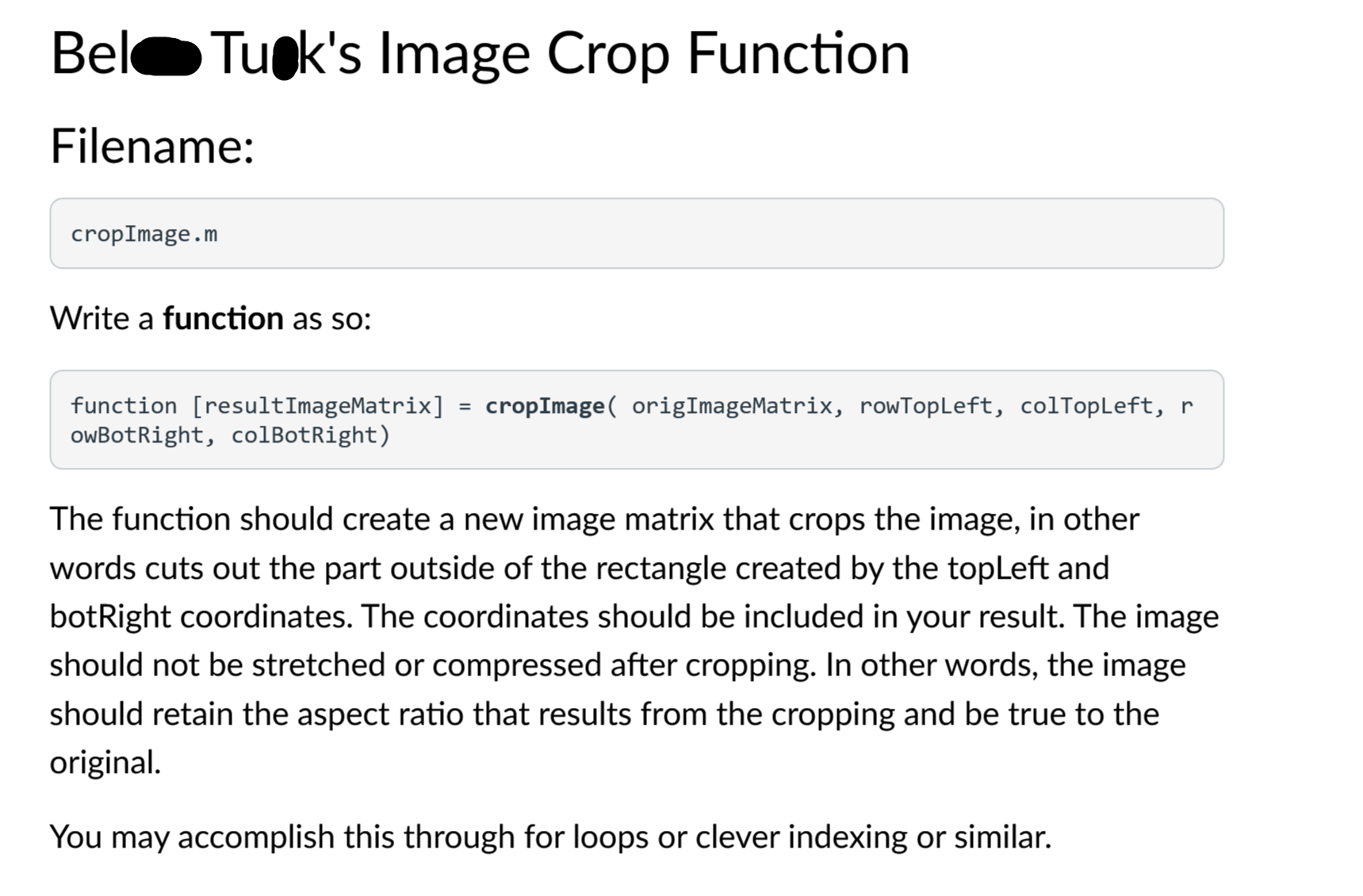
Question: Bel Tuok's Image Crop Function Filename: cropImage.m Write a function as so: function [ resultImageMatrix ] = cropImage ( origImageMatrix, rowTopLeft, colTopLeft, r owBotRight, colBotRight
Bel Tuok's Image Crop Function
Filename:
cropImage.m
Write a function as so:
function resultImageMatrix cropImage origImageMatrix, rowTopLeft, colTopLeft, r owBotRight, colBotRight
The function should create a new image matrix that crops the image, in other words cuts out the part outside of the rectangle created by the topLeft and botRight coordinates. The coordinates should be included in your result. The image should not be stretched or compressed after cropping. In other words, the image should retain the aspect ratio that results from the cropping and be true to the original.
You may accomplish this through for loops or clever indexing or similar.
Step by Step Solution
There are 3 Steps involved in it
1 Expert Approved Answer
Step: 1 Unlock

Question Has Been Solved by an Expert!
Get step-by-step solutions from verified subject matter experts
Step: 2 Unlock
Step: 3 Unlock
 Study Help