







Question: Build a JavaScript application that interacts with The Meal DB API to take and user for another ingredient. A URL example that would return a
Build a JavaScript application that interacts with The Meal DB API to take and user for another ingredient. A URL example that would return a
meals: null value is:
Tip: you may find it useful to make use of recursion in this case.
Storing Orders:
Store the order details in sessionstorage.
Ensure that each new order has a unique order number.
Make sure that your session storage contains the last generated order
number which is the number of items in storage session to
avoid having to loop over all the orders when storing them.
Displaying and Completing Orders:
Use the prompt function to display all the incomplete orders stored
in session storage. Present the order number and description only.
Prompt the user to enter the order number to mark as complete or
alternatively, enter zero for not completing an order.
Once an order's completion status is updated, the status should be
committed to the session storage.
Display an appropriate response message if the order number
doesn't exist.
Hint: You can use the filter function to select only incomplete
orders.
Storage Format:
Store the collection of orders as a single value in a JSON array.
The last order number should be stored as a separate value.
Hint: You can retrieve and return values from sessionStorage using
the getItem method.
Portfolio Integration:
After completing your JavaScript project, add a link for potential
clients to download this project in the portfolio section of your web
page.
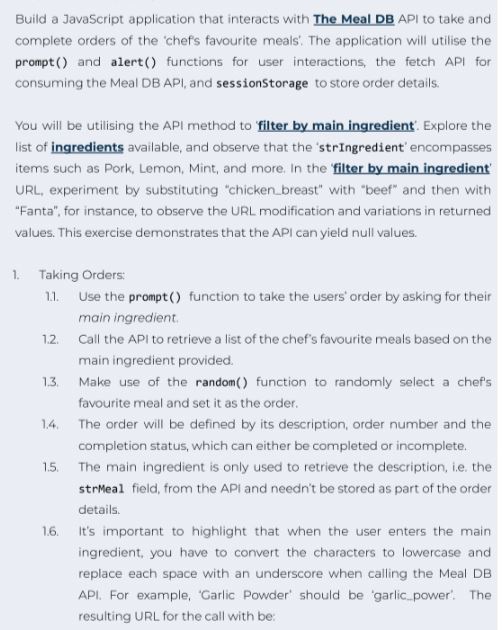
complete orders of the 'chef's favourite meals'. The application will utilise the
prompt and alert functions for user interactions, the fetch API for
consuming the Meal DB API, and sessionStorage to store order details.
You will be utilising the API method to 'filter by main ingredient'. Explore the
list of ingredients available, and observe that the 'strIngredient' encompasses
items such as Pork, Lemon, Mint, and more. In the 'filter by main ingredient'
URL, experiment by substituting "chicken breast" with "beef" and then with
"Fanta", for instance, to observe the URL modification and variations in returned
values. This exercise demonstrates that the API can yield null values.
Taking Orders:
Use the prompt function to take the users' order by asking for their
main ingredient.
Call the API to retrieve a list of the chef's favourite meals based on the
main ingredient provided.
Make use of the random function to randomly select a chef's
favourite meal and set it as the order.
The order will be defined by its description, order number and the
completion status, which can either be completed or incomplete.
The main ingredient is only used to retrieve the description, ie the
strMeal field, from the API and needn't be stored as part of the order
details.
It's important to highlight that when the user enters the main
ingredient, you have to convert the characters to lowercase and
replace each space with an underscore when calling the Meal DB
API. For example, 'Garlic Powder' should be 'garlicpower'. The
resulting URL for the call with be:
Step by Step Solution
There are 3 Steps involved in it
1 Expert Approved Answer
Step: 1 Unlock

Question Has Been Solved by an Expert!
Get step-by-step solutions from verified subject matter experts
Step: 2 Unlock
Step: 3 Unlock
 Study Help