







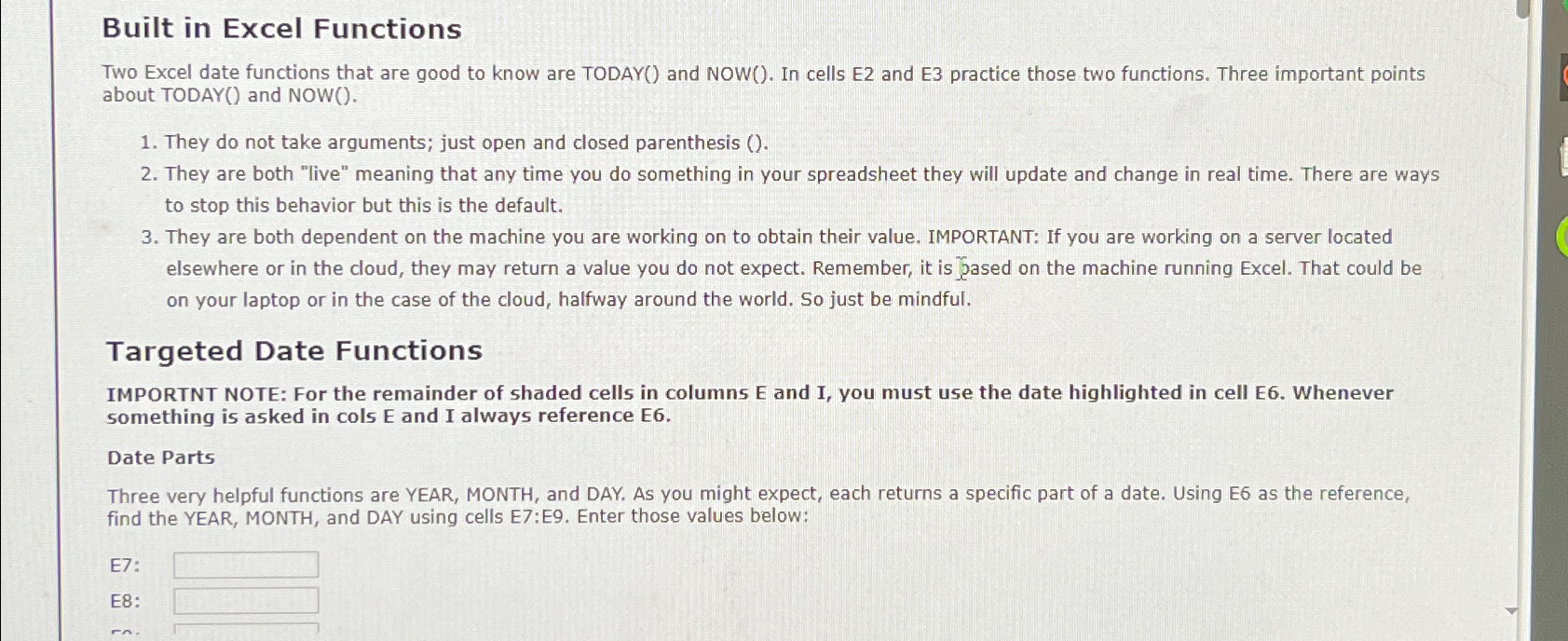
Question: Built in Excel Functions Two Excel date functions that are good to know are TODAY ( ) and NOW ( ) . In cells E
Built in Excel Functions
Two Excel date functions that are good to know are TODAY and NOW In cells E and E practice those two functions. Three important points about TODAY and NOW
They do not take arguments; just open and closed parenthesis
They are both "live" meaning that any time you do something in your spreadsheet they will update and change in real time. There are ways to stop this behavior but this is the default.
They are both dependent on the machine you are working on to obtain their value. IMPORTANT: If you are working on a server located elsewhere or in the cloud, they may return a value you do not expect. Remember, it is Jased on the machine running Excel. That could be on your laptop or in the case of the cloud, halfway around the world. So just be mindful.
Targeted Date Functions
IMPORTNT NOTE: For the remainder of shaded cells in columns E and I, you must use the date highlighted in cell E Whenever something is asked in cols and I always reference E
Date Parts
Three very helpful functions are YEAR, MONTH, and DAY. As you might expect, each returns a specific part of a date. Using E as the reference, find the YEAR, MONTH, and DAY using cells E:E Enter those values below:
E:
E:
Step by Step Solution
There are 3 Steps involved in it
1 Expert Approved Answer
Step: 1 Unlock

Question Has Been Solved by an Expert!
Get step-by-step solutions from verified subject matter experts
Step: 2 Unlock
Step: 3 Unlock
 Study Help