







Question: C++ Use the Class Wizard in Visual Studio to create a class called Student (Note that the Class Wizard will automatically create the.h and.cpp files.)
C++
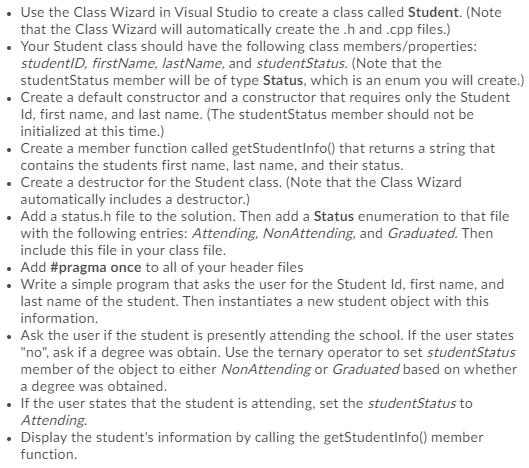
Use the Class Wizard in Visual Studio to create a class called Student (Note that the Class Wizard will automatically create the.h and.cpp files.) Your Student class should have the following class members/properties: studentID, firstName, lastName, and studentStatus. (Note that the student Status member will be of type Status, which is an enum you will create.) . Create a default constructor and a constructor that requires only the Student Id, first name, and last name. (The student Status member should not be initialized at this time.) . Create a member function called getStudentInfo() that returns a string that contains the students first name, last name, and their status. . Create a destructor for the Student class. (Note that the Class Wizard automatically includes a destructor.) Add a status.h file to the solution. Then add a Status enumeration to that file with the following entries: Attending, NonAttending, and Graduated. Then include this file in your class file. Add #pragma once to all of your header files . Write a simple program that asks the user for the Student Id, first name, and last name of the student. Then instantiates a new student object with this information. . Ask the user if the student is presently attending the school. If the user states "no", ask if a degree was obtain. Use the ternary operator to set studentStatus member of the object to either NonAttending or Graduated based on whether a degree was obtained. . If the user states that the student is attending, set the student Status to Attending. Display the student's information by calling the getStudentInfo() member function
Step by Step Solution
There are 3 Steps involved in it

Get step-by-step solutions from verified subject matter experts
 Study Help