







Question: Can someone help add the images to my coding assignment. I can not change the supplied xml file (computers.xml) to add the images . So
Can someone help add the images to my coding assignment. I can not change the supplied xml file (computers.xml) to add the images. So is there anyway to modify the Javascript or the CSS to add images to the right computer name.
ativ.jpg chromebook.jpg jackal.jpg pavillion.jpg power.jpg
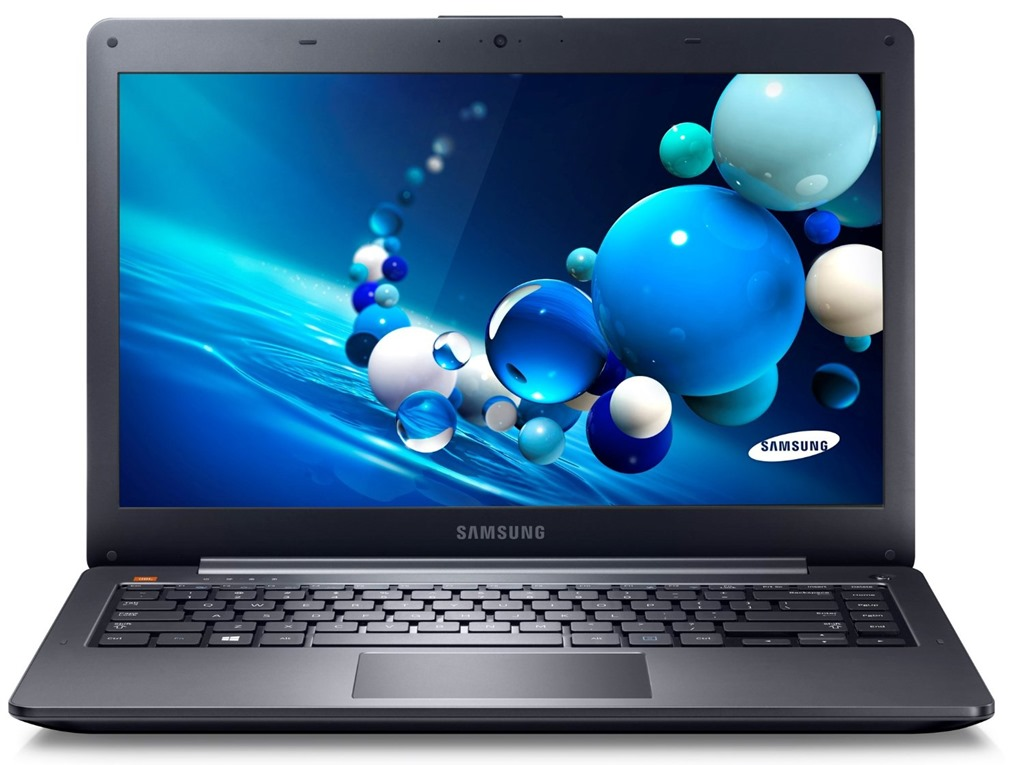
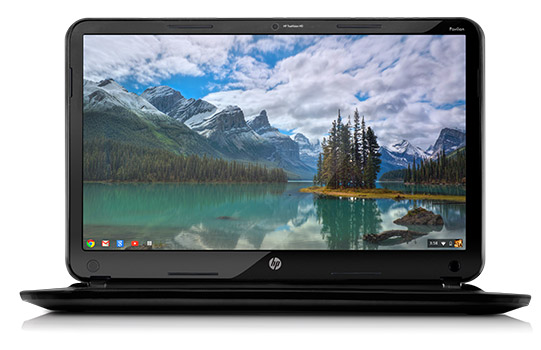
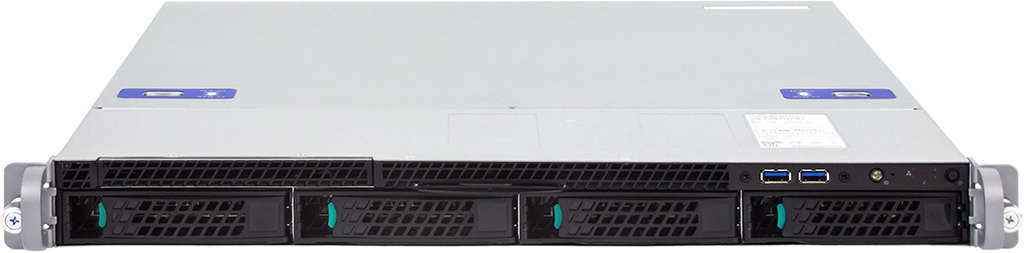
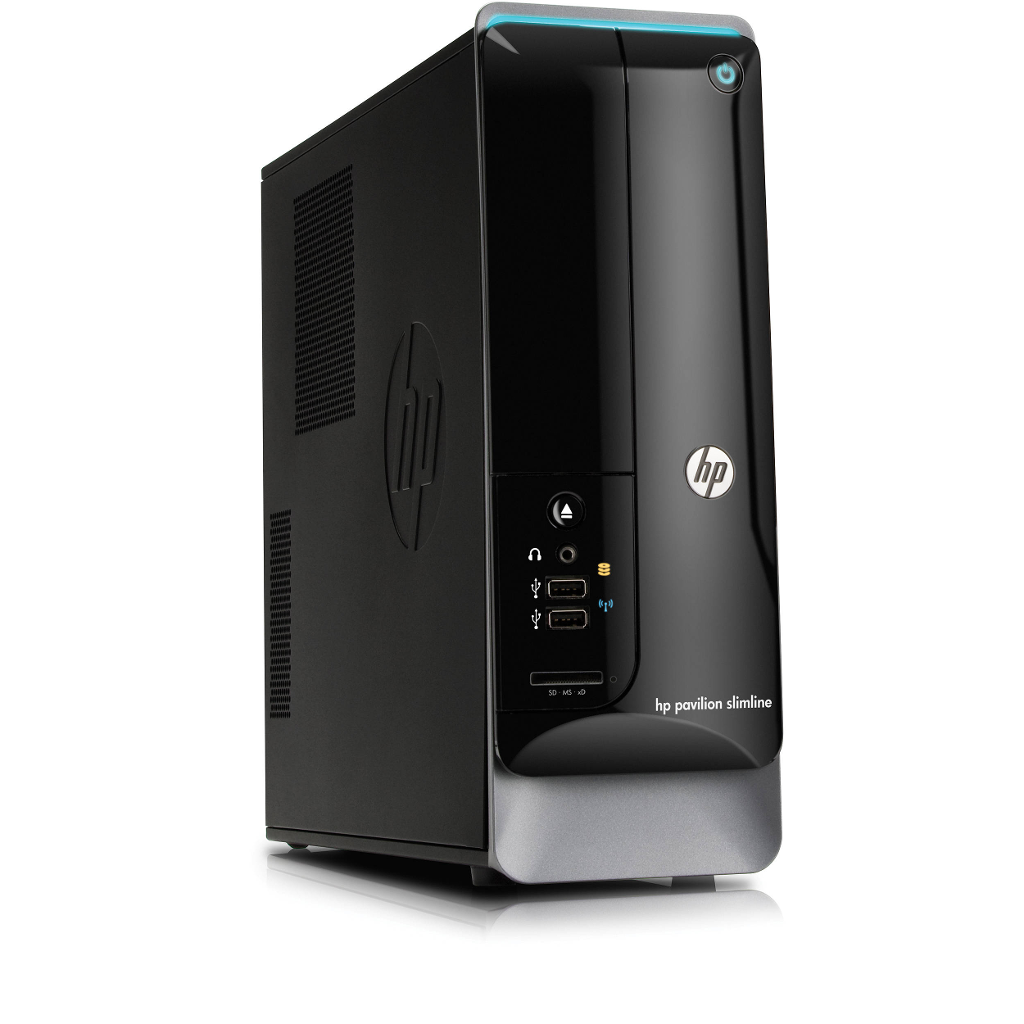
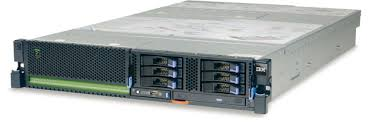
computers.xml
chapter8.html
The Computer List
Below are the list of computers
chapter8.js
var xhr = new XMLHttpRequest(); xhr.onload = function() { var response = xhr.responseXML; var computer_list = response.getElementsByTagName('computer'); for (var i = 0; i container container.className = 'computer'; // Add class attribute model_name = document.createElement('p'); // Add location data model = document.createElement('b'); newline = document.createElement('br'); newline2 = document.createElement('br'); newline3 = document.createElement('br'); model.appendChild(document.createTextNode(getNodeValue(computer_list[i], 'model_name'))); model_name.appendChild(newline); model_name.insertBefore(model, newline); model_name.appendChild(document.createTextNode(getNodeValue(computer_list[i], 'type'))); model_name.appendChild(newline2); model_name.insertBefore(model, newline, newline2); model_name.appendChild(document.createTextNode(getNodeValue(computer_list[i], 'manufacturer'))); model_name.appendChild(newline3); model_name.insertBefore(model,newline, newline2, newline3); model_name.appendChild(document.createTextNode(getNodeValue(computer_list[i], 'operating_system'))); container.appendChild(model_name); document.getElementById('content').appendChild(container); } // } function getNodeValue(obj, tag) { // Gets content from XML return obj.getElementsByTagName(tag)[0].firstChild.nodeValue; } // THE FINAL PART IS THE SAME AS THE HTML EXAMPLE BUT IT REQUESTS AN XML FILE }; xhr.open('GET', 'chapter8.xml', true); // Prepare the request xhr.send(null); // Send the request
c08.css
body { background-color: #fff; color: #666; font-family: 'Open Sans', arial, sans-serif; width: 960px; margin: 0 auto 0 auto;}
header { display: block; height: 140px; border-bottom: 5px solid #000; margin-bottom: 30px;}
h1 { font-weight: normal; margin: 28px 0 0 0; float: left; width: 225px; height: 90px; background-image: url('../img/maker-logo.png'); background-repeat: no-repeat; text-indent: 100%; white-space: nowrap; overflow: hidden;}
h2 { font-size: 2.4em; margin: 0.7em 0 1.7em 0; padding: 0; color: #000; line-height: 1em; letter-spacing: -.06em;}
h3 { margin: 0; font-size: 1.4em; color: #3fbb8a; font-family: oswald, arial, sans-serif;}
a {text-decoration: none; color: #000;}
.computer p {border-right: 1px solid #999; } #content .computer:last-child p {border-right: none;}
AMSUN SAMSUNG
Step by Step Solution
There are 3 Steps involved in it

Get step-by-step solutions from verified subject matter experts
 Study Help