







Question: CAN YOU HELP ME TO CREAT A VISUAL BASIC CODE THROUGH THESE REQUIRES! WILL THUMP UP IF IT HELP!!!! Objectives - Create and code list
CAN YOU HELP ME TO CREAT A VISUAL BASIC CODE THROUGH THESE REQUIRES! WILL THUMP UP IF IT HELP!!!!
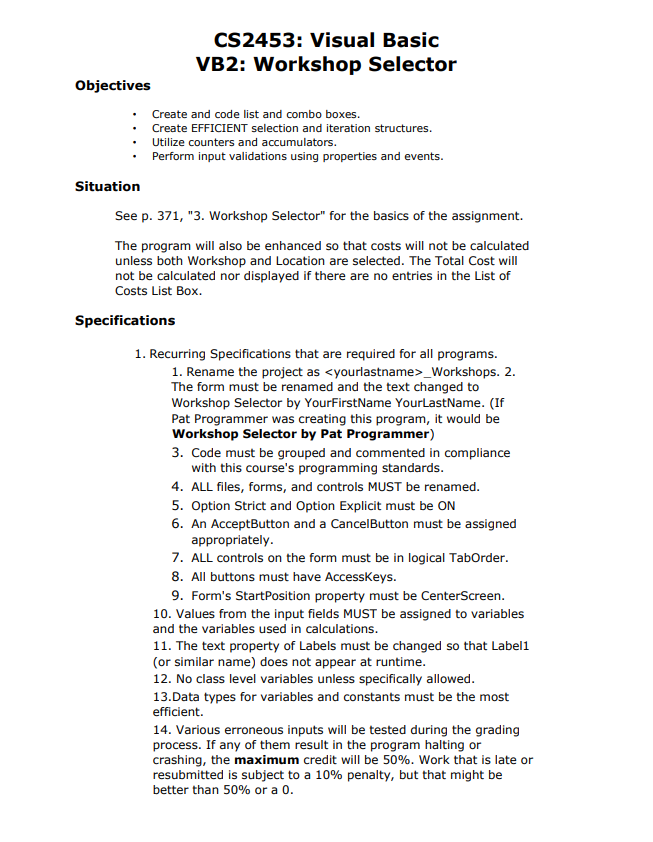
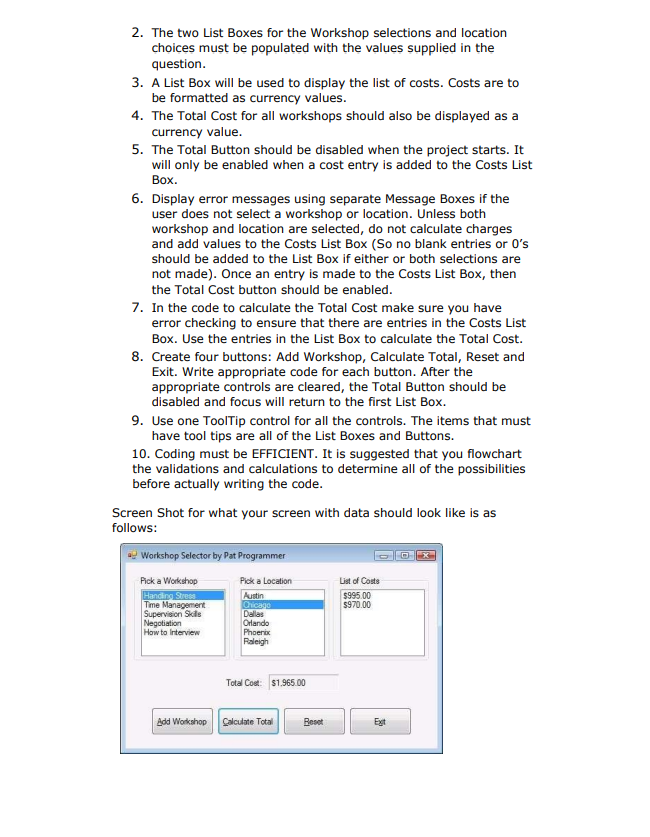
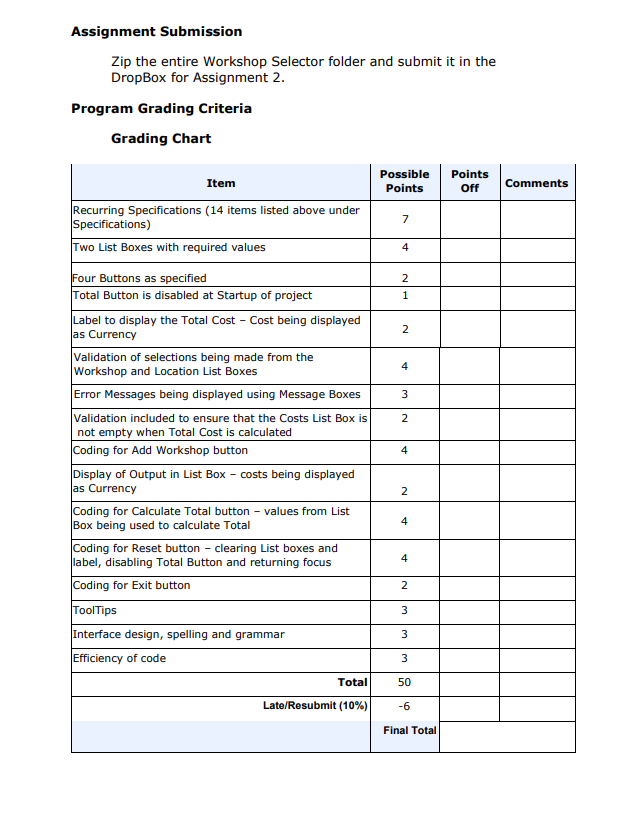
Objectives - Create and code list and combo boxes. - Create EFFICIENT selection and iteration structures. - Utilize counters and accumulators. - Perform input validations using properties and events. Situation See p. 371, "3. Workshop Selector" for the basics of the assignment. The program will also be enhanced so that costs will not be calculated unless both Workshop and Location are selected. The Total Cost will not be calculated nor displayed if there are no entries in the List of Costs List Box. Specifications 1. Recurring Specifications that are required for all programs. 1. Rename the project as _Workshops. 2. The form must be renamed and the text changed to Workshop Selector by YourFirstName YourLastName. (If Pat Programmer was creating this program, it would be Workshop Selector by Pat Programmer) 3. Code must be grouped and commented in compliance with this course's programming standards. 4. ALL files, forms, and controls MUST be renamed. 5. Option Strict and Option Explicit must be ON 6. An AcceptButton and a CancelButton must be assigned appropriately. 7. ALL controls on the form must be in logical TabOrder. 8. All buttons must have AccessKeys. 9. Form's StartPosition property must be CenterScreen. 10. Values from the input fields MUST be assigned to variables and the variables used in calculations. 11. The text property of Labels must be changed so that Label1 (or similar name) does not appear at runtime. 12. No class level variables unless specifically allowed. 13.Data types for variables and constants must be the most efficient. 14. Various erroneous inputs will be tested during the grading process. If any of them result in the program halting or crashing, the maximum credit will be 50%. Work that is late or resubmitted is subject to a 10% penalty, but that might be better than 50% or a 0 . 2. The two List Boxes for the Workshop selections and Iocation choices must be populated with the values supplied in the question. 3. A List Box will be used to display the list of costs. Costs are to be formatted as currency values. 4. The Total Cost for all workshops should also be displayed as a currency value. 5. The Total Button should be disabled when the project starts. It will only be enabled when a cost entry is added to the Costs List Box. 6. Display error messages using separate Message Boxes if the user does not select a workshop or location. Unless both workshop and location are selected, do not calculate charges and add values to the Costs List Box (So no blank entries or 0's should be added to the List Box if either or both selections are not made). Once an entry is made to the Costs List Box, then the Total Cost button should be enabled. 7. In the code to calculate the Total Cost make sure you have error checking to ensure that there are entries in the Costs List Box. Use the entries in the List Box to calculate the Total Cost. 8. Create four buttons: Add Workshop, Calculate Total, Reset and Exit. Write appropriate code for each button. After the appropriate controls are cleared, the Total Button should be disabled and focus will return to the first List Box. 9. Use one ToolTip control for all the controls. The items that must have tool tips are all of the List Boxes and Buttons. 10. Coding must be EFFICIENT. It is suggested that you flowchart the validations and calculations to determine all of the possibilities before actually writing the code. Assignment Submission Zip the entire Workshop Selector folder and submit it in the DropBox for Assignment 2. Program Grading Criteria Grading Chart
Step by Step Solution
There are 3 Steps involved in it

Get step-by-step solutions from verified subject matter experts
 Study Help