







Question: CAUsersuserNDesk Edit Search View. Encoding?Language Settings Tools Macro Run Plu rns window JavaScript Basics Exercise The Grader. 5 | Add an external JavaScript file to
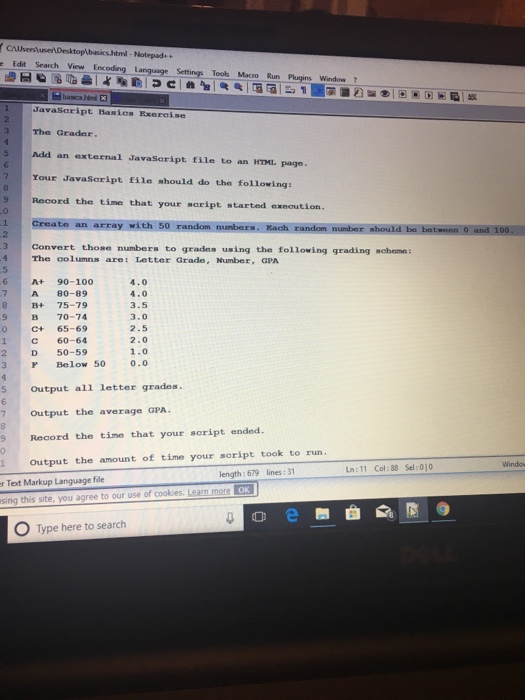
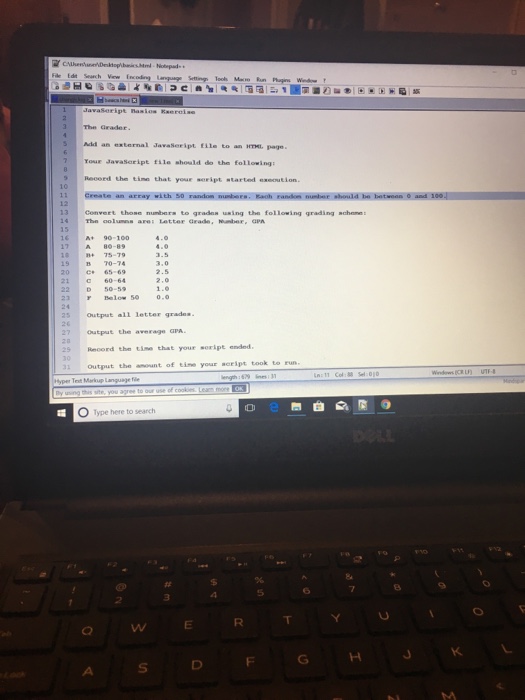
CAUsersuserNDesk Edit Search View. Encoding?Language Settings Tools Macro Run Plu rns window JavaScript Basics Exercise The Grader. 5 | Add an external JavaScript file to an HTML page. Your JavaSaript file should do the following Record the time that your soript started exeaution. Create an array with 5 2 Convert those numbers to grades using the following grading scheme: The columns are: Letter Grade, Number, GPA 4.0 4.0 3.5 3.0 2.5 2.0 1.0 F Below 50 0.0 At 90-100 7 A 80-89 B+ 75-79 ? 70-74 C+ 65-69 C 60-64 9 2D 50-59 5 Output all letter grades 7 Output the average GPA. Record the time that your script ended. 1 Output the amount of time your soript took to run Windo lines: 31 Ln:11 Col:88 Sel:010 length: 679 r Text Markup Language file OK O Type here to search
Step by Step Solution
There are 3 Steps involved in it

Get step-by-step solutions from verified subject matter experts
 Study Help