





Question: Cengage Module 3 Case Problem 1 Excel 2019 11. Add conditional formatting to the range R6:S55, displaying any cell containing the text Out of Control

Cengage Module 3 Case Problem 1

Excel 2019Cengage Module 3 Case Problem 1 Excel 2019 11.
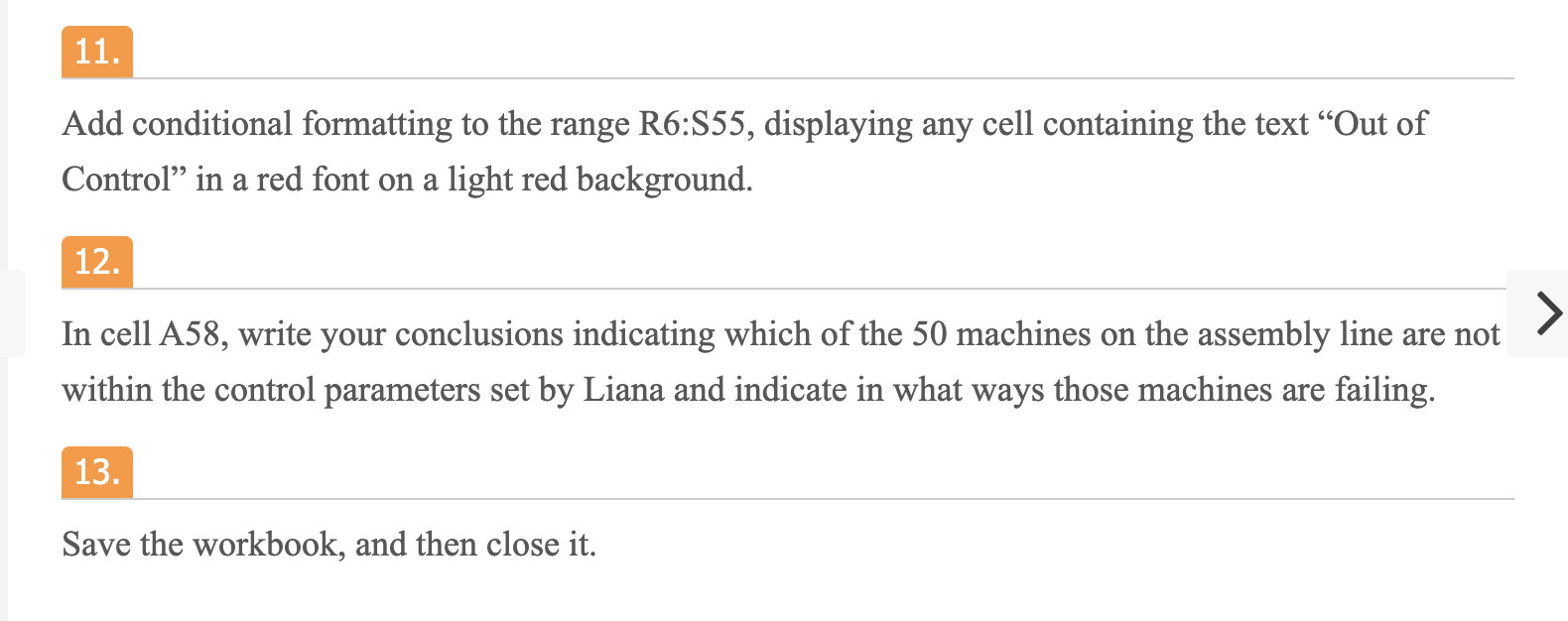
11. Add conditional formatting to the range R6:S55, displaying any cell containing the text Out of Control in a red font on a light red background. 12. > In cell A58, write your conclusions indicating which of the 50 machines on the assembly line are not within the control parameters set by Liana and indicate in what ways those machines are failing. 13 Save the workbook, and then close it. 11. Add conditional formatting to the range R6:S55, displaying any cell containing the text Out of Control in a red font on a light red background. 12. > In cell A58, write your conclusions indicating which of the 50 machines on the assembly line are not within the control parameters set by Liana and indicate in what ways those machines are failing. 13 Save the workbook, and then close it

Step by Step Solution

There are 3 Steps involved in it

1 Expert Approved Answer
Step: 1 Unlock blur-text-image

Question Has Been Solved by an Expert!

Get step-by-step solutions from verified subject matter experts

Step: 2 Unlock
Step: 3 Unlock

Students Have Also Explored These Related General Management Questions!