



Question: Challenge 1 (20%): You will calculate control limits for X-bar and R charts. Simulate daily production, one batch at a time, by clicking Run Next
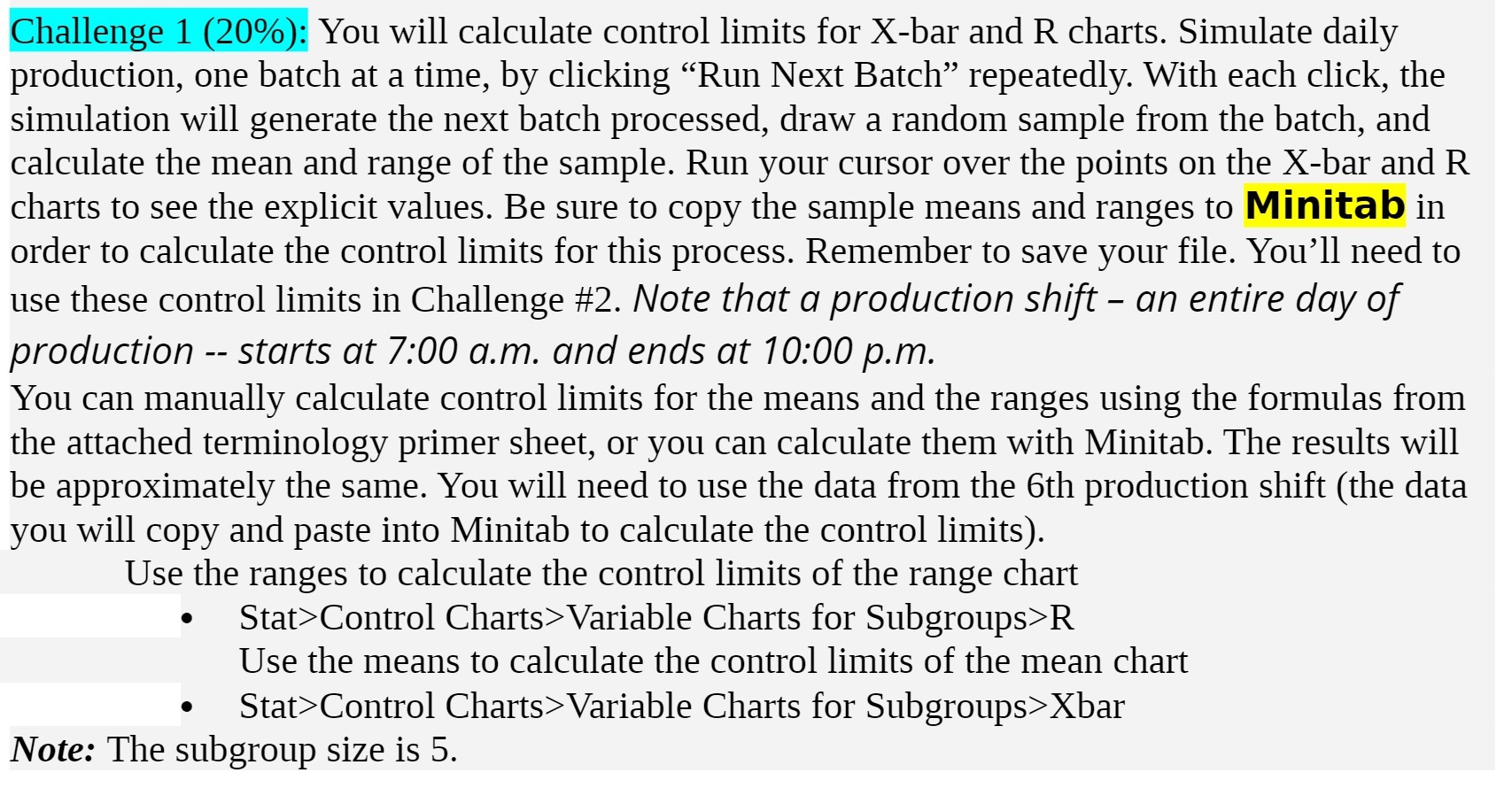
Challenge 1 (20%): You will calculate control limits for X-bar and R charts. Simulate daily production, one batch at a time, by clicking \"Run Next Batch\" repeatedly. With each click, the simulation will generate the next batch processed, draw a random sample from the batch, and calculate the mean and range of the sample. Run your cursor over the points on the Xbar and R charts to see the explicit values. Be sure to copy the sample means and ranges to Minitab in order to calculate the control limits for this process. Remember to save your file. You'll need to use these control limits in Challenge #2. Note that a production shift an entire day of production -- starts at 7:00 um. and ends at 10:00 pm. You can manually calculate control limits for the means and the ranges using the formulas from the attached terminology primer sheet, or you can calculate them with Minitab. The results will be approximately the same. You will need to use the data from the 6th production shift (the data you will copy and paste into Minitab to calculate the control limits). Use the ranges to calculate the control limits of the range chart 0 Stat>Control Charts>Variable Charts for Subgroups>R Use the means to calculate the control limits of the mean chart - Stat>Control Charts>Variable Charts for Subgroups>Xbar Note: The subgroup size is 5
Step by Step Solution
There are 3 Steps involved in it

Get step-by-step solutions from verified subject matter experts