







Question: CISC 130 Lab #5 Introduction You will work with a randomly assigned partner partner assignments will be posted to Canvas. Only one of you should
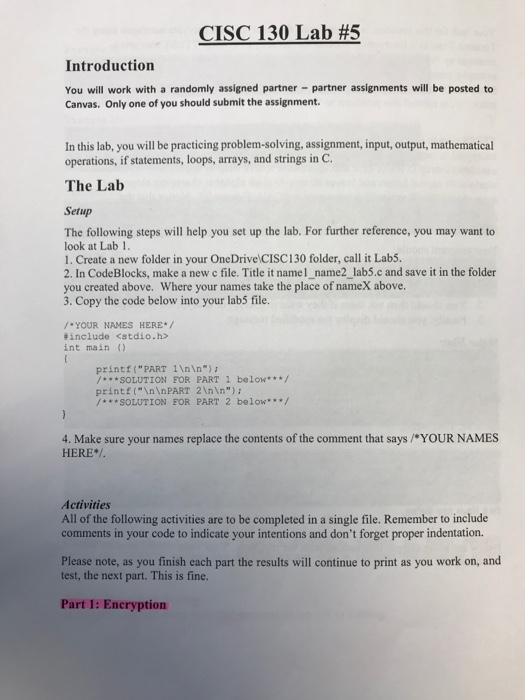
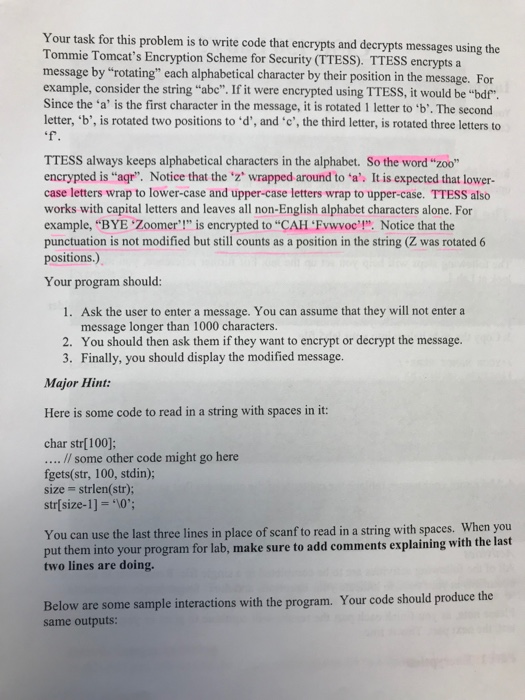
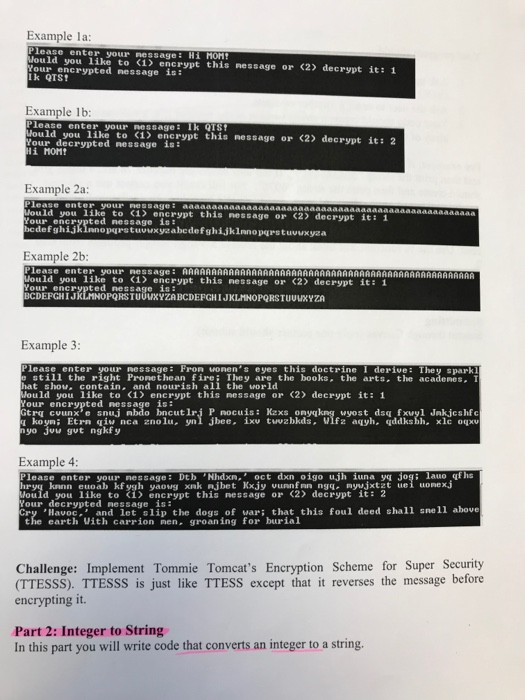
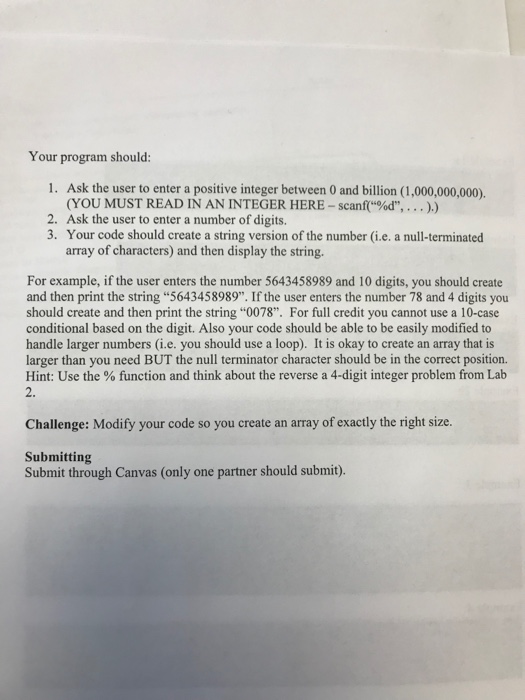
CISC 130 Lab #5 Introduction You will work with a randomly assigned partner partner assignments will be posted to Canvas. Only one of you should submit the assignment. In this lab, you will be practicing problem-solving, assignment, input, output, mathematical operations, if statements, loops, arrays, and strings in C. The Lab Setup The following steps will help you set up the lab. For further reference, you may want to look at Lab 1 1. Create a new folder in your OneDrive CISC130 folder, call it Lab5. 2. In CodeBlocks, make a new c file. Title it namel_name2_lab5.c and save it in the folder you created above. Where your names take the place of nameX above. 3. Copy the code below into your lab5 file. YOUR NAMES HERE #include
Step by Step Solution
There are 3 Steps involved in it

Get step-by-step solutions from verified subject matter experts
 Study Help