







Question: Code help in VB please Clearly.Visual.Basic.pdf ding Your Own Structure (Structures) . Open the Test Scores Solution (Test Scores Solution.sln) file contained in the ClearlyVB2012|Chap21Test
Code help in VB please
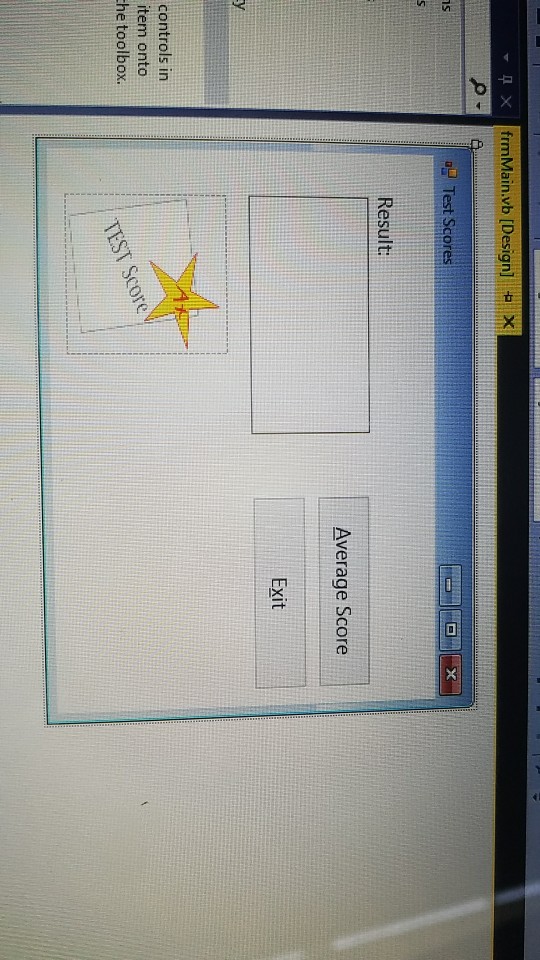
Clearly.Visual.Basic.pdf ding Your Own Structure (Structures) . Open the Test Scores Solution (Test Scores Solution.sln) file contained in the ClearlyVB2012|Chap21\Test Scores Solution folder. Open the Code Editor window. Create a structure that contains three member variables; each member variable will represent a test score, which may contain a decimal place. The btnAverage control's Click event procedure should prompt the user to enter the three test scores. Each test score should be stored in a member of a structure variable. The procedure should pass the structure variable to a function that calculates and returns the average score. Finally, the procedure should display the average score (formatted with one decimal place) in the lblResult control. Code the application. Save the solution and then start and test the application. Close the Code Editor window and then close the solution
Step by Step Solution
There are 3 Steps involved in it

Get step-by-step solutions from verified subject matter experts
 Study Help