







Question: Coding the app component: Create an Angular application that has to display CAR information. The application consists of five components. The angular project must include
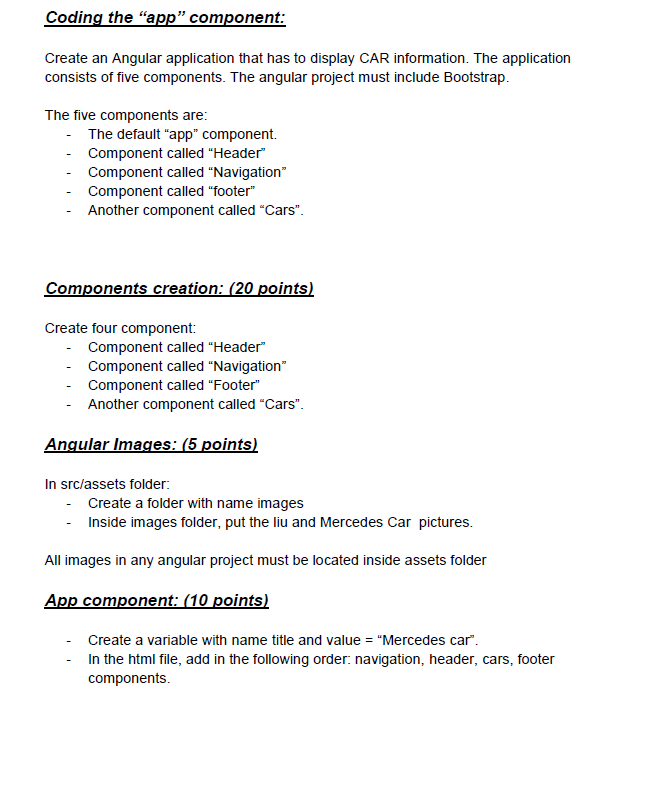
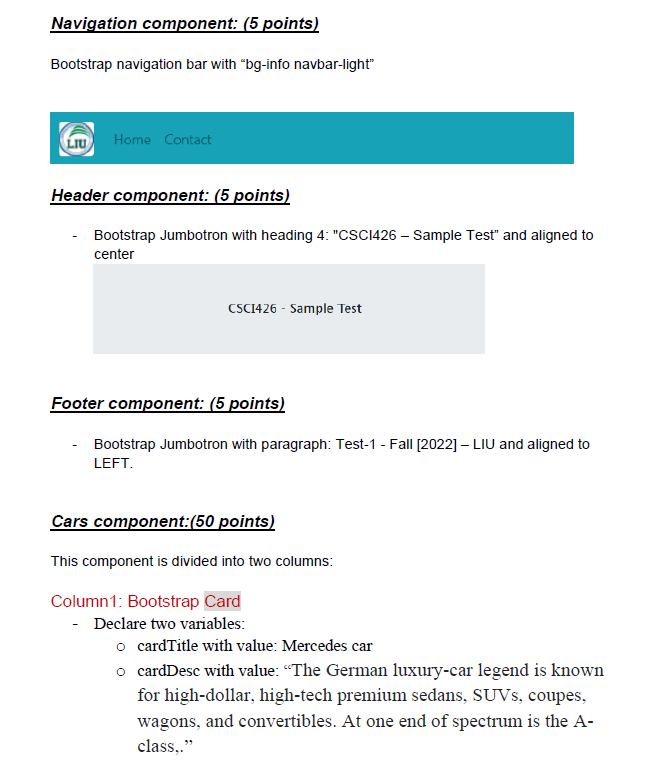
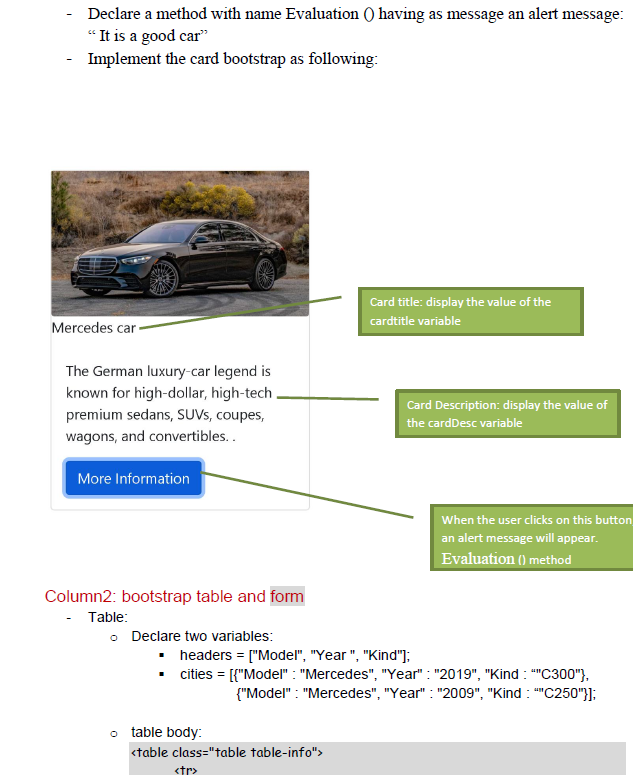
Coding the "app" component: Create an Angular application that has to display CAR information. The application consists of five components. The angular project must include Bootstrap. The five components are: - The default "app" component. - Component called "Header" - Component called "Navigation" Component called "footer" Another component called "Cars". Components creation: (20 points) Create four component: - Component called "Header" - Component called "Navigation - Component called "Footer" - Another component called "Cars". Angular Images: (5 points) In src/assets folder: - Create a folder with name images - Inside images folder, put the liu and Mercedes Car pictures. All images in any angular project must be located inside assets folder App component: (10 points) Create a variable with name title and value = "Mercedes car". - In the html file, add in the following order: navigation, header, cars, footer components. Navigation component: (5 points) Bootstrap navigation bar with bg-info navbar-light" LIU Home Contact Header component: (5 points) Bootstrap Jumbotron with heading 4: "CSC1426 - Sample Test" and aligned to center CSC1426 - Sample Test Footer component: (5 points) Bootstrap Jumbotron with paragraph: Test-1 - Fall [2022] LIU and aligned to LEFT. Cars component:(50 points) This component is divided into two columns Column1: Bootstrap Card - Declare two variables: o cardTitle with value: Mercedes car o cardDesc with value: The German luxury-car legend is known for high-dollar, high-tech premium sedans, SUVs, coupes, wagons, and convertibles. At one end of spectrum is the A- class,." - Declare a method with name Evaluation () having as message an alert message: It is a good car" - Implement the card bootstrap as following: Card title: display the value of the cardtitle variable Mercedes car The German luxury-car legend is known for high-dollar, high-tech premium sedans, SUVs, coupes, wagons, and convertibles.. Card Description: display the value of the cardDesc variable More Information When the user clicks on this button an alert message will appear. Evaluation () method Column2: bootstrap table and form - Table: o Declare two variables: headers = ["Model", "Year", "Kind"); cities = [{"Model": "Mercedes", "Year" : "2019", "Kind : ""C300"}, {"Model": "Mercedes", "Year" : "2009", "Kind : **C250"}]; o table body
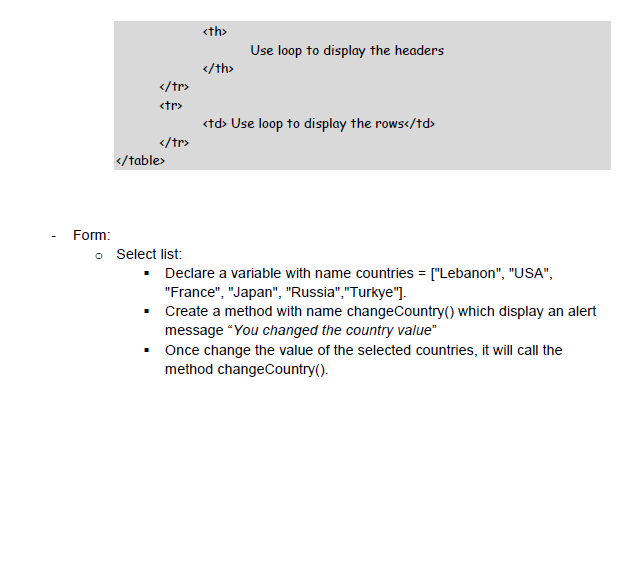
| Use loop to display the headers |
|---|
| Use loop to display the rows |
Form: o Select list: Declare a variable with name countries = ["Lebanon", "USA", "France", "Japan", "Russia", "Turkye"). Create a method with name changeCountry() which display an alert message "You changed the country value" Once change the value of the selected countries, it will call the method change Country()
Step by Step Solution
There are 3 Steps involved in it

Get step-by-step solutions from verified subject matter experts
 Study Help