







Question: collection Exercise 8-1 Use an array and a list This exercise will guide you through the process of adding an array and a list to
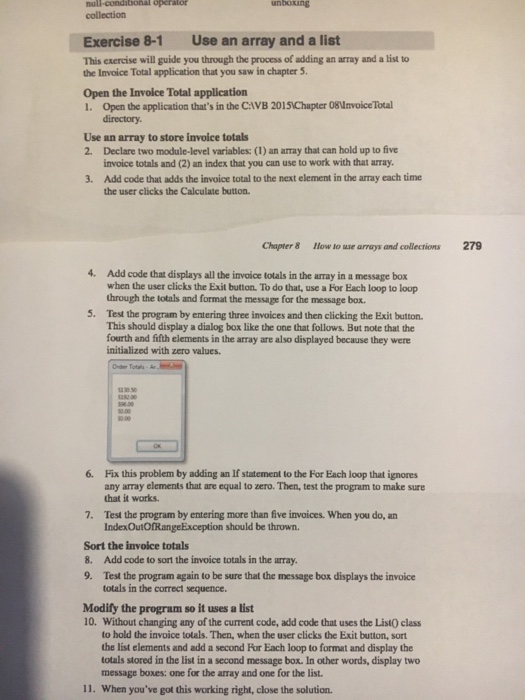
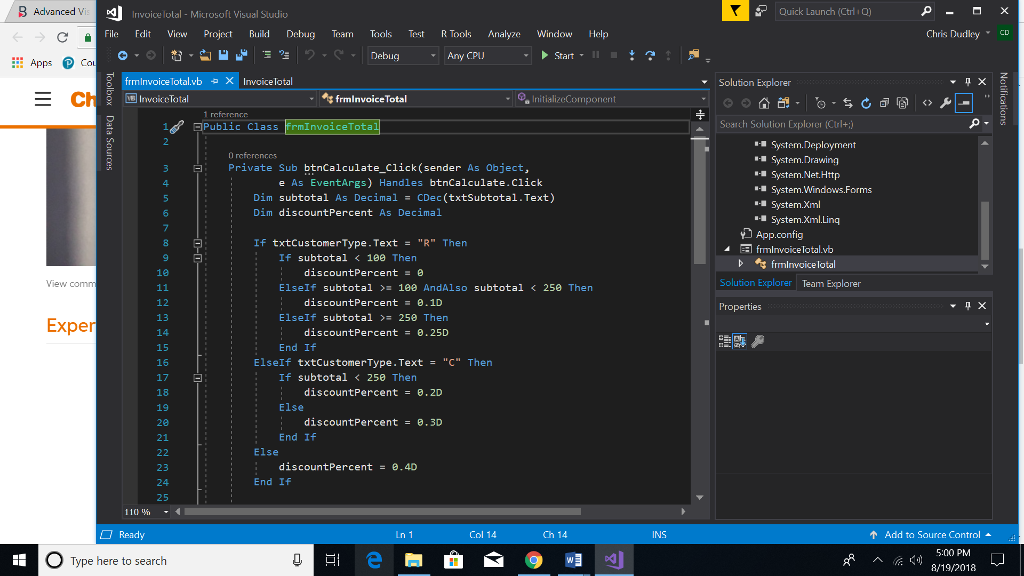
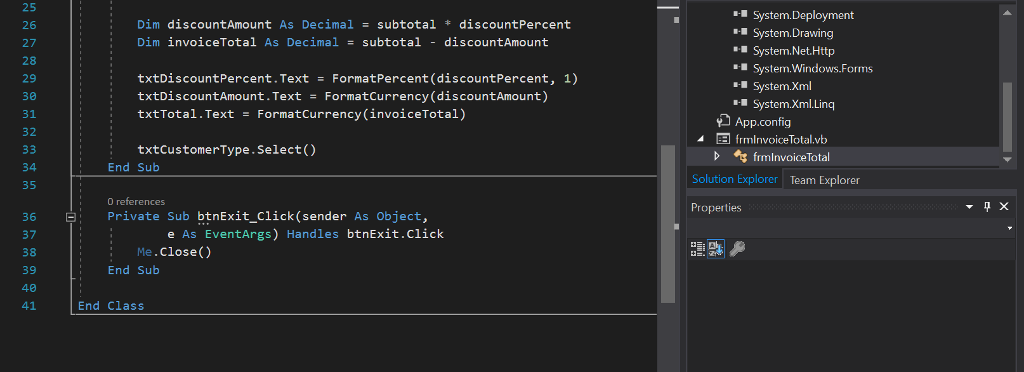
collection Exercise 8-1 Use an array and a list This exercise will guide you through the process of adding an array and a list to the Invoice Total application that you saw in chapter 5. Open the Invoice Total application 1. Open the application that's in the CIVB 20151Chapter 08nvoice Total directory Use an array to store invoice totals 2. Declare two module-level variables: (1) an array that can hold up to five invoice totals and (2) an index that you can use to work with that array Add code that adds the invoice total to the next element in the array each time the user clicks the Calculate button. 3. Chapter & How to use arrays and collections 279 4. Add code that displays all the invoice totals in the array in a message box when the user clicks the Exit button. To do that, use a For Each loop to loop through the totals and format the message for the message box. 5. Test the program by entering three invoices and then clicking the Exit button This should display a dialog box like the one that follows. But note that the fourth and fifth elements in the array are also displayed because they were initialized with zero values. 0.00 6. Fix this problem by adding an If statement to the For Each loop that ignores any array elements that are equal to zero. Then, test the program to make sure that it works. Test the program by entering more than five invoices. When you do, an IndexOutOfRangeException should be thrown. 7. Sort the invoice totals 8. Add code to sort the invoice totals in the array. 9. Test the program again to be sure that the message box displays the invoice totals in the correct sequence Modify the program so it uses a list 10. Without changing any of the current code, add code that uses the List0 class to hold the invoice totals. Then, when the user clicks the Exit button, sort the list elements and add a second For Each loop to format and display the totals stored in the list in a second message box. In other words, display two message boxes: one for the array and one for the list. 11. When you've got this working right, close the solution
Step by Step Solution
There are 3 Steps involved in it

Get step-by-step solutions from verified subject matter experts
 Study Help