







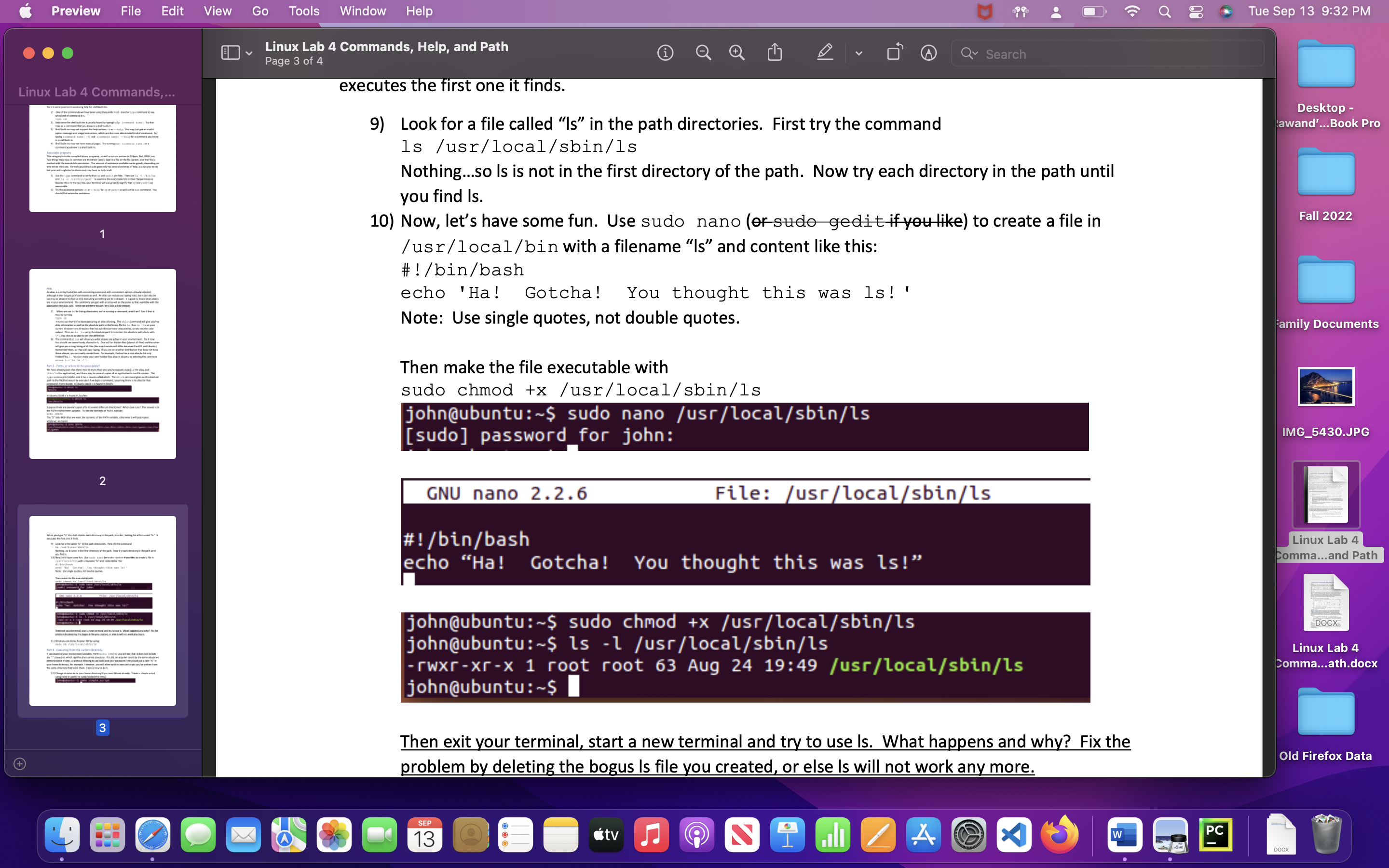
Question: Commands, Help, and Path 1: In step 10, why did your script run instead of the ls executable? step 10) Now, let's have some fun.
Commands, Help, and Path
1: In step 10, why did your script run instead of the ls executable?
step 10) Now, let's have some fun. Use sudo nano (or sudo gedit if you like) to create a file in /usr/local/bin with a filename "ls" and content like this: #!/bin/bash echo 'Ha! Gotcha! You thought this was ls! ' Note: Use single quotes, not double quotes. Then make the file executable with sudo chmod +x /usr/local/sbin/ls Then exit your terminal, start a new terminal and try to use ls. What happens and why? Fix the problem by deleting the bogus ls file you created, or else ls will not work any more.
2 :What are the two steps you need to perform when you want to execute a script you've written from your current directory?
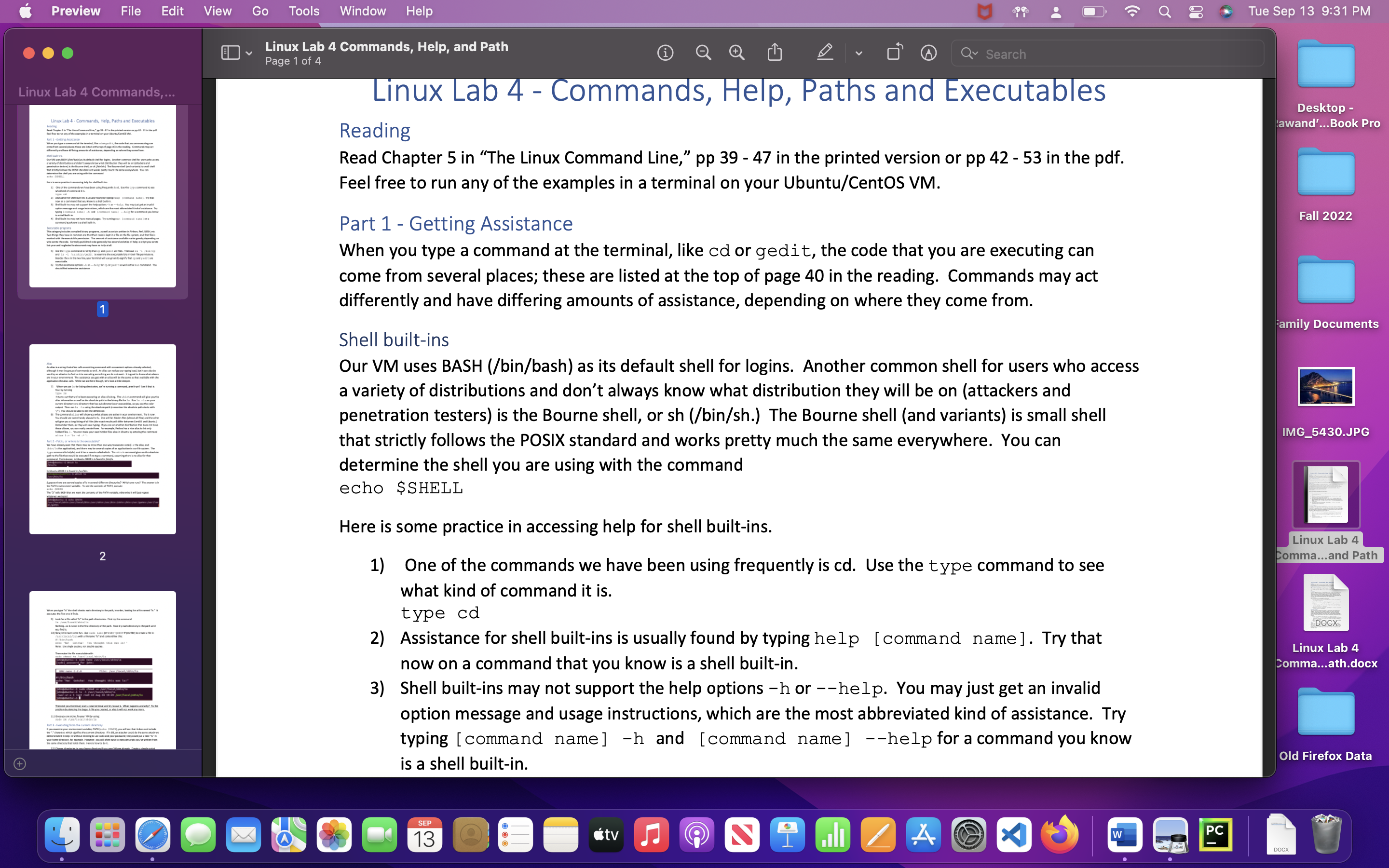
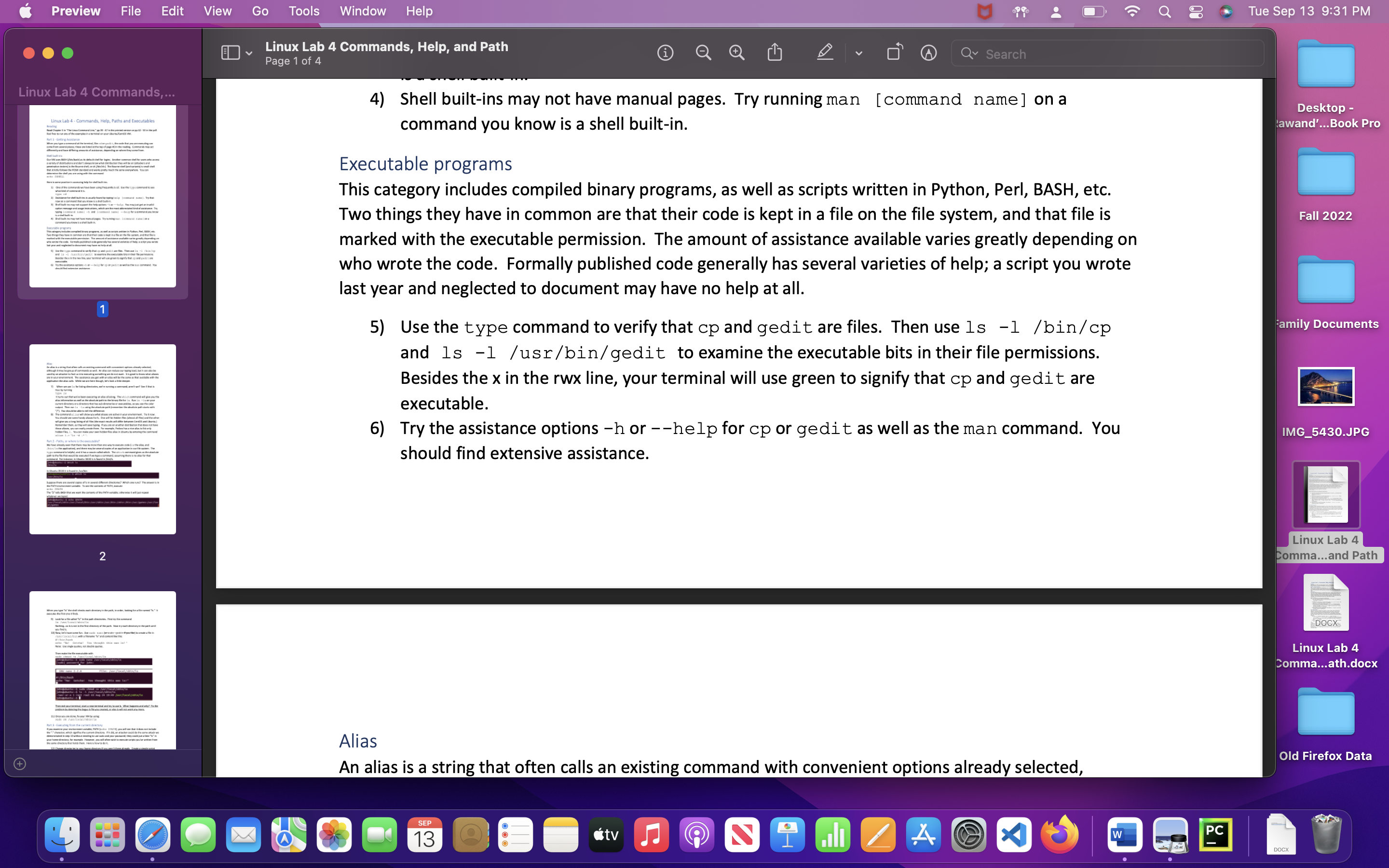
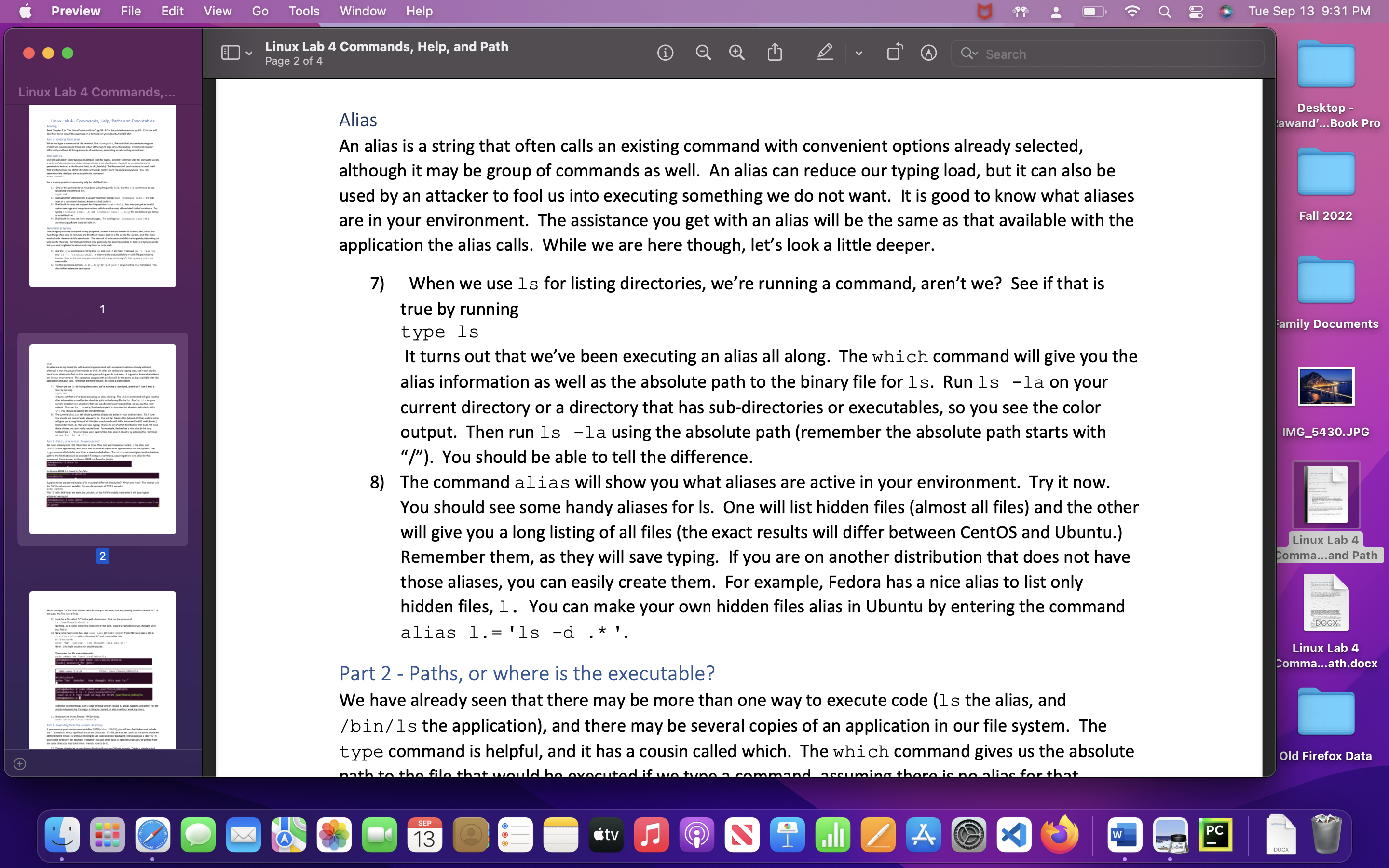
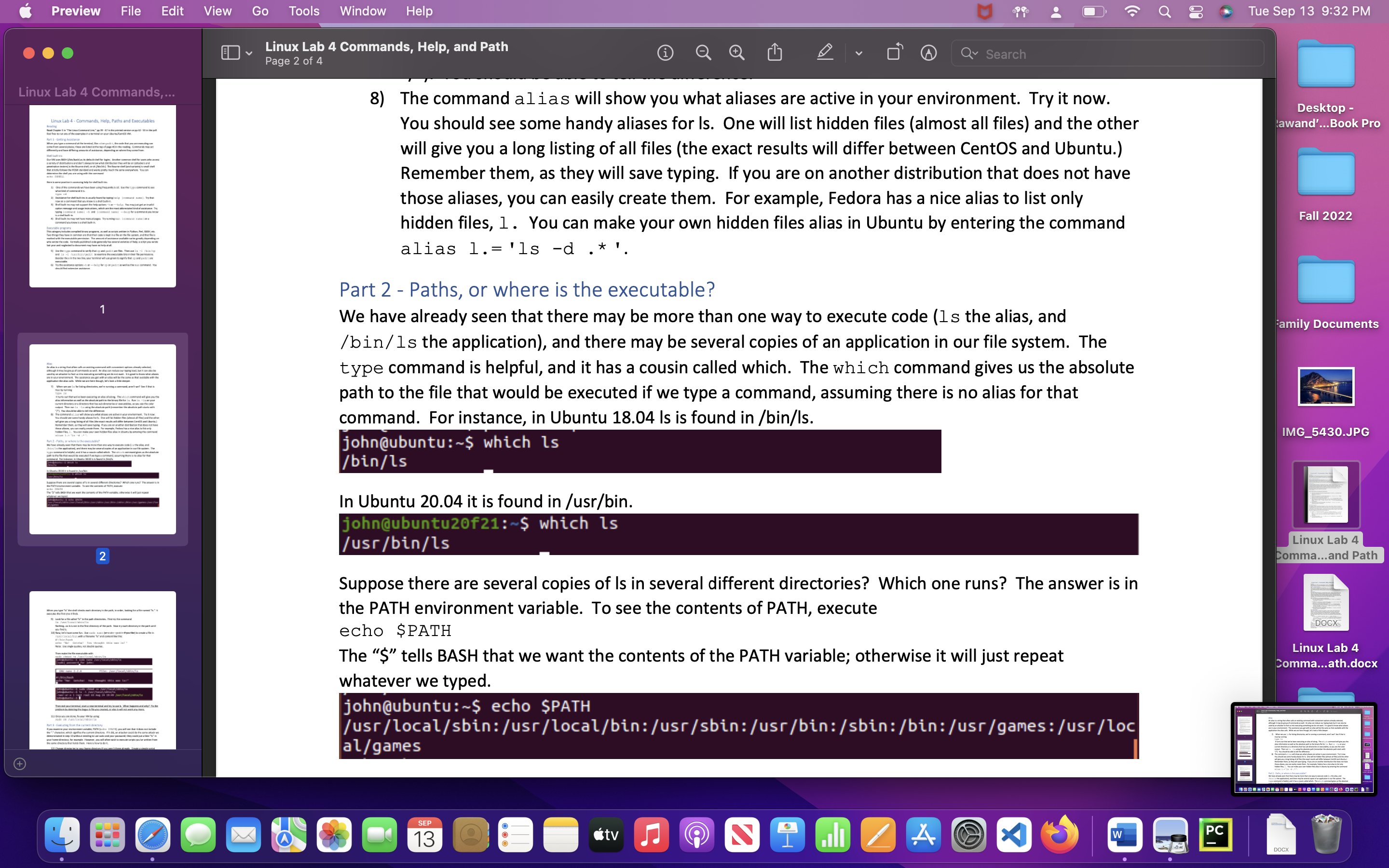
Preview File + Linux Lab 4 Commands,... Linux Lab 4-Commands, Help, Paths and Executables P- Sha 11 of the examination your ne one and what they 110mm whave been the tyd to typing and and comme condu 11 y the everywhere you can The bany program, a mala are Twith comme are that the che and the wheemed to my heart of he www.rom stais small shall and La-Langedite the exable brain 1 1 though it may be of commodus ouring load Pet-where the table? What yoyote one 71 p The commandew show you what active in your enement now. Batas - P to the pand.com you are on that does not ha ya The g 2 fry www this sit de rest retr/act/a/a you, or will not work. Edit View Go the dedo decide the same Y Tools Window Help Linux Lab 4 Commands, Help, and Path Page 1 of 4 M Linux Lab 4 - Commands, Help, Paths and Executables Reading Read Chapter 5 in "The Linux Command Line," pp 39 - 47 in the printed version or pp 42 - 53 in the pdf. Feel free to run any of the examples in a terminal on your Ubuntu/CentOS VM. Part 1 - Getting Assistance When you type a command at the terminal, like cd or gedit, the code that you are executing can come from several places; these are listed at the top of page 40 in the reading. Commands may act differently and have differing amounts of assistance, depending on where they come from. Shell built-ins Our VM uses BASH (/bin/bash) as its default shell for logins. Another common shell for users who access a variety of distributions and don't always know what distribution they will be on (attackers and penetration testers) is the Bourne shell, or sh (/bin/sh.) The Bourne shell (and variants) is small shell that strictly follows the POSIX standard and works pretty much the same everywhere. You can determine the shell you are using with the command echo $SHELL Here is some practice in accessing help for shell built-ins. 1) One of the commands we have been using frequently is cd. Use the type command to see what kind of command it is. type cd Search SEP 13 2) Assistance for shell built-ins is usually found by typing help [command name]. Try that now on a command that you know is a shell built-in. 3) Shell built-ins may not support the help options -h or --help. You may just get an invalid option message and usage instructions, which are the most abbreviated kind of assistance. Try typing [command name] -h and [command name] --help for a command you know is a shell built-in. O tv 2 A (C. XI W 34 PC Tue Sep 13 9:31 PM Desktop - awand'...Book Pro Fall 2022 Family Documents IMG_5430.JPG Linux Lab 4 Comma...and Path DOCX Linux Lab 4 Comma...ath.docx DOCX Old Firefox Data
Step by Step Solution
There are 3 Steps involved in it

Get step-by-step solutions from verified subject matter experts
 Study Help