







Question: Complete Exercises 4, 12, and 13 in Chapter 11. Click here to access the exercise files for Chapter 11 Save your work in separate Visual
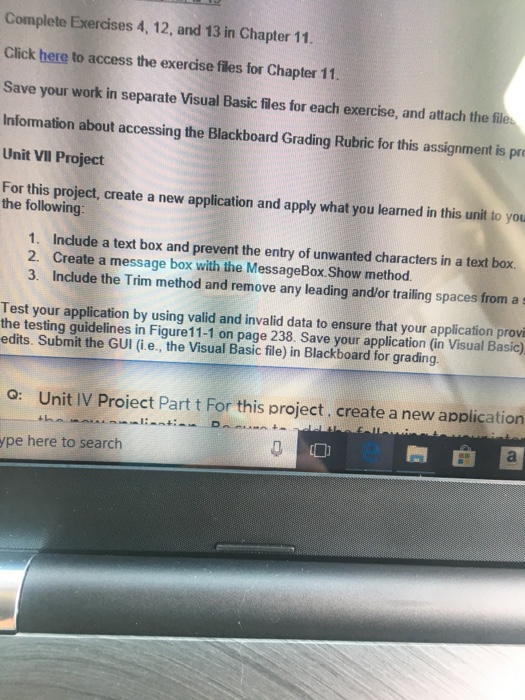
Complete Exercises 4, 12, and 13 in Chapter 11. Click here to access the exercise files for Chapter 11 Save your work in separate Visual Basic fles for each exercise, and attach the fil Information about accessing the Blackboard Grading Rubric for this assignment is pr Unit VIl Project For this project, create a new application and apply what you learned in this unit to you the following: 1. Include a text box and prevent the entry of unwanted characters in a text box. 2. Create a message box with the MessageBox Show method 3. Include the Trim method and remove any leading and/or trailing spaces from a s Test your application by using valid and invalid data to ensure that your application provi the testing guidelines in Figure11-1 on page 238. Save your application (in Visual Basic) edits. Submit the GUI (i.e., the Visual Basic file) in Blackboard for grading. o: Unit IV Proiect Part t For this project. create a new application ype here to search
Step by Step Solution
There are 3 Steps involved in it

Get step-by-step solutions from verified subject matter experts
 Study Help