







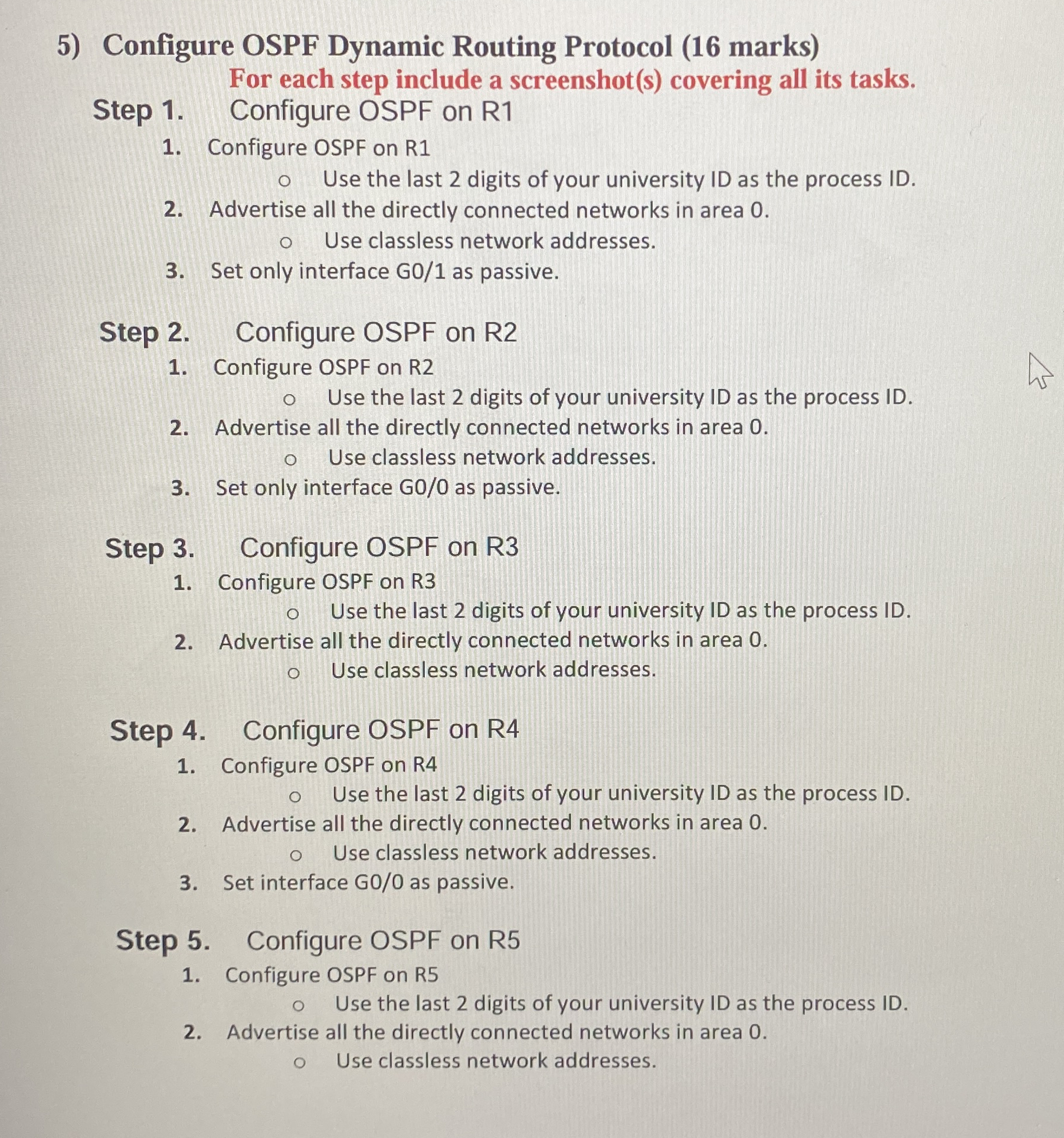
Question: Configure OSPF Dynamic Routing Protocol ( 1 6 marks ) For each step include a screenshot ( s ) covering all its tasks. Step 1
Configure OSPF Dynamic Routing Protocol marks For each step include a screenshots covering all its tasks.
Step Configure OSPF on R
Configure OSPF on R
Use the last digits of your university ID as the process ID
Advertise all the directly connected networks in area
Use classless network addresses.
Set only interface as passive.
Step Configure OSPF on R
Configure OSPF on R
Use the last digits of your university ID as the process ID
Advertise all the directly connected networks in area
Use classless network addresses.
Set only interface as passive.
Step Configure OSPF on R
Configure OSPF on R
Use the last digits of your university ID as the process ID
Advertise all the directly connected networks in area
Use classless network addresses.
Step Configure OSPF on R
Configure OSPF on R
Use the last digits of your university ID as the process ID
Advertise all the directly connected networks in area
Use classless network addresses.
Set interface GO as passive.
Step Configure OSPF on R
Configure OSPF on R
Use the last digits of your university ID as the process ID
Advertise all the directly connected networks in area
Use classless network addresses.
The last id number
Solve as showen and as needed for packet tracer
Step by Step Solution
There are 3 Steps involved in it
1 Expert Approved Answer
Step: 1 Unlock

Question Has Been Solved by an Expert!
Get step-by-step solutions from verified subject matter experts
Step: 2 Unlock
Step: 3 Unlock
 Study Help