Question: Consider your project scenario. In this assignment, you need to prepare a project management plan using Microsoft Project. Thus, for this assignment, do the following
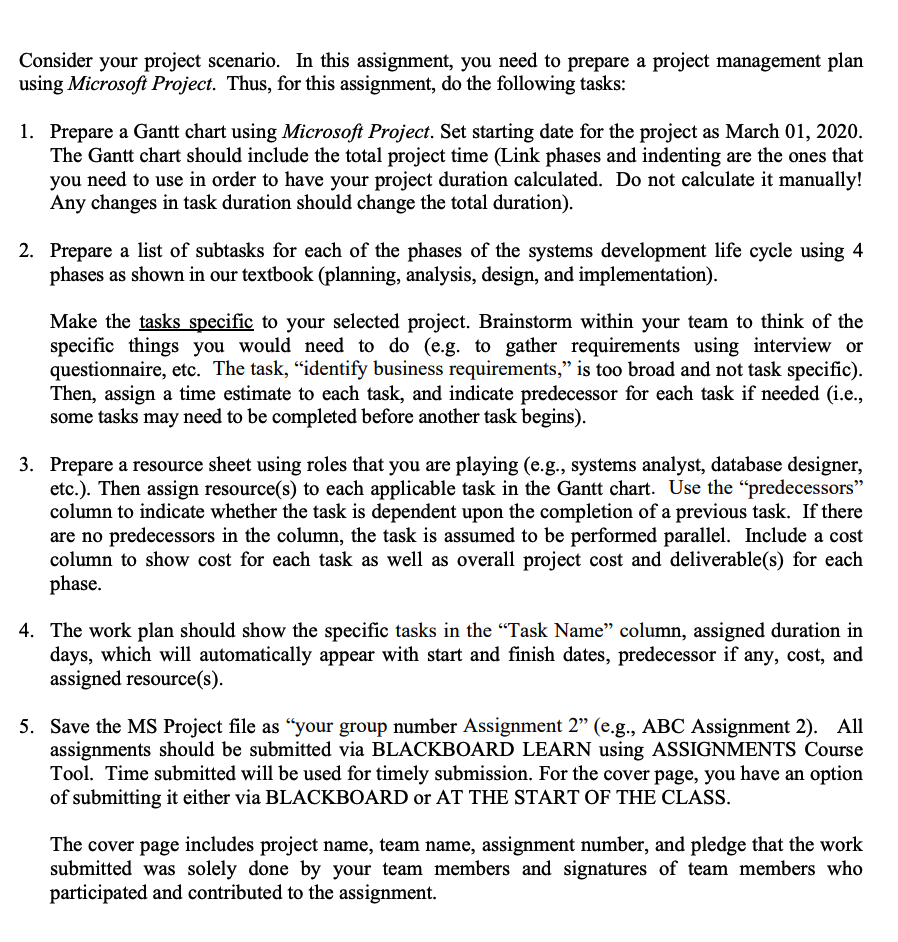
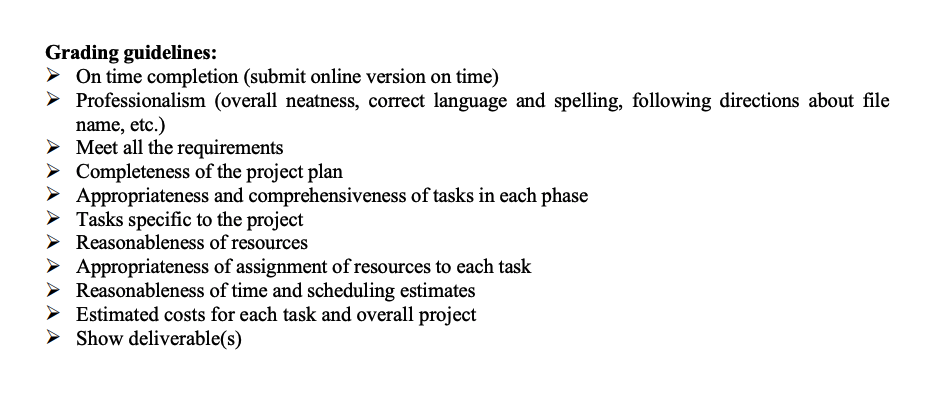
Consider your project scenario. In this assignment, you need to prepare a project management plan using Microsoft Project. Thus, for this assignment, do the following tasks: 1. Prepare a Gantt chart using Microsoft Project. Set starting date for the project as March 01, 2020. The Gantt chart should include the total project time (Link phases and indenting are the ones that you need to use in order to have your project duration calculated. Do not calculate it manually! Any changes in task duration should change the total duration). 2. Prepare a list of subtasks for each of the phases of the systems development life cycle using 4 phases as shown in our textbook (planning, analysis, design, and implementation). Make the tasks specific to your selected project. Brainstorm within your team to think of the specific things you would need to do (e.g. to gather requirements using interview or questionnaire, etc. The task, identify business requirements, is too broad and not task specific). Then, assign a time estimate to each task, and indicate predecessor for each task if needed (i.e., some tasks may need to be completed before another task begins). 3. Prepare a resource sheet using roles that you are playing (e.g., systems analyst, database designer, etc.). Then assign resource(s) to each applicable task in the Gantt chart. Use the predecessors column to indicate whether the task is dependent upon the completion of a previous task. If there are no predecessors in the column, the task is assumed to be performed parallel. Include a cost column to show cost for each task as well as overall project cost and deliverable(s) for each phase. 4. The work plan should show the specific tasks in the Task Name column, assigned duration in days, which will automatically appear with start and finish dates, predecessor if any, cost, and assigned resource(s). 5. Save the MS Project file as your group number Assignment 2" (e.g., ABC Assignment 2). All assignments should be submitted via BLACKBOARD LEARN using ASSIGNMENTS Course Tool. Time submitted will be used for timely submission. For the cover page, you have an option of submitting it either via BLACKBOARD or AT THE START OF THE CLASS. The cover page includes project name, team name, assignment number, and pledge that the work submitted was solely done by your team members and signatures of team members who participated and contributed to the assignment. Grading guidelines: > On time completion (submit online version on time) Professionalism (overall neatness, correct language and spelling, following directions about file name, etc.) Meet all the requirements Completeness of the project plan > Appropriateness and comprehensiveness of tasks in each phase Tasks specific to the project Reasonableness of resources Appropriateness of assignment of resources to each task Reasonableness of time and scheduling estimates Estimated costs for each task and overall project Show deliverable(s) Consider your project scenario. In this assignment, you need to prepare a project management plan using Microsoft Project. Thus, for this assignment, do the following tasks: 1. Prepare a Gantt chart using Microsoft Project. Set starting date for the project as March 01, 2020. The Gantt chart should include the total project time (Link phases and indenting are the ones that you need to use in order to have your project duration calculated. Do not calculate it manually! Any changes in task duration should change the total duration). 2. Prepare a list of subtasks for each of the phases of the systems development life cycle using 4 phases as shown in our textbook (planning, analysis, design, and implementation). Make the tasks specific to your selected project. Brainstorm within your team to think of the specific things you would need to do (e.g. to gather requirements using interview or questionnaire, etc. The task, identify business requirements, is too broad and not task specific). Then, assign a time estimate to each task, and indicate predecessor for each task if needed (i.e., some tasks may need to be completed before another task begins). 3. Prepare a resource sheet using roles that you are playing (e.g., systems analyst, database designer, etc.). Then assign resource(s) to each applicable task in the Gantt chart. Use the predecessors column to indicate whether the task is dependent upon the completion of a previous task. If there are no predecessors in the column, the task is assumed to be performed parallel. Include a cost column to show cost for each task as well as overall project cost and deliverable(s) for each phase. 4. The work plan should show the specific tasks in the Task Name column, assigned duration in days, which will automatically appear with start and finish dates, predecessor if any, cost, and assigned resource(s). 5. Save the MS Project file as your group number Assignment 2" (e.g., ABC Assignment 2). All assignments should be submitted via BLACKBOARD LEARN using ASSIGNMENTS Course Tool. Time submitted will be used for timely submission. For the cover page, you have an option of submitting it either via BLACKBOARD or AT THE START OF THE CLASS. The cover page includes project name, team name, assignment number, and pledge that the work submitted was solely done by your team members and signatures of team members who participated and contributed to the assignment. Grading guidelines: > On time completion (submit online version on time) Professionalism (overall neatness, correct language and spelling, following directions about file name, etc.) Meet all the requirements Completeness of the project plan > Appropriateness and comprehensiveness of tasks in each phase Tasks specific to the project Reasonableness of resources Appropriateness of assignment of resources to each task Reasonableness of time and scheduling estimates Estimated costs for each task and overall project Show deliverable(s)









 Study Help