







Question: Create a Django project with an application named measurements. Link to resources: https://mega.nz/#!xstWFDAK!CvXk3KLDFm6LYTPqhDeIhoHAmE6BLp9-WMSgt65fiZI Model Some code will be provided to initialize data for this example,
Create a Django project with an application named measurements.
Link to resources: https://mega.nz/#!xstWFDAK!CvXk3KLDFm6LYTPqhDeIhoHAmE6BLp9-WMSgt65fiZI
Model
Some code will be provided to initialize data for this example, but you will need to be careful about field and class names. All classes described here are model classes, so they extgend models.Model. Each class should define __str__ to return the name of the instance, except for Location and Measurement which are described below.
Area
id: integer, primary key
name: characters
longitude: float
latitude: float
Several helper methods
number_of_locations which returns the number of locations for this area
average_measurement which returns the average of the measurements for this area. If the area has no measurements then return None.
category_names which returns a string with a list of categories that this area belongs to. The names should be comma separated. If the area belongs to no categories, return the empty string.
Location
id: integer, primary key
name: characters
altitude: integer
area: foreign key referencing Area
The __str__ method should return the concatanation of the name of the area the location belongs to, a colon and the name of the location. So, something like Grand Canyon:North Rim
Measurement
id: integer, primary key
value: float
date: a date-time field
location: A foreign key referencing Location
The __str__ method should return the concatanation of the string measurement@ with the location string representation. So, something like measurement@Grand Canyon:North Rim
Category
id: integer, primary key
name: characters
description: characters
members: A many-many field referencing Area
The archive Final Project_management contains supplemental code for the project. Unzip the archive so that the management directory is inside the application directory measurements. The files in the this archive add two commands to management.py. These commands are use to add data to the model database and to clear the data. Give these commands in the management.py console if you are working in PyCharm.
add_data: this creates objects and persists them. The data is essentially what you have been using in the measurements examples before.
clear_data: this clears all the model instances
Administrative Interface
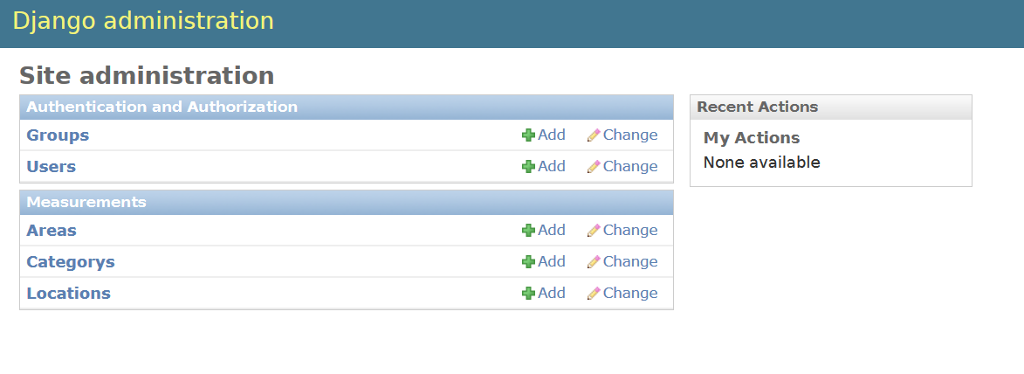
Set up the adiminstrative interface so that Area, Category, and Location are listed on the main admin page.
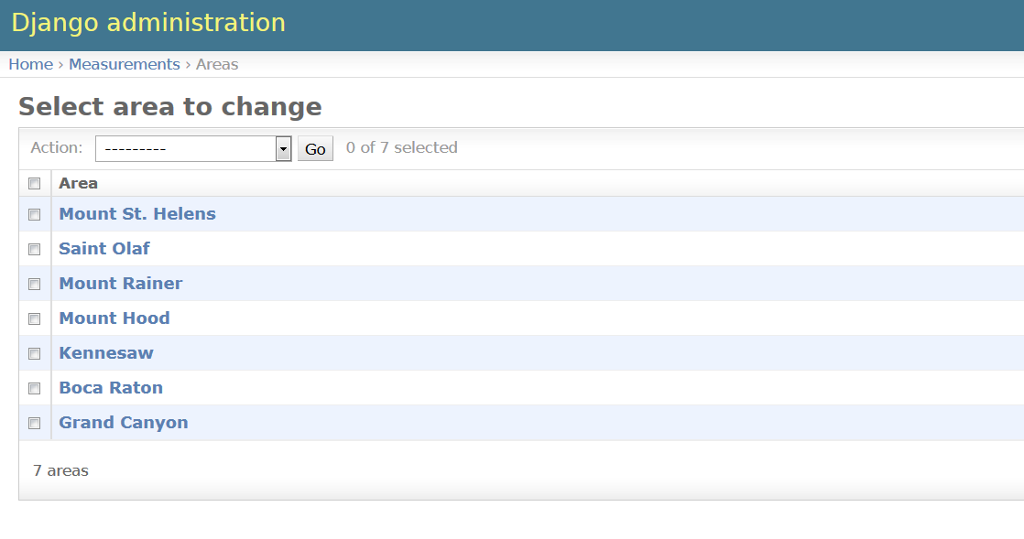
Here is a list of the areas set up by the management commands provided above.
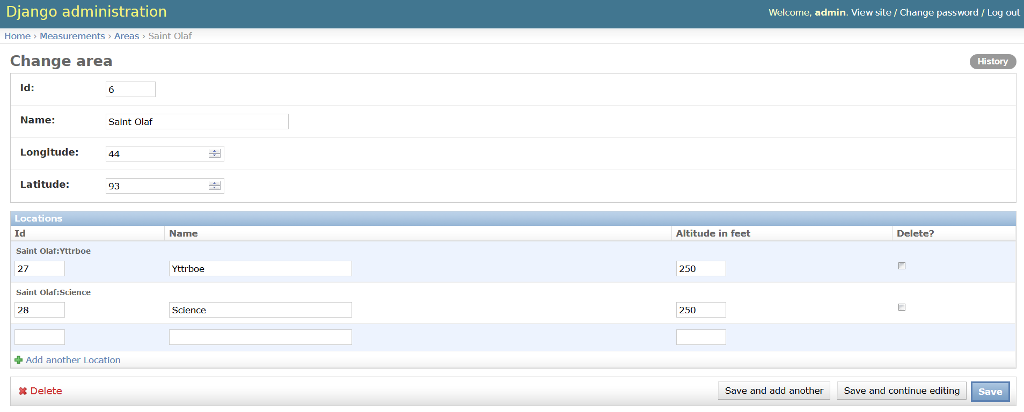
Here is how one area will look. Note that locations are listed here as well as on the main admin page.
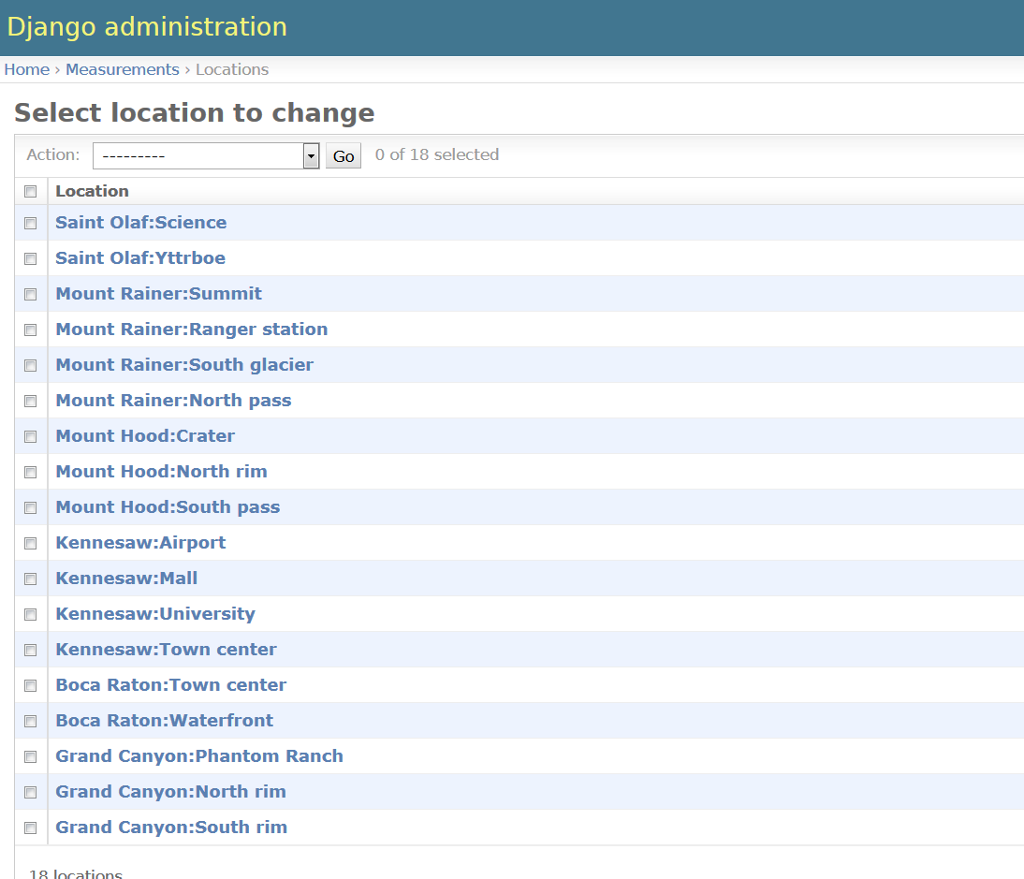
Here is the list of locations reached from the main admin page.
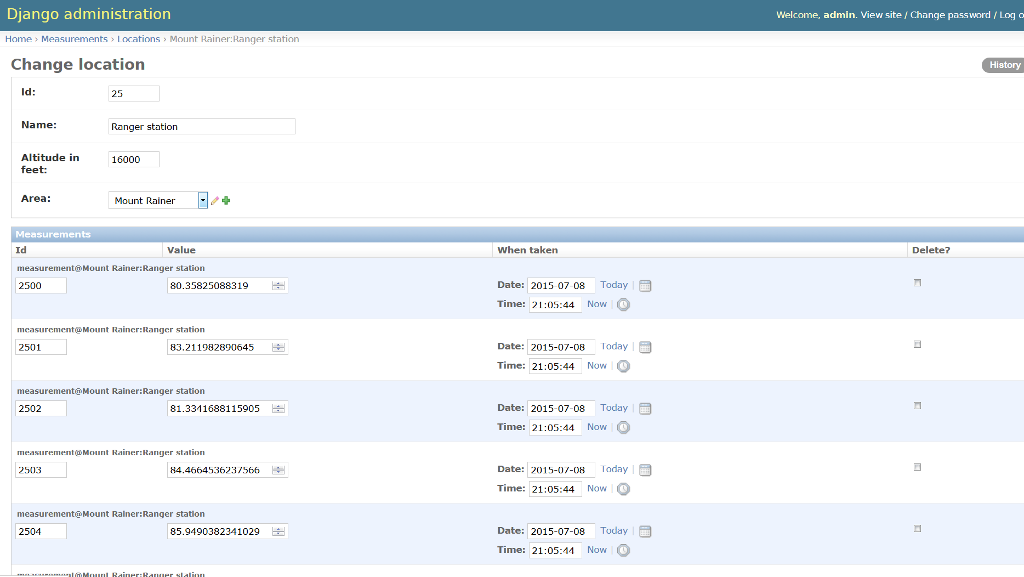
Here is one location with the associated measurements listed below.
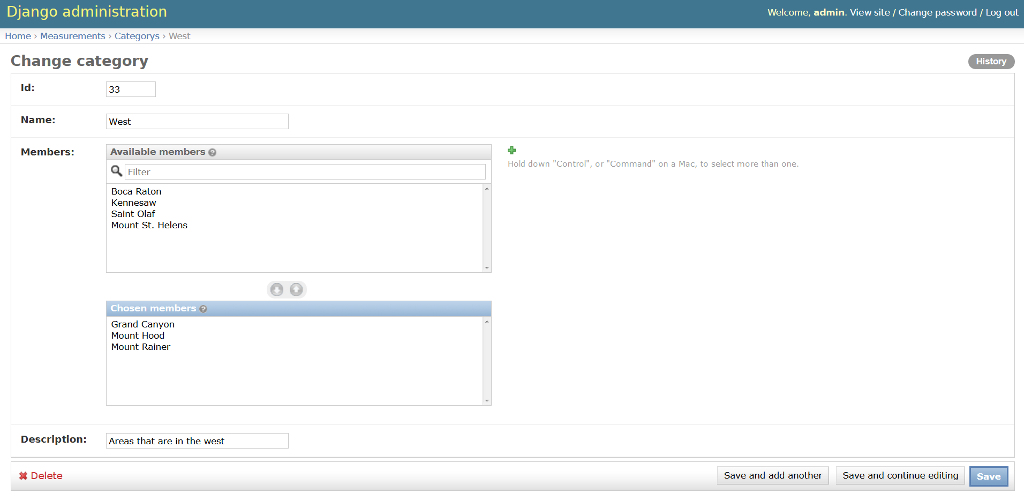
Here is how one category looks. Notice the filter_vertical option for specifying members.
View
Main page
The app supports a single view, at the path / (root). This view presents a main page. For instance:
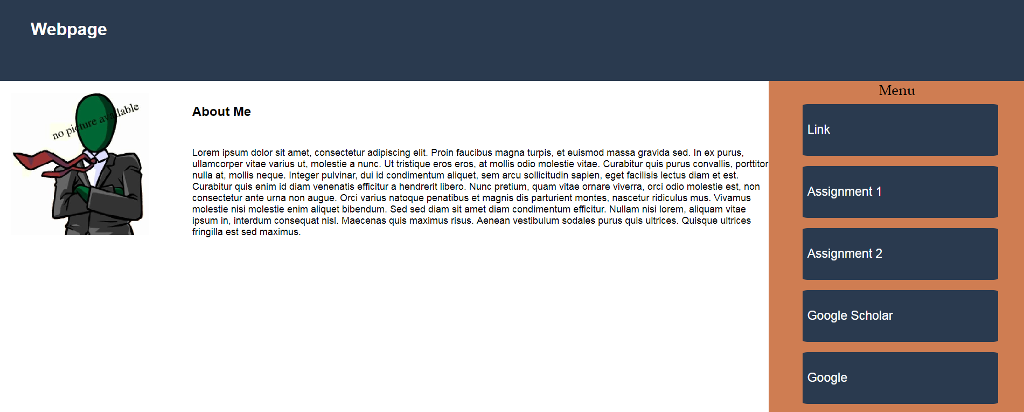
All the buttons should properly road web pages, and every page should have a button to go back to the home page.
The Assignment 5 page presents a weather information tabular (set a zipcode=30060).
Final page
This page presents a tabular summary of the data for all areas as shown at below:
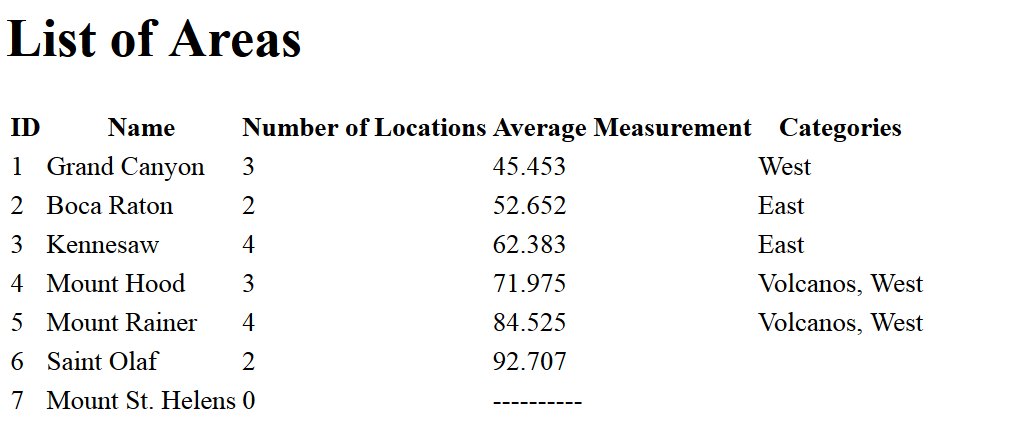
Formatting floating point numbers in Django is handled differently from Jinja2. In Django, use the floatformat filter.
Django administration Site administration Recent Actions Authentication and Authorization Groups Users Measurements Areas Categorys Add/Change MyActions AddChangeNone available AddChange AddChange AddChange Locations
Step by Step Solution
There are 3 Steps involved in it

Get step-by-step solutions from verified subject matter experts
 Study Help