





Question: Create a graphical user interface of your choosing that has at least: 1. An area to plot an image 2. A button (or input of
 Create a graphical user interface of your choosing that has at

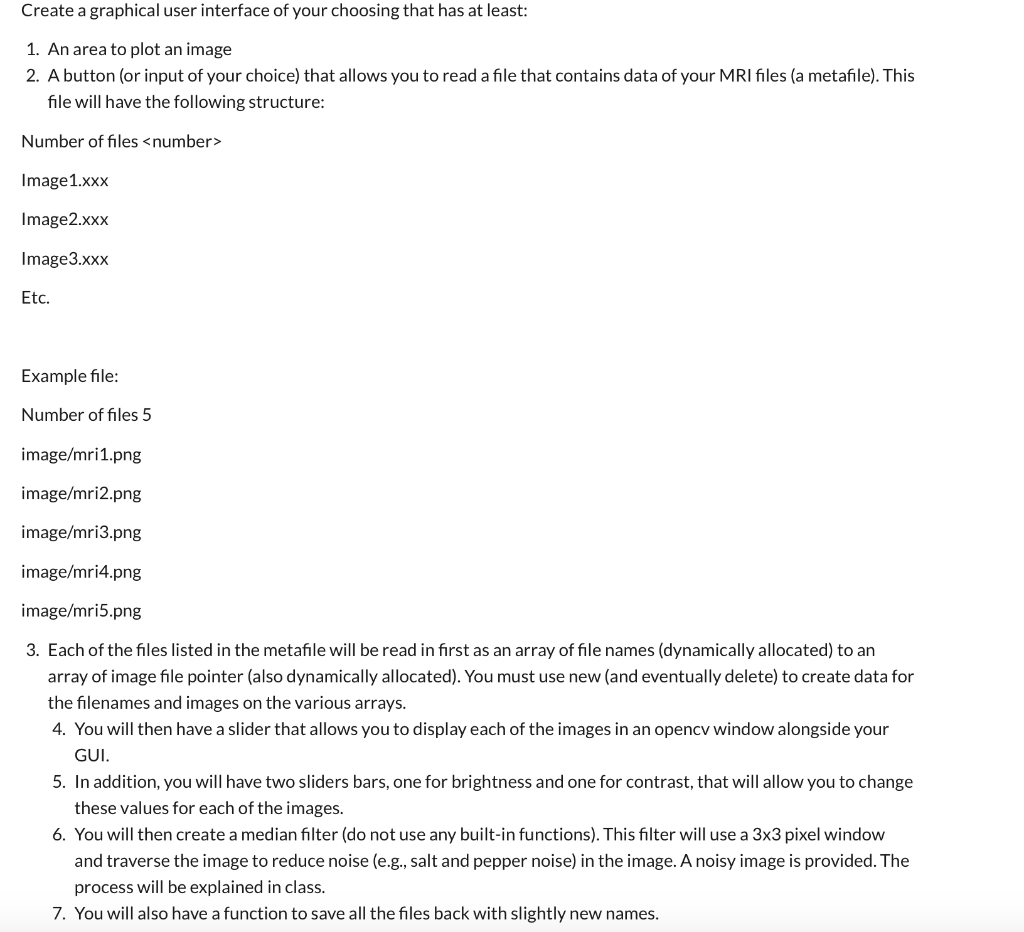
Create a graphical user interface of your choosing that has at least: 1. An area to plot an image 2. A button (or input of your choice) that allows you to read a file that contains data of your MRI files (a metafile). This file will have the following structure: Number of files Image 1.xxx Image2.xxx Image 3.xxx Etc. Example file: Number of files 5 image/mri1.png image/mri2.png image/mri3.png image/mri4.png image/mri5.png 3. Each of the files listed in the metafile will be read in first as an array of file names (dynamically allocated) to an array of image file pointer (also dynamically allocated). You must use new (and eventually delete) to create data for the filenames and images on the various arrays. 4. You will then have a slider that allows you to display each of the images in an opencv window alongside your GUI. 5. In addition, you will have two sliders bars, one for brightness and one for contrast, that will allow you to change these values for each of the images. 6. You will then create a median filter (do not use any built-in functions). This filter will use a 3x3 pixel window and traverse the image to reduce noise (e.g., salt and pepper noise) in the image. A noisy image is provided. The process will be explained in class. 7. You will also have a function to save all the files back with slightly new names. Create a graphical user interface of your choosing that has at least: 1. An area to plot an image 2. A button (or input of your choice) that allows you to read a file that contains data of your MRI files (a metafile). This file will have the following structure: Number of files Image 1.xxx Image2.xxx Image 3.xxx Etc. Example file: Number of files 5 image/mri1.png image/mri2.png image/mri3.png image/mri4.png image/mri5.png 3. Each of the files listed in the metafile will be read in first as an array of file names (dynamically allocated) to an array of image file pointer (also dynamically allocated). You must use new (and eventually delete) to create data for the filenames and images on the various arrays. 4. You will then have a slider that allows you to display each of the images in an opencv window alongside your GUI. 5. In addition, you will have two sliders bars, one for brightness and one for contrast, that will allow you to change these values for each of the images. 6. You will then create a median filter (do not use any built-in functions). This filter will use a 3x3 pixel window and traverse the image to reduce noise (e.g., salt and pepper noise) in the image. A noisy image is provided. The process will be explained in class. 7. You will also have a function to save all the files back with slightly new names

Step by Step Solution

There are 3 Steps involved in it

1 Expert Approved Answer
Step: 1 Unlock blur-text-image
Question Has Been Solved by an Expert!

Get step-by-step solutions from verified subject matter experts

Step: 2 Unlock
Step: 3 Unlock

Students Have Also Explored These Related Databases Questions!