







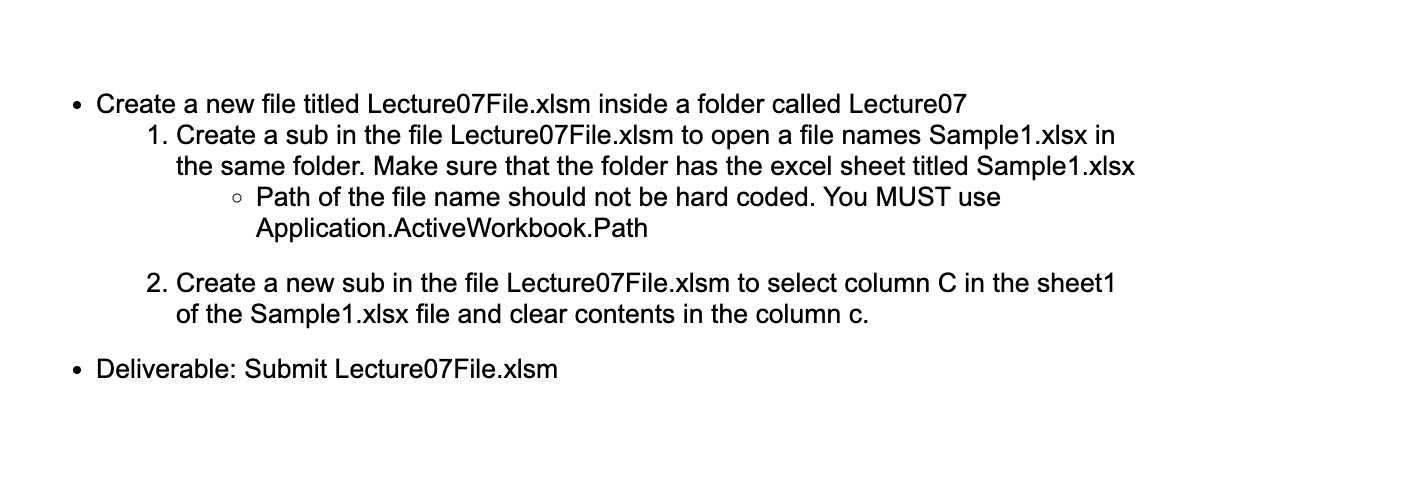
Question: Create a new file titled Lecture 0 7 File.xIsm inside a folder called Lecture 0 7 Create a sub in the file Lecture 0 7
Create a new file titled LectureFile.xIsm inside a folder called Lecture
Create a sub in the file LectureFile.xlsm to open a file names Samplexlsx in
the same folder. Make sure that the folder has the excel sheet titled Samplexlsx
Path of the file name should not be hard coded. You MUST use
Application.ActiveWorkbook.Path
Create a new sub in the file LectureFile.xlsm to select column in the sheet
of the Samplexlsx file and clear contents in the column
Deliverable: Submit LectureFile.xIsm
Step by Step Solution
There are 3 Steps involved in it
1 Expert Approved Answer
Step: 1 Unlock

Question Has Been Solved by an Expert!
Get step-by-step solutions from verified subject matter experts
Step: 2 Unlock
Step: 3 Unlock
 Study Help