







Question: Create a new query in Query Design View based on the Consultant table with the following instructions to test the new custom function, the Travel
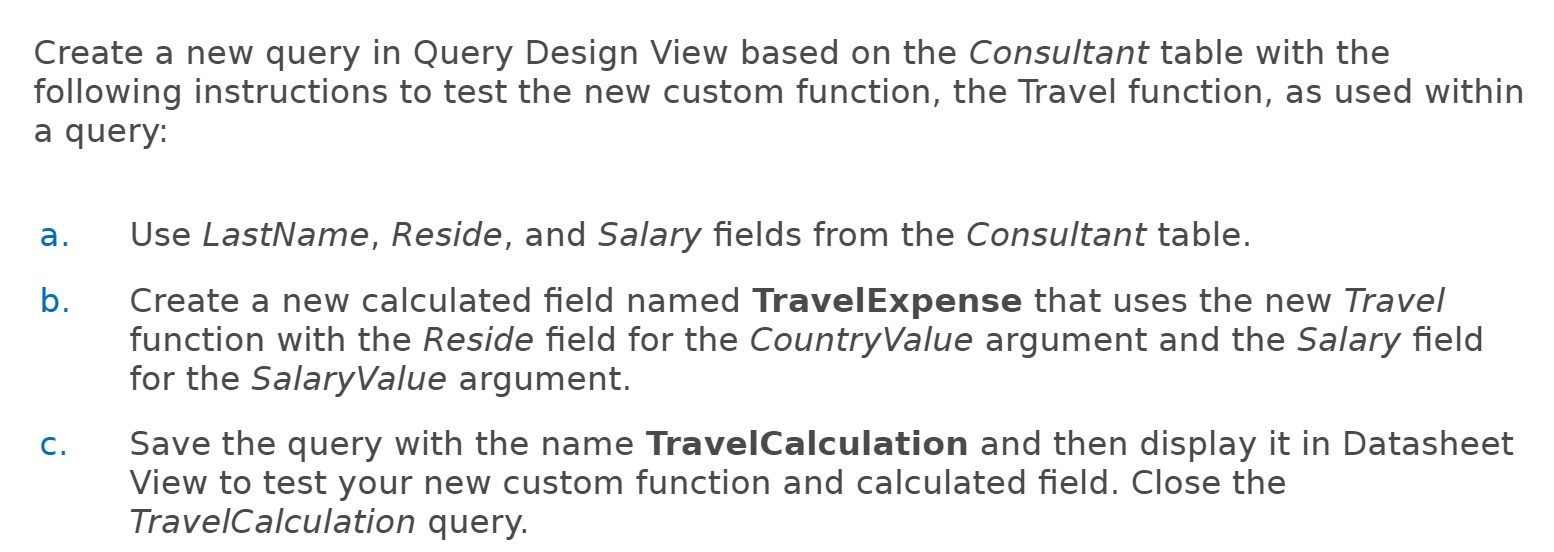
Create a new query in Query Design View based on the Consultant table with the following instructions to test the new custom function, the Travel function, as used within a query: a. Use LastName, Reside, and Salary fields from the Consultant table. b. Create a new calculated field named TravelExpense that uses the new Travel function with the Reside field for the CountryValue argument and the Salary field for the SalaryValue argument. C. Save the query with the name TravelCalculation and then display it in Datasheet View to test your new custom function and calculated field. Close the TravelCalculation query
Step by Step Solution
There are 3 Steps involved in it
1 Expert Approved Answer
Step: 1 Unlock

Question Has Been Solved by an Expert!
Get step-by-step solutions from verified subject matter experts
Step: 2 Unlock
Step: 3 Unlock
 Study Help