







Question: Create a new report from scratch in Layout view. a . From the SalesArchive table, add the SaleDate field to the report. Add these fields
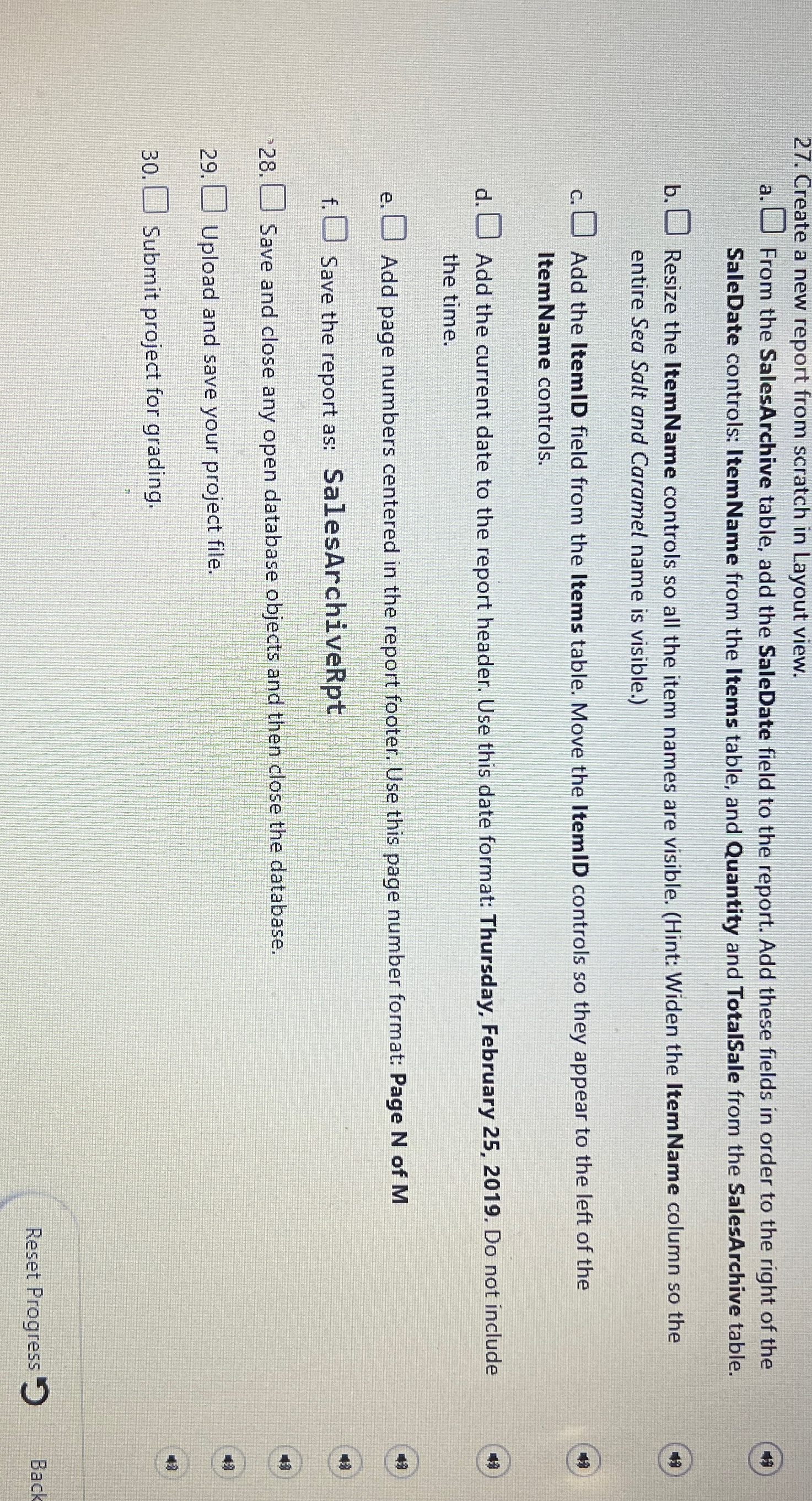
Create a new report from scratch in Layout view.
a From the SalesArchive table, add the SaleDate field to the report. Add these fields in order to the right of the SaleDate controls: Item Name from the Items table, and Quantity and TotalSale from the SalesArchive table.
b Resize the ItemName controls so all the item names are visible. Hint: Widen the Item Name column so the entire Sea Salt and Caramel name is visible.
c Add the ItemID field from the Items table. Move the ItemID controls so they appear to the left of the ItemName controls.
d Add the current date to the report header. Use this date format: Thursday, February Do not include the time.
e Add page numbers centered in the report footer. Use this page number format: Page of
f Save the report as: SalesArchiveRpt
Save and close any open database objects and then close the database.
Upload and save your project file.
Submit project for grading.
Reset Progress
Step by Step Solution
There are 3 Steps involved in it
1 Expert Approved Answer
Step: 1 Unlock

Question Has Been Solved by an Expert!
Get step-by-step solutions from verified subject matter experts
Step: 2 Unlock
Step: 3 Unlock
 Study Help