







Question: Create a PivotChart based on the data in the PivotTable using the default Pie chart type. Change the chart title text to Variable Expenses and
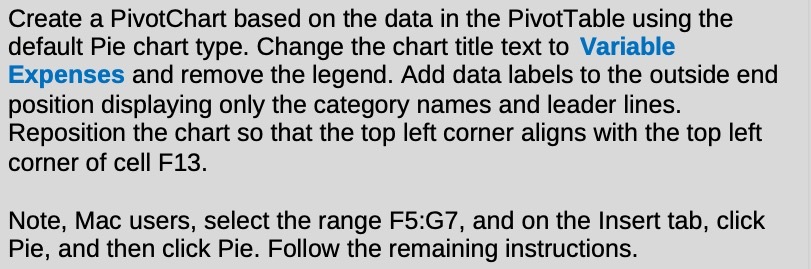
Create a PivotChart based on the data in the PivotTable using the default Pie chart type. Change the chart title text to Variable Expenses and remove the legend. Add data labels to the outside end position displaying only the category names and leader lines. Reposition the chart so that the top left corner aligns with the top left corner of cell F13. Note, Mac users, select the range F5:G7, and on the Insert tab, click Pie, and then click Pie. Follow the remaining instructions
Step by Step Solution
There are 3 Steps involved in it
1 Expert Approved Answer
Step: 1 Unlock

Question Has Been Solved by an Expert!
Get step-by-step solutions from verified subject matter experts
Step: 2 Unlock
Step: 3 Unlock
 Study Help