



Question: Create a PivotTable, PivotChart, and Slicer You want to complete a detailed sales analysis. To complete the task, you will create a PivotTable, PivotChart, and
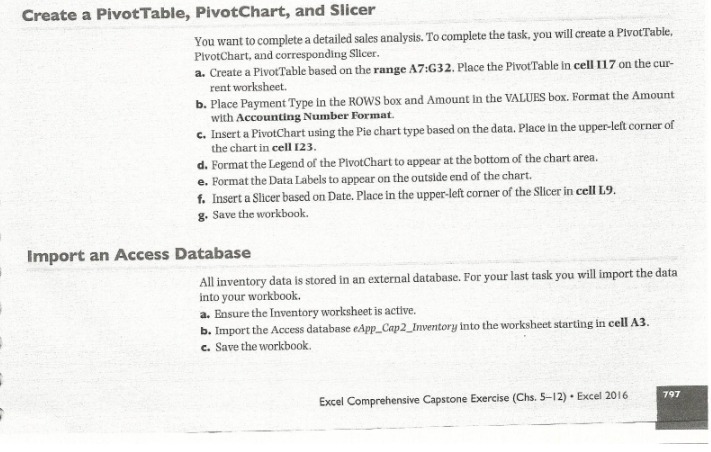
Create a PivotTable, PivotChart, and Slicer You want to complete a detailed sales analysis. To complete the task, you will create a PivotTable, PivotChart, and corresponding Slicer. a. Create a PivotTable based on the range A7:G32. Place the PivotTable In cell 117 on the cur- rent worksheet. b. Place Payment Type In the ROWS box and Amount In the VALUES box. Format the Amount with Accounting Number Format. c. Insert a PivotChart using the Pie chart type based on the data. Place in the upper-left corner of the chart in cell 123. d. Format the Legend of the PivotChart to appear at the bottom of the chart area. e. Format the Data Labels to appear on the outside end of the chart. f. Insert a Slicer based on Date. Place in the upper-left corner of the Slicer in cell L9. g. Save the workbook. Import an Access Database All inventory data is stored in an external database. For your last task you will import the data into your workbook. a. Ensure the Inventory worksheet is active. b. Import the Access database eApp_Cap2_Inventory into the worksheet starting in cell A3. c. Save the workbook. Excel Comprehensive Capstone Exercise (Chs. 5-12) . Excel 2016 797
Step by Step Solution
There are 3 Steps involved in it

Get step-by-step solutions from verified subject matter experts