



Question: Create a PLC Program using LogixPro that will cascade two self - resetting counters. - The first counter should be pulsed by a PBNO switch
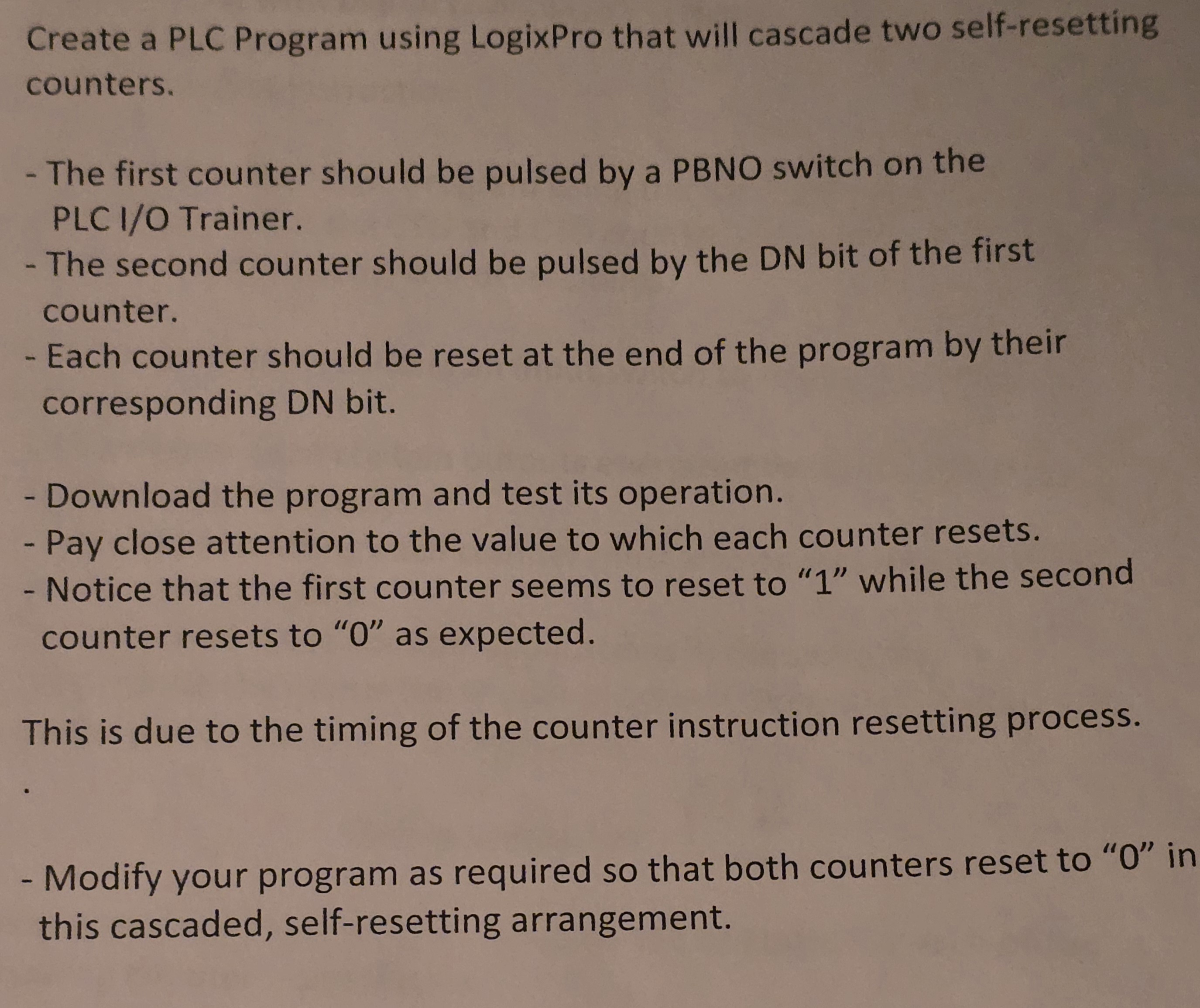
Create a PLC Program using LogixPro that will cascade two selfresetting counters.
The first counter should be pulsed by a PBNO switch on the PLC IO Trainer.
The second counter should be pulsed by the DN bit of the first counter.
Each counter should be reset at the end of the program by their corresponding DN bit.
Download the program and test its operation.
Pay close attention to the value to which each counter resets.
Notice that the first counter seems to reset to while the second counter resets to as expected.
This is due to the timing of the counter instruction resetting process.
Modify your program as required so that both counters reset to in this cascaded, selfresetting arrangement.
Step by Step Solution
There are 3 Steps involved in it
1 Expert Approved Answer
Step: 1 Unlock

Question Has Been Solved by an Expert!
Get step-by-step solutions from verified subject matter experts
Step: 2 Unlock
Step: 3 Unlock