







Question: Create a VB.NET windows forms application for calculating GST/HST. The windows forms application does the following: 1. Display the following window that contains (1) a
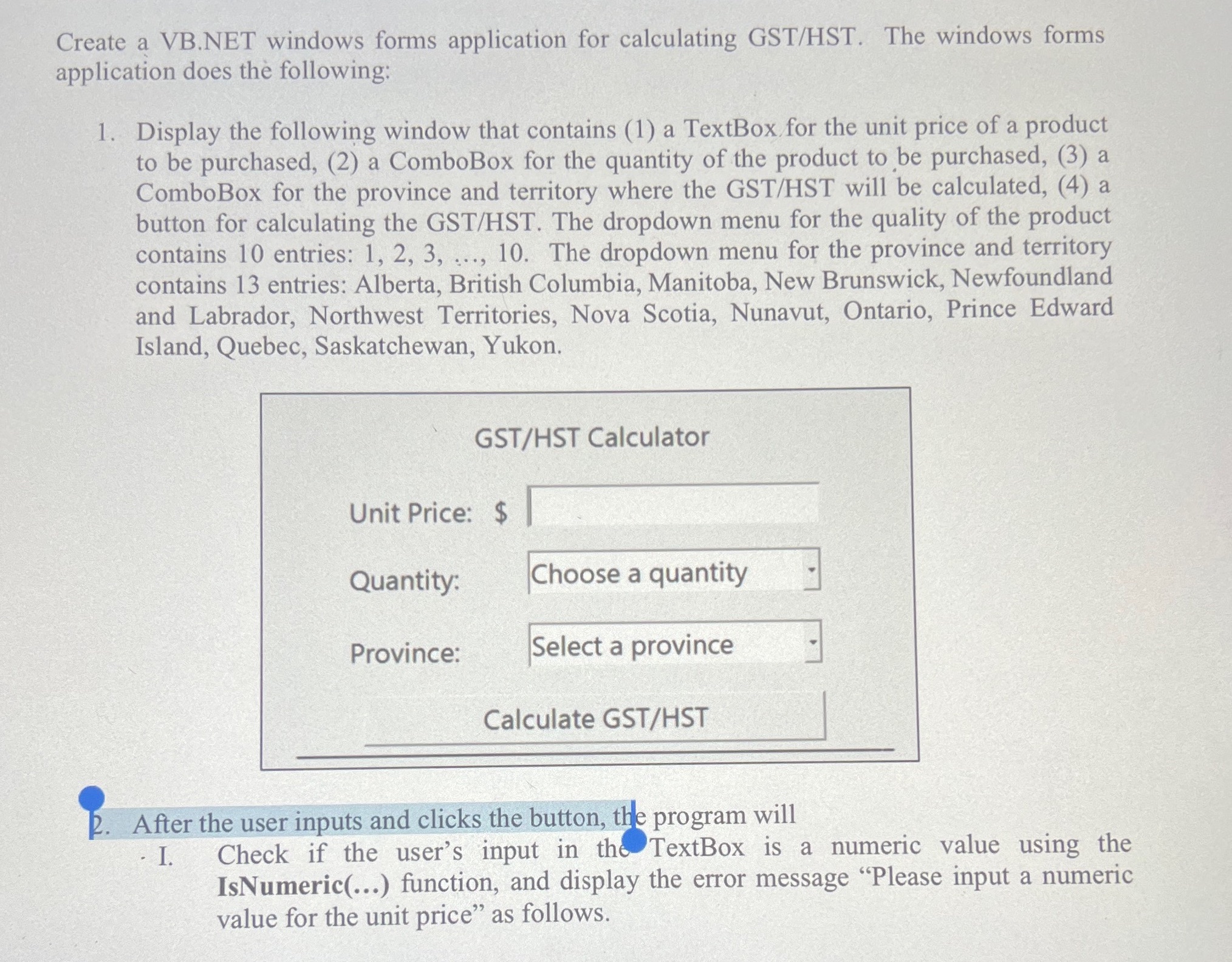
Create a VB.NET windows forms application for calculating GST/HST. The windows forms application does the following: 1. Display the following window that contains (1) a TextBox for the unit price of a product to be purchased, (2) a ComboBox for the quantity of the product to be purchased, (3) a ComboBox for the province and territory where the GST/HST will be calculated, (4) a button for calculating the GST/HST. The dropdown menu for the quality of the product contains 10 entries: 1, 2, 3, ..., 10. The dropdown menu for the province and territory contains 13 entries: Alberta, British Columbia, Manitoba, New Brunswick, Newfoundland and Labrador, Northwest Territories, Nova Scotia, Nunavut, Ontario, Prince Edward Island, Quebec, Saskatchewan, Yukon. GST/HST Calculator Unit Price: $ Quantity: Choose a quantity Province: Select a province Calculate GST/HST P. After the user inputs and clicks the button, the program will . I. Check if the user's input in the TextBox is a numeric value using the Is Numeric(...) function, and display the error message "Please input a numeric value for the unit price" as follows
Step by Step Solution
There are 3 Steps involved in it

Get step-by-step solutions from verified subject matter experts
 Study Help