







Question: Create a week 7 Java project. Eight text files have been provided in the week 7 practical zip file. Copy the eight text files
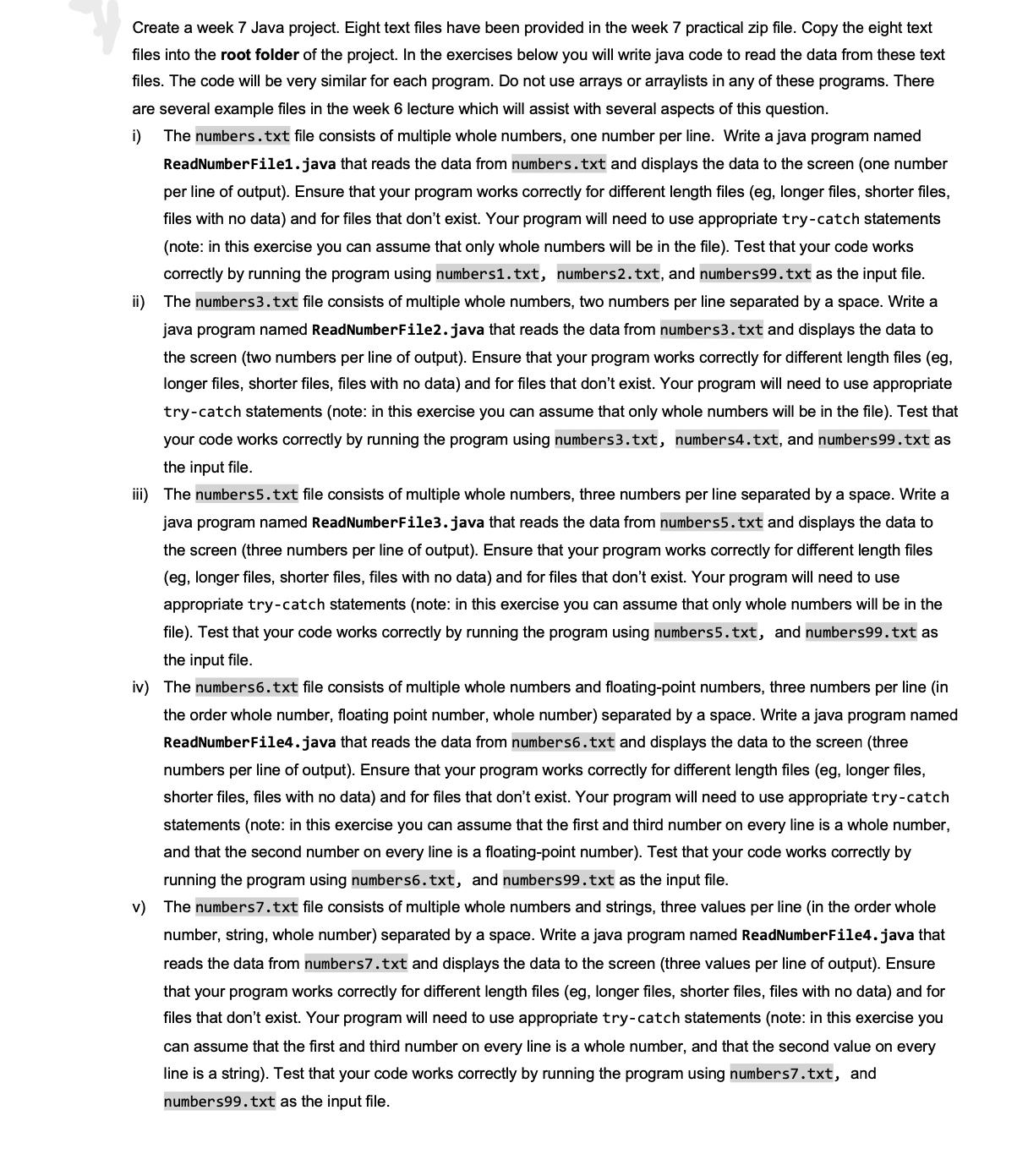
Create a week 7 Java project. Eight text files have been provided in the week 7 practical zip file. Copy the eight text files into the root folder of the project. In the exercises below you will write java code to read the data from these text files. The code will be very similar for each program. Do not use arrays or arraylists in any of these programs. There are several example files in the week 6 lecture which will assist with several aspects of this question. i) The numbers.txt file consists of multiple whole numbers, one number per line. Write a java program named ReadNumber File1.java that reads the data from numbers.txt and displays the data to the screen (one number per line of output). Ensure that your program works correctly for different length files (eg, longer files, shorter files, files with no data) and for files that don't exist. Your program will need to use appropriate try-catch statements (note: in this exercise you can assume that only whole numbers will be in the file). Test that your code works correctly by running the program using numbers1.txt, numbers2.txt, and numbers99. txt as the input file. ii) The numbers3.txt file consists of multiple whole numbers, two numbers per line separated by a space. Write a java program named ReadNumberFile2.java that reads the data from numbers3.txt and displays the data to the screen (two numbers per line of output). Ensure that your program works correctly for different length files (eg, longer files, shorter files, files with no data) and for files that don't exist. Your program will need to use appropriate try-catch statements (note: in this exercise you can assume that only whole numbers will be in the file). Test that your code works correctly by running the program using numbers3.txt, numbers4.txt, and numbers 99.txt as the input file. iii) The numbers5.txt file consists of multiple whole numbers, three numbers per line separated by a space. Write a java program named ReadNumberFile3.java that reads the data from numbers5.txt and displays the data to the screen (three numbers per line of output). Ensure that your program works correctly for different length files (eg, longer files, shorter files, files with no data) and for files that don't exist. Your program will need to use appropriate try-catch statements (note: in this exercise you can assume that only whole numbers will be in the file). Test that your code works correctly by running the program using numbers5.txt, and numbers99.txt as the input file. iv) The numbers6. txt file consists of multiple whole numbers and floating-point numbers, three numbers per line (in the order whole number, floating point number, whole number) separated by a space. Write a java program named ReadNumberFile4.java that reads the data from numbers6.txt and displays the data to the screen (three numbers per line of output). Ensure that your program works correctly for different length files (eg, longer files, shorter files, files with no data) and for files that don't exist. Your program will need to use appropriate try-catch statements (note: in this exercise you can assume that the first and third number on every line is a whole number, and that the second number on every line is a floating-point number). Test that your code works correctly by running the program using numbers6.txt, and numbers 99.txt as the input file. v) The numbers7.txt file consists of multiple whole numbers and strings, three values per line (in the order whole number, string, whole number) separated by a space. Write a java program named ReadNumberFile4.java that reads the data from numbers7.txt and displays the data to the screen (three values per line of output). Ensure that your program works correctly for different length files (eg, longer files, shorter files, files with no data) and for files that don't exist. Your program will need to use appropriate try-catch statements (note: in this exercise you can assume that the first and third number on every line is a whole number, and that the second value on every line is a string). Test that your code works correctly by running the program using numbers7.txt, and numbers99.txt as the input file.
Step by Step Solution
There are 3 Steps involved in it

Get step-by-step solutions from verified subject matter experts
 Study Help