







Question: Create an Python program using tkinter that does the following: 1) Create a main window widget 2) Create three frame widgets 3) Put a
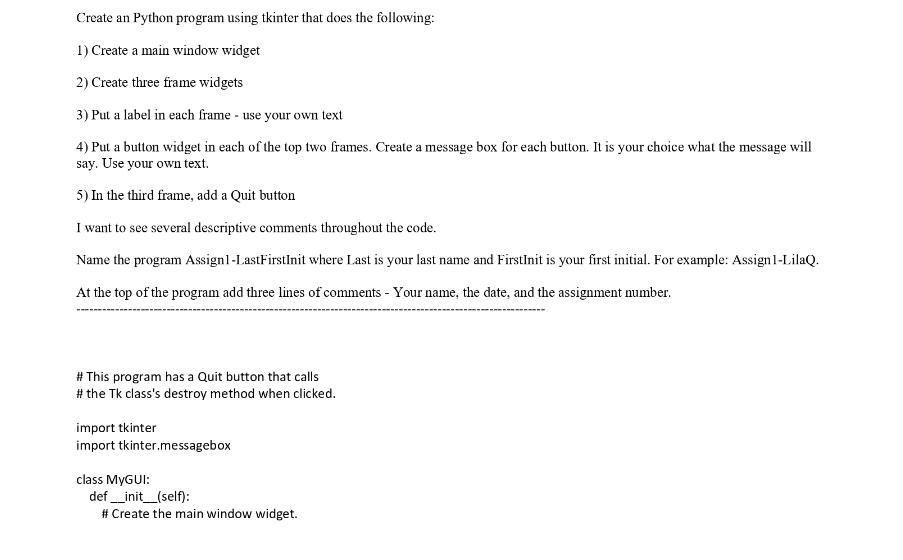
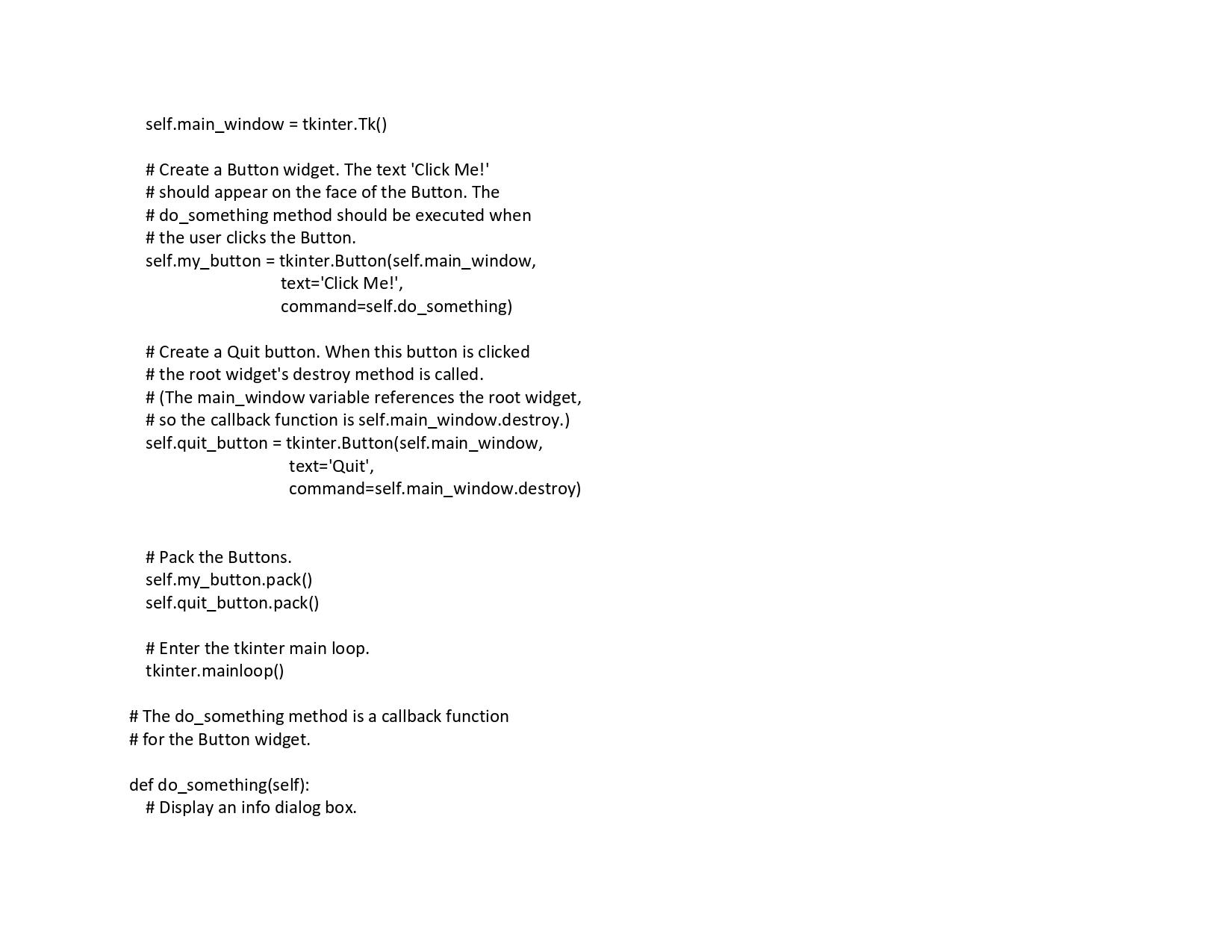
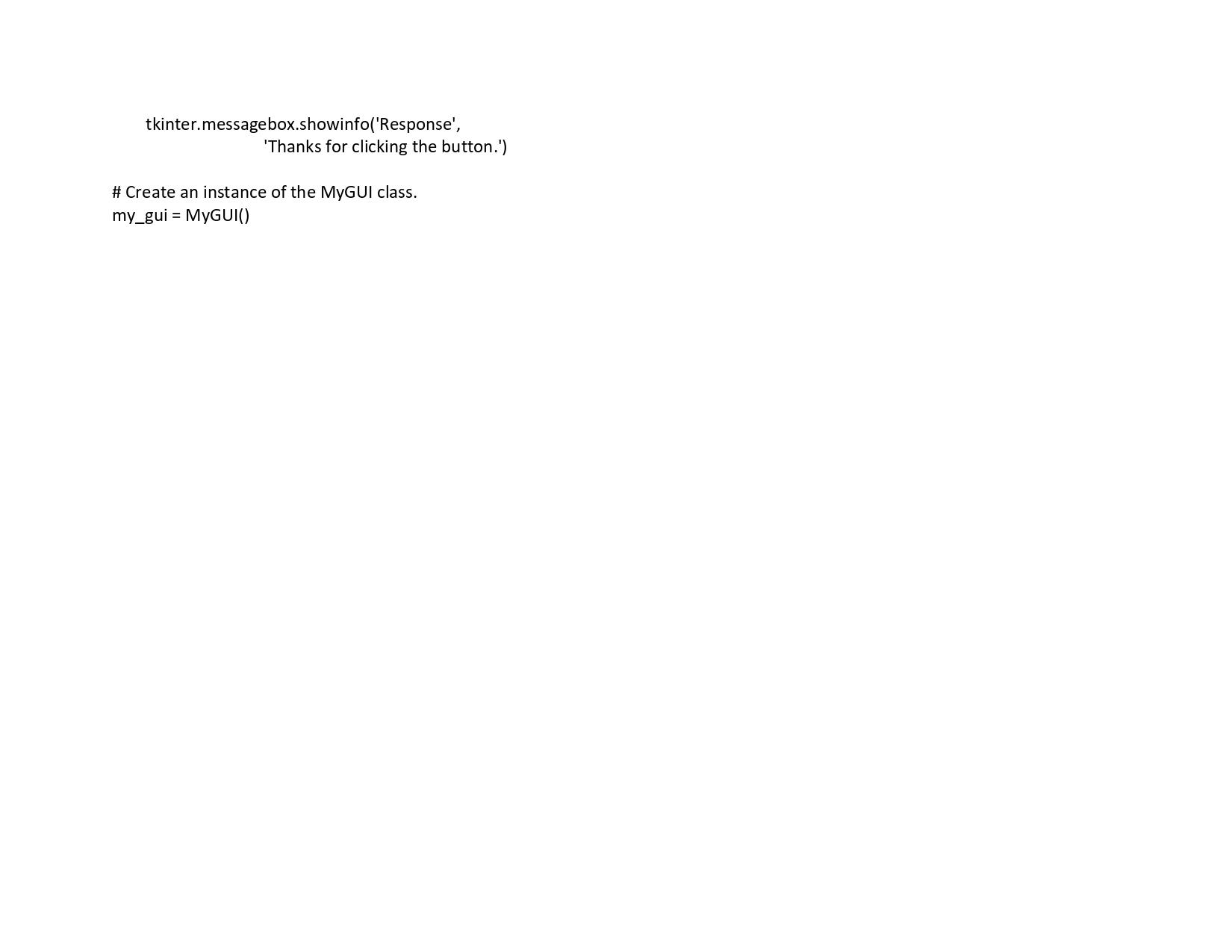
Create an Python program using tkinter that does the following: 1) Create a main window widget 2) Create three frame widgets 3) Put a label in each frame - use your own text 4) Put a button widget in each of the top two frames. Create a message box for each button. It is your choice what the message will say. Use your own text. 5) In the third frame, add a Quit button I want to see several descriptive comments throughout the code. Name the program Assignl-LastFirstInit where Last is your last name and FirstInit is your first initial. For example: Assign1-LilaQ. At the top of the program add three lines of comments - Your name, the date, and the assignment number. # This program has a Quit button that calls # the Tk class's destroy method when clicked. import tkinter import tkinter.messagebox class MyGUI: def __init__(self): # Create the main window widget. self.main_window = tkinter.Tk() # Create a Button widget. The text 'Click Me!' # should appear on the face of the Button. The #do_something method should be executed when # the user clicks the Button. self.my_button = tkinter.Button(self.main_window, text='Click Me!', command=self.do_something) # Create a Quit button. When this button is clicked # the root widget's destroy method is called. # (The main_window variable references the root widget, # so the callback function is self.main_window.destroy.) self.quit_button = tkinter.Button(self.main_window, text='Quit', command=self.main_window.destroy) # Pack the Buttons. self.my_button.pack() self.quit_button.pack() # Enter the tkinter main loop. tkinter.mainloop() # The do_something method is a callback function # for the Button widget. def do something(self): # Display an info dialog box. tkinter.messagebox.showinfo('Response', 'Thanks for clicking the button.') # Create an instance of the MyGUI class. my_gui = MyGUI()
Step by Step Solution
3.41 Rating (164 Votes )
There are 3 Steps involved in it
It seems like youre trying to create a Python program using Tkinter to create a GUI with frames labe... View full answer

Get step-by-step solutions from verified subject matter experts
 Study Help