







Question: create PLC logic code for the following timers. 1. Timer Circuit 1: Create the logic will turn on a light after 7 seconds. a. Use
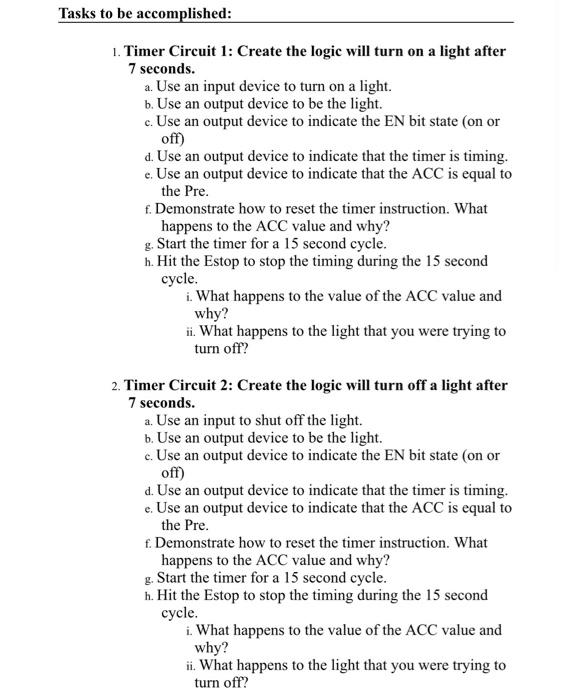
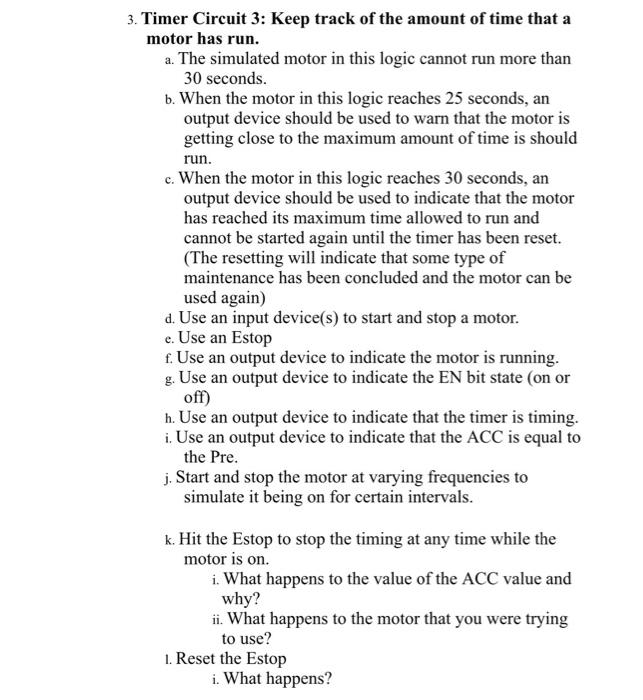
1. Timer Circuit 1: Create the logic will turn on a light after 7 seconds. a. Use an input device to turn on a light. b. Use an output device to be the light. c. Use an output device to indicate the EN bit state (on or off) d. Use an output device to indicate that the timer is timing. e. Use an output device to indicate that the ACC is equal to the Pre. f. Demonstrate how to reset the timer instruction. What happens to the ACC value and why? g. Start the timer for a 15 second cycle. h. Hit the Estop to stop the timing during the 15 second cycle. i. What happens to the value of the ACC value and why? ii. What happens to the light that you were trying to turn off? 2. Timer Circuit 2: Create the logic will turn off a light after 7 seconds. a. Use an input to shut off the light. b. Use an output device to be the light. c. Use an output device to indicate the EN bit state (on or off) d. Use an output device to indicate that the timer is timing. e. Use an output device to indicate that the ACC is equal to the Pre. f. Demonstrate how to reset the timer instruction. What happens to the ACC value and why? g. Start the timer for a 15 second cycle. h. Hit the Estop to stop the timing during the 15 second cycle. i. What happens to the value of the ACC value and why? ii. What happens to the light that you were trying to turn off? Timer Circuit 3: Keep track of the amount of time that a motor has run. a. The simulated motor in this logic cannot run more than 30 seconds. b. When the motor in this logic reaches 25 seconds, an output device should be used to warn that the motor is getting close to the maximum amount of time is should run. c. When the motor in this logic reaches 30 seconds, an output device should be used to indicate that the motor has reached its maximum time allowed to run and cannot be started again until the timer has been reset. (The resetting will indicate that some type of maintenance has been concluded and the motor can be used again) d. Use an input device(s) to start and stop a motor. e. Use an Estop f. Use an output device to indicate the motor is running. g. Use an output device to indicate the EN bit state (on or off) h. Use an output device to indicate that the timer is timing. i. Use an output device to indicate that the ACC is equal to the Pre. j. Start and stop the motor at varying frequencies to simulate it being on for certain intervals. k. Hit the Estop to stop the timing at any time while the motor is on. i. What happens to the value of the ACC value and why? ii. What happens to the motor that you were trying to use? 1. Reset the Estop i. What happens
Step by Step Solution
There are 3 Steps involved in it

Get step-by-step solutions from verified subject matter experts
 Study Help