







Question: Create the following macro: Create a function that accepts four user inputs: (1) a cash flow amount; (2) a discount rate; (3) the number
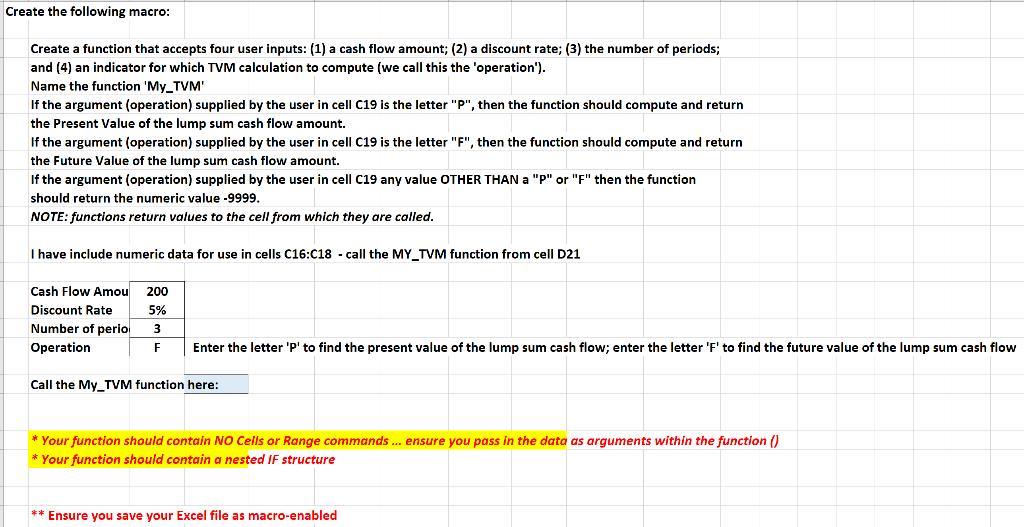
Create the following macro: Create a function that accepts four user inputs: (1) a cash flow amount; (2) a discount rate; (3) the number of periods; and (4) an indicator for which TVM calculation to compute (we call this the 'operation'). Name the function 'My_TVM' If the argument (operation) supplied by the user in cell C19 is the letter "P", then the function should compute and return the Present Value of the lump sum cash flow amount. If the argument (operation) supplied by the user in cell C19 is the letter "F", then the function should compute and return the Future Value of the lump sum cash flow amount. If the argument (operation) supplied by the user in cell C19 any value OTHER THAN a "P" or "F" then the function should return the numeric value -9999. NOTE: functions return values to the cell from which they are called. I have include numeric data for use in cells C16:C18 - call the MY_TVM function from cell D21 Cash Flow Amou Discount Rate Number of perio 200 5% 3 Enter the letter 'P' to find the present value of the lump sum cash flow; enter the letter 'F' to find the future value of the lump sum cash flow Operation F Call the My_TVM function here: *Your function should contain NO Cells or Range commands. ... ensure you pass in the data as arguments within the function () * Your function should contain a nested IF structure ** Ensure you save your Excel file as macro-enabled
Step by Step Solution
3.58 Rating (151 Votes )
There are 3 Steps involved in it

Get step-by-step solutions from verified subject matter experts
 Study Help