







Question: Creating Anonymous Functions Background Function handles ( i . e . , anonymous functions ) are useful because they allow you to treat calculations in
Creating Anonymous Functions
Background
Function handles ie anonymous functions are useful because they allow you to treat calculations in MATLAB much like you would hand calculations. That is funciton handles allow you to calculate the value of some expression function much like you would in your math and physics classes. There are, of course, some MATLABspecific syntax issues you need to be aware of; you will practice some of these syntactical specifics here.
Your Task
Write a script that accomplishes the following:
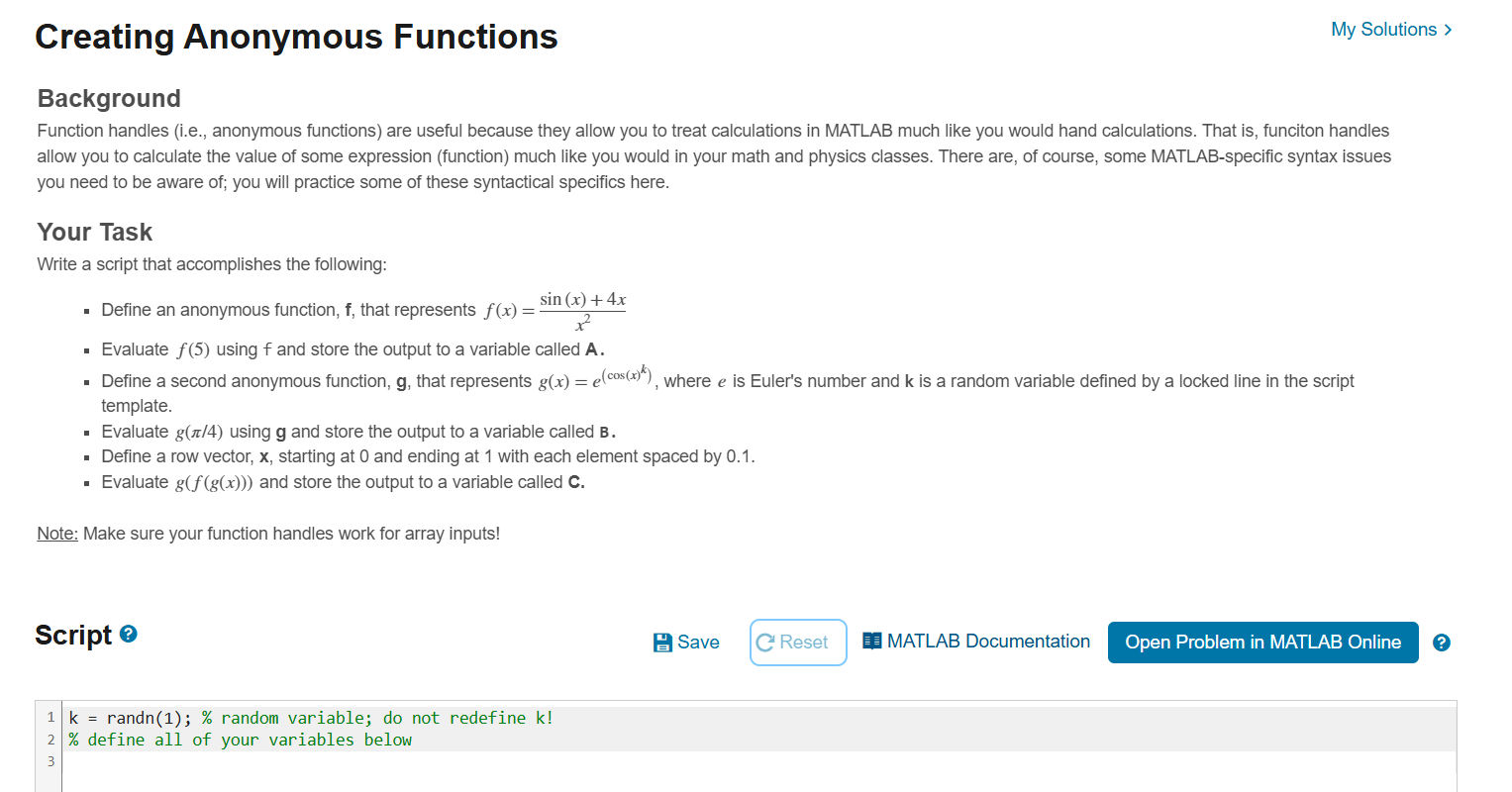
Define an anonymous function, mathbff that represents fxfracsin x xx
Evaluate f using f and store the output to a variable called mathbfA
Define a second anonymous function, mathbfg that represents gxeleftcos xkright where e is Euler's number and k is a random variable defined by a locked line in the script template.
Evaluate gpi using mathbfg and store the output to a variable called mathbfB
Define a row vector, mathbfx starting at and ending at with each element spaced by
Evaluate gfgx and store the output to a variable called mathbfC
Note: Make sure your function handles work for array inputs!
Script circ
MATLAB Documentation
k randn; random variable; do not redefine k
define all of your variables below
Step by Step Solution
There are 3 Steps involved in it
1 Expert Approved Answer
Step: 1 Unlock

Question Has Been Solved by an Expert!
Get step-by-step solutions from verified subject matter experts
Step: 2 Unlock
Step: 3 Unlock
 Study Help