







Question: Creating the Forensic Image Copy/paste the text from the log file (created by FTK imager) into the field below. This log file can be found
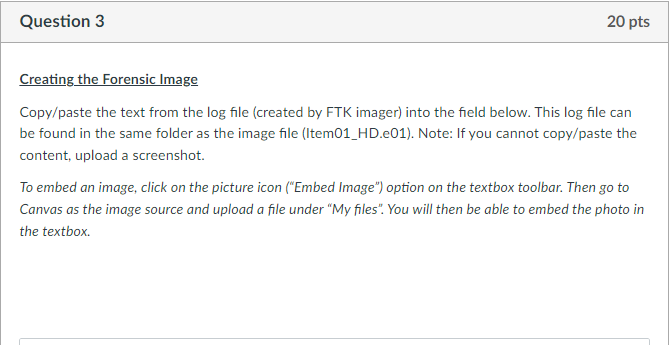
Creating the Forensic Image Copy/paste the text from the log file (created by FTK imager) into the field below. This log file can be found in the same folder as the image file (Item01_HD.e01). Note: If you cannot copy/paste the content, upload a screenshot. To embed an image, click on the picture icon ("Embed Image") option on the textbox toolbar. Then go to Canvas as the image source and upload a file under "My files". You will then be able to embed the photo in the textbox
Step by Step Solution
There are 3 Steps involved in it
1 Expert Approved Answer
Step: 1 Unlock

Question Has Been Solved by an Expert!
Get step-by-step solutions from verified subject matter experts
Step: 2 Unlock
Step: 3 Unlock
 Study Help