







Question: Data Source: Connect all six data tables with eight relationships using one relationship for each foreign key. 1. Insert an image showing your completed Data
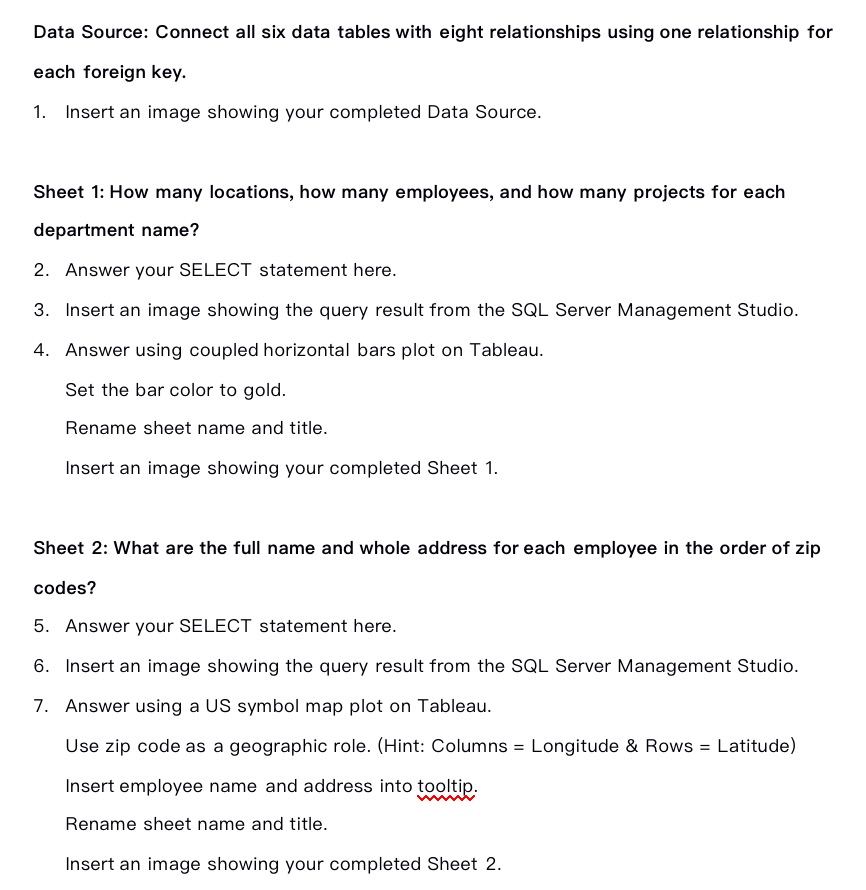
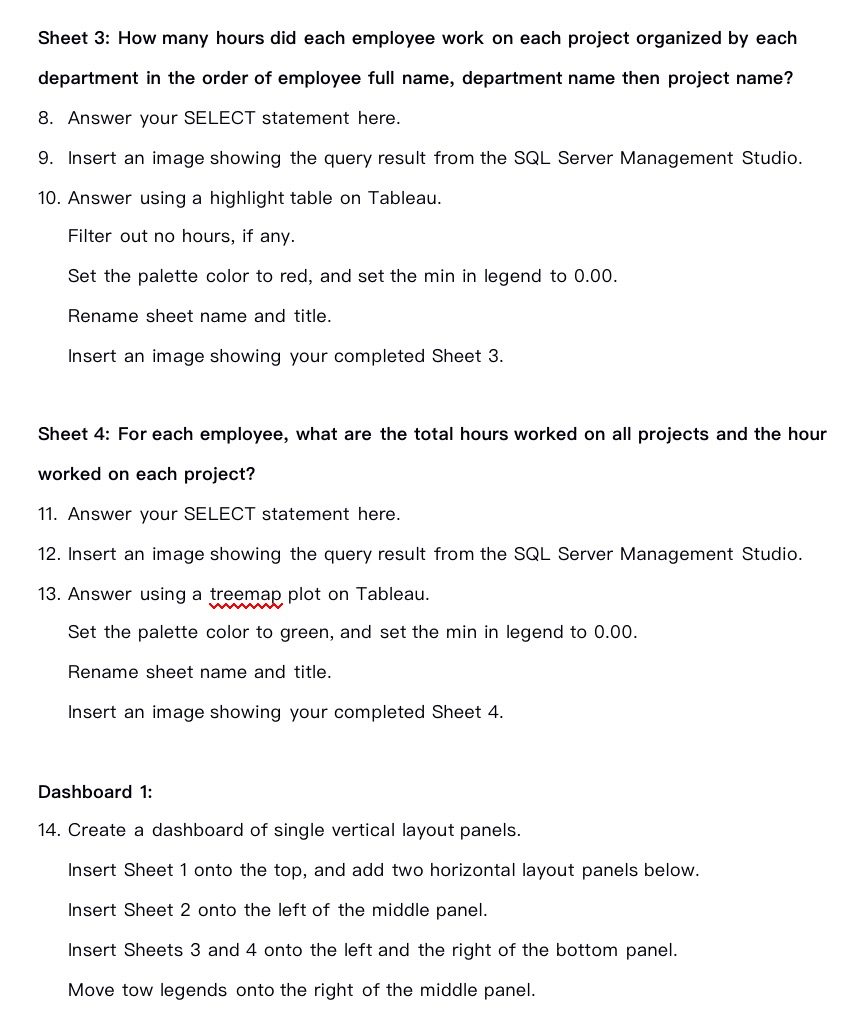
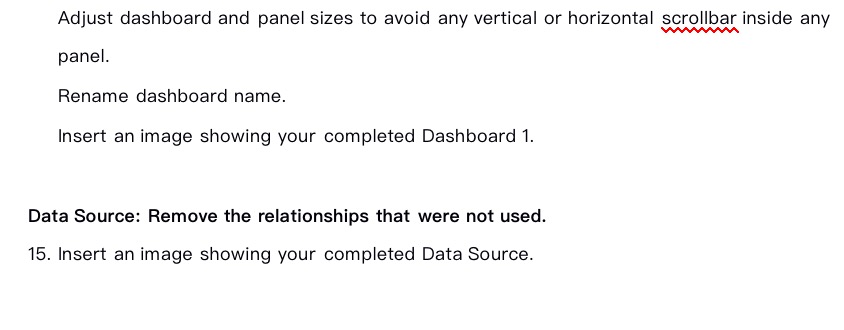
Data Source: Connect all six data tables with eight relationships using one relationship for each foreign key. 1. Insert an image showing your completed Data Source. Sheet 1: How many locations, how many employees, and how many projects for each department name? 2. Answer your SELECT statement here. 3. Insert an image showing the query result from the SQL Server Management Studio. 4. Answer using coupled horizontal bars plot on Tableau. Set the bar color to gold. Rename sheet name and title. Insert an image showing your completed Sheet 1. Sheet 2: What are the full name and whole address for each employee in the order of zip codes? 5. Answer your SELECT statement here. 6. Insert an image showing the query result from the SQL Server Management Studio. T. Answer using a US symbol map plot on Tableau. Use zip code as a geographic role. I(Hint: Columns = Longitude 3: Rows = Latitude] Insert employee name and address into tooltip. Rename sheet name and title. Insert an image showing your completed Sheet 2. Sheet 3: How many hours did each employee work on each project organized by each department in the order of employee full name, department name then project name? 8. Answer your SELECT statement here. 9. Insert an image showing the query result from the SQL Server Management Studio. 10. Answer using a highlight table on Tableau. Filter out no hours, if any. Set the palette color to red, and set the min in legend to 0.00. Rename sheet name and title. Insert an image showing your completed Sheet 3. Sheet 4: For each employee, what are the total hours worked on all projects and the hour worked on each project? 11. Answer your SELECT statement here. 12. Insert an image showing the query result from the SQL Server Management Studio. 13. Answer using a treemag plot on Tableau. Set the palette color to green, and set the min in legend to 0.00. Rename sheet name and title. Insert an image showing your completed Sheet 4. Dashboard 1: 14. Create a dashboard of single vertical layout panels. Insert Sheet 1 onto the top, and add two horizontal layout panels below. Insert Sheet 2 onto the left of the middle panel. Insert Sheets 3 and 4 onto the left and the right of the bottom panel. lvlove tow legends onto the right of the middle panel. Adjust dashboard and panel sizes to avoid any vertical or horizontal scrollbar inside any W paneL Rename dashboard name. Insert an image showing your completed Dashboard 1. Data Source: Remove the relationships that were not used. 15. Insert an image showing your completed Data Source
Step by Step Solution
There are 3 Steps involved in it

Get step-by-step solutions from verified subject matter experts
 Study Help