







Question: dc_motor_initial code: dc_motor_varying_speed code: More info: Coding assignment Open and upload the dc_motor_initial code (attached to the assignment) to your Arduino to verify that your
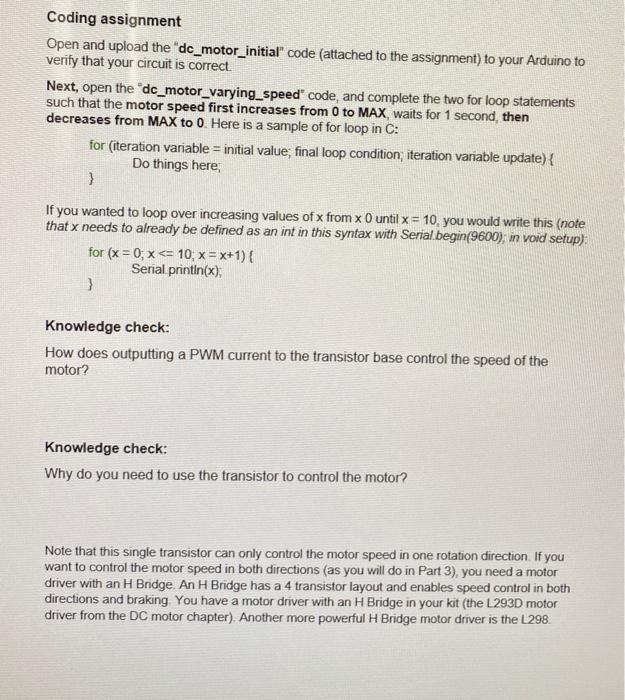
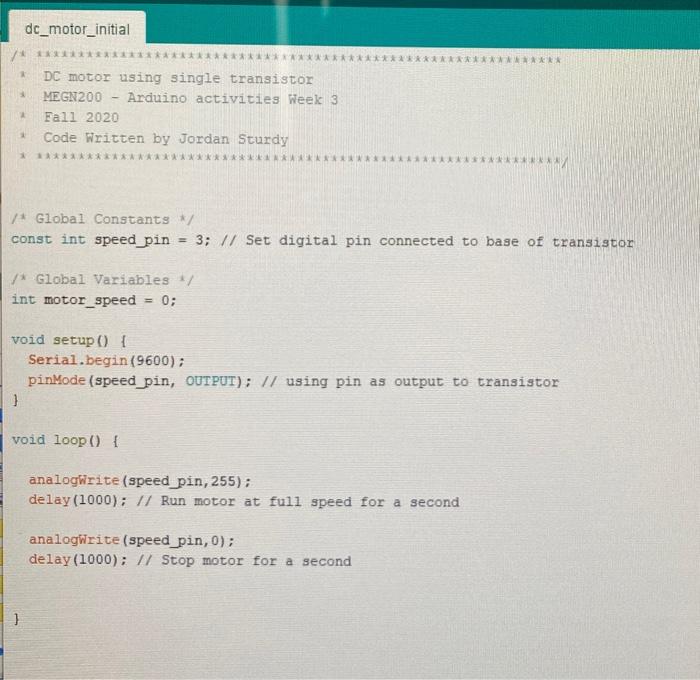
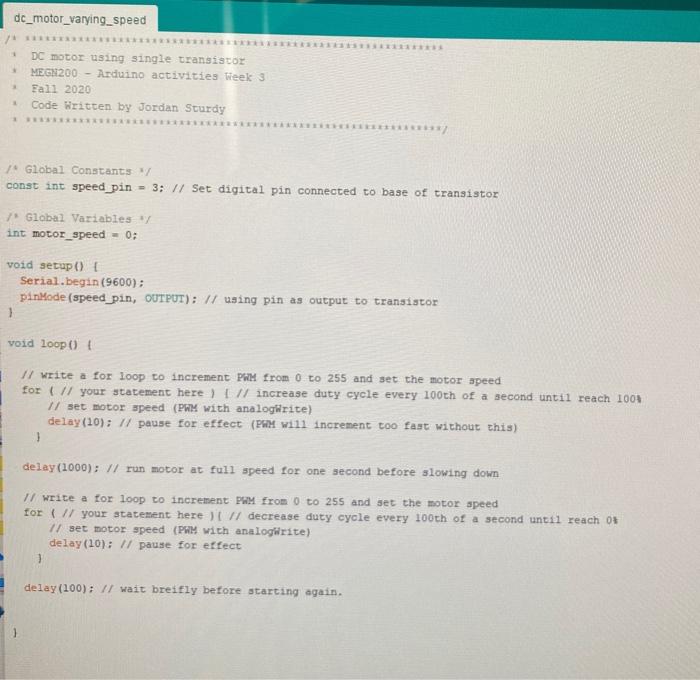
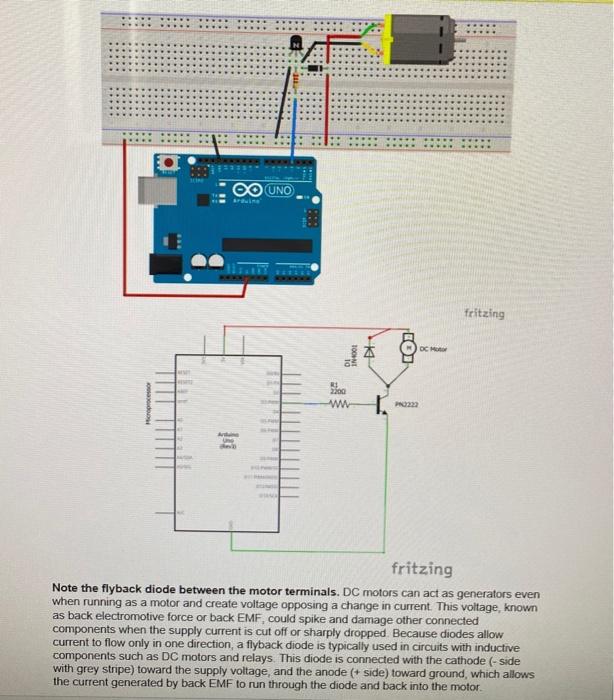
Coding assignment Open and upload the "dc_motor_initial" code (attached to the assignment) to your Arduino to verify that your circuit is correct. Next, open the "dc_motor_varying_speed" code, and complete the two for loop statements such that the motor speed first increases from 0 to MAX, waits for 1 second, then decreases from MAX to 0. Here is a sample of for loop in C: for (iteration variable = initial value, final loop condition, iteration variable update) { Do things here, } If you wanted to loop over increasing values of x from x 0 until x = 10, you would write this (note that x needs to already be defined as an int in this syntax with Serial.begin(9600); in void setup) for (x=0; x
Step by Step Solution
There are 3 Steps involved in it

Get step-by-step solutions from verified subject matter experts
 Study Help